
Banc25D - Minecraft Skins & Skin History
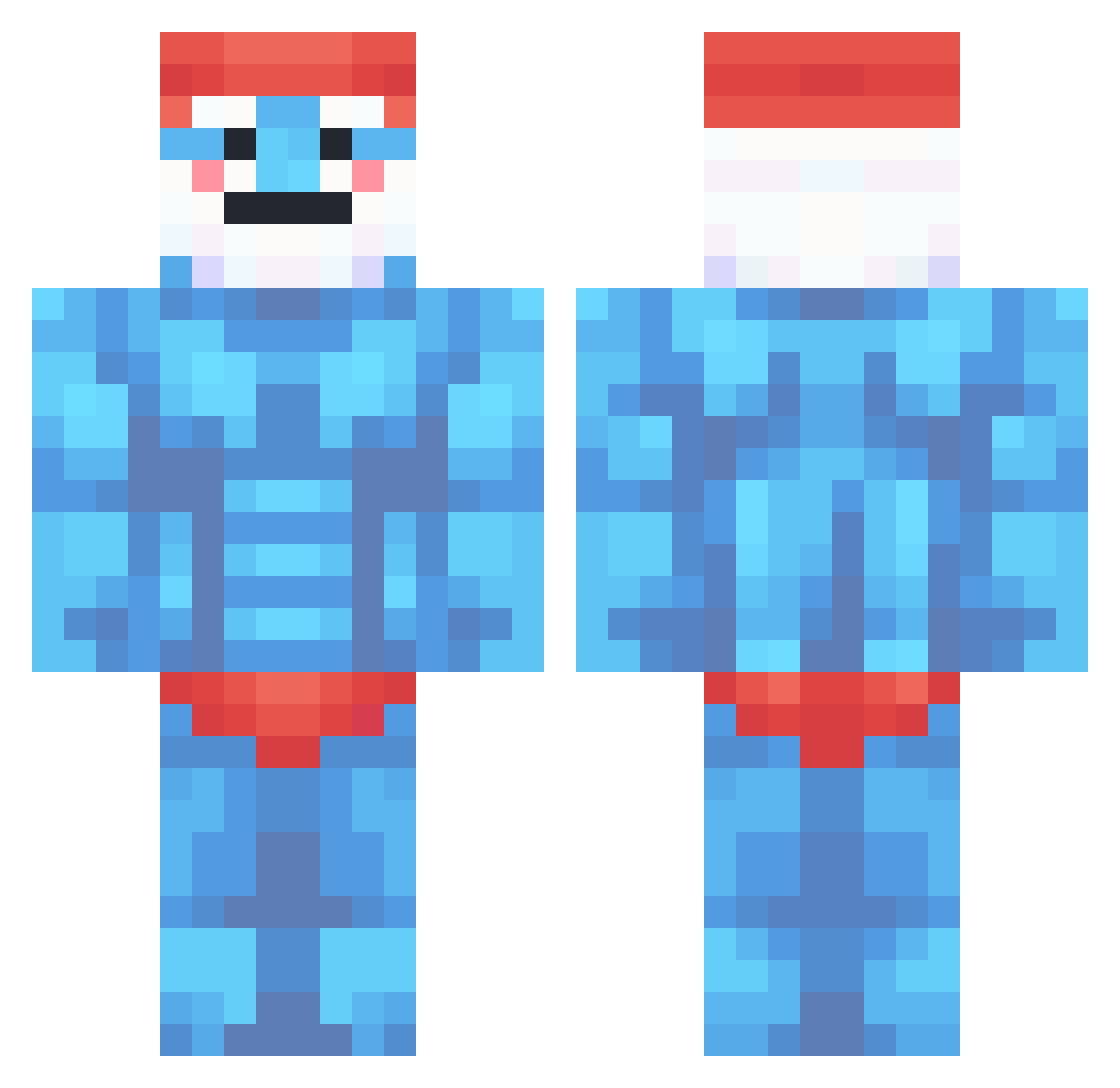
Current Minecraft skin of the player Banc25D, loaded from the official Mojang API. Rotate the 3D model with your mouse or finger, then download the skin as a PNG file and use it in Minecraft: Bedrock Edition or Java Edition for free. When Banc25D changes their skin, this page updates automatically and the old skin stays in the history below.
Other players with this skin (437)
Banc25D was the 399th player we have seen with this skin, first spotted on 12.11.2026. The same skin was seen on these players. Open a nickname to see their current skin and skin history.
 dinglerat Kisps Nojlan Prochyy21 mistersimsim12 LLOYD_321 Noobisbetter toasty5456 placeitdown Zosiqa SomethingT0ast ISAAC3477 Ufopro Bene_00 _Frane HalvardM berchypoogins HeyitsPhant0m3 ManLikeNick_ Ninmin TES4 ImJustLaggy VanHustein nvco01 CiccioPasta003 someone645 Bawad_Pis98 macaroniz zhun00 STGhast GignaBox CaptJiggle zSleeq EmilR31 gurururu3 BBKO TEDWARDS23 TANGUUU Costa0718 Krezerak raptordita3 Antu Steinfan Gume Le_dewTTV elaqu MiniCraft305 ashtynnc KUSIPROTECTOR edvinskompis j4cp0 Kettchup444 __Epix__ DukeDubs jpmurray1 Kondzio_960 astonjo1 axeeeeeeeeeel Babaisiran Egglio
More Papa Smurf Minecraft skins
How to install the Banc25D skin
- Press the Download button above to save the skin as a PNG file.
- Minecraft: Bedrock Edition (PE): open the Dressing Room from the main menu (or tap your character → Edit Character), go to Classic Skins → Owned, press the + (new skin) button, choose the downloaded PNG and pick the Classic (Steve) model. Works on PC and mobile; consoles cannot import custom skins.
- Minecraft: Java Edition: open the Minecraft Launcher, go to the Skins tab, click New Skin, load the PNG, pick the Classic (Steve) model and press Save & Use. You can also upload it at minecraft.net → Profile → Change Skin.
The skin does not show up after import - what should I do?
Restart Minecraft and open the Dressing Room again - imported skins sometimes appear only after a restart. Also make sure you selected the imported skin and picked the Classic (Steve) model.
Which model should I choose, Classic or Slim?
This skin is designed for the Classic (Steve) model. If you pick the wrong model, the arms of the skin will look stretched or squeezed.
Is the skin of Banc25D free to download?
Yes. Press Download, save the PNG file and use it in Minecraft: Bedrock Edition or Java Edition - no payment or registration needed. The skin also works on multiplayer servers and Realms.
More skins
Looking for more? Go back to all Minecraft skins and check the top skins of the week, month and all time, or find any player's skin by nickname.