
BaDady - Minecraft Skins & Skin History
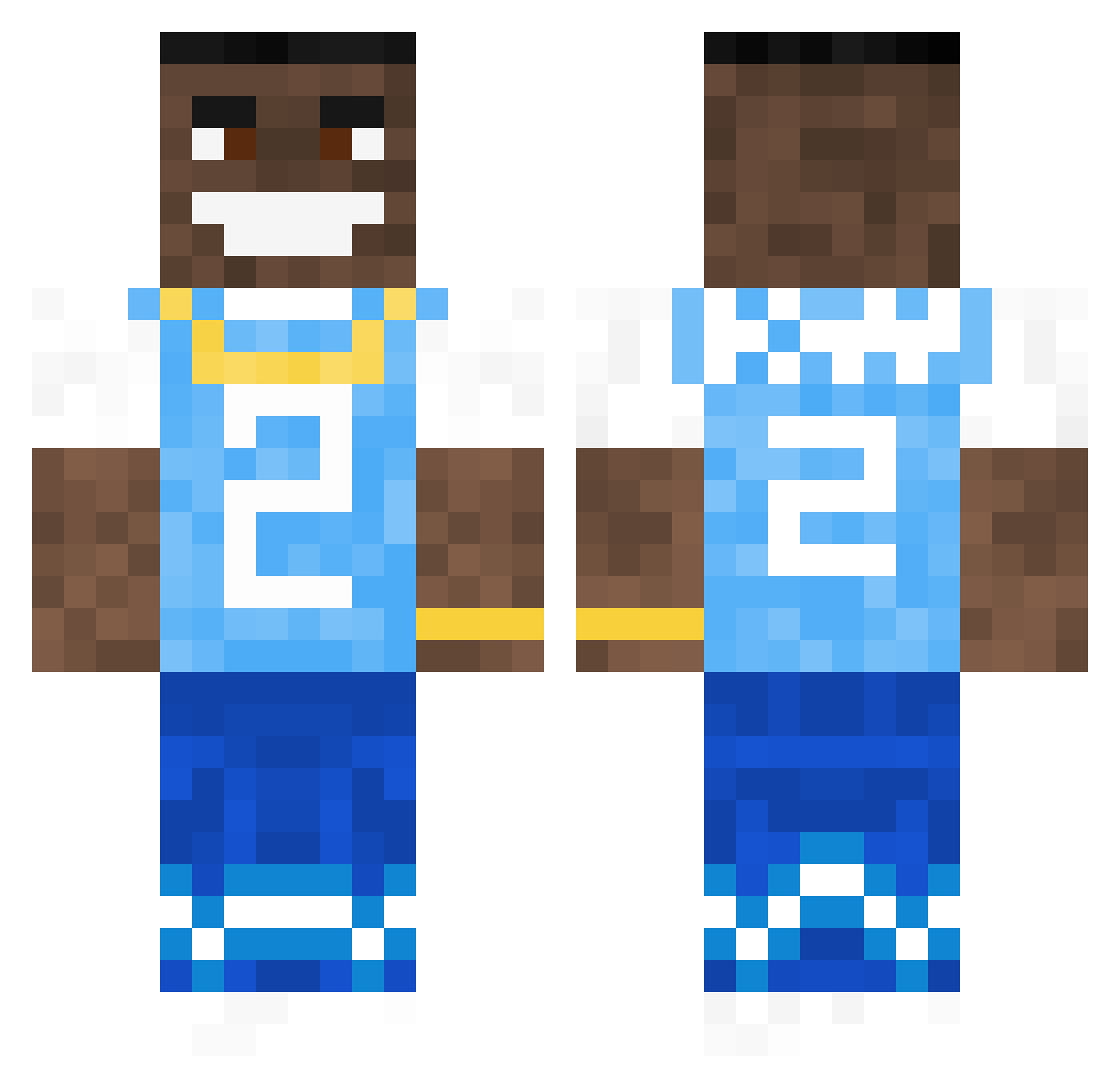
Current Minecraft skin of the player BaDady, loaded from the official Mojang API. Rotate the 3D model with your mouse or finger, then download the skin as a PNG file and use it in Minecraft: Bedrock Edition or Java Edition for free. When BaDady changes their skin, this page updates automatically and the old skin stays in the history below.
Other players with this skin (874)
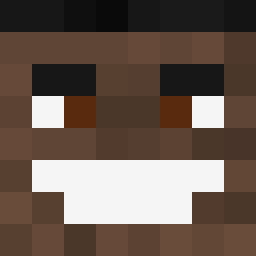
BaDady was the 832nd player we have seen with this skin, first spotted on 14.11.2026. The same skin was seen on these players. Open a nickname to see their current skin and skin history.
 JapaOW bogley7 DaBabyPillow bigOOF69420 EGMine2 theeoli qwuezy Zonsik_ TobiasFM AdammFTW iceicebaby072 xXGOBOPXx ANWilson4815 DoTheReno Nexus_Level JackieWine HeloBarat ChameleonBoy StepDaddy69_ sashyn0 MKSB_07 ZimbabweEscroc Mr_scooty2 Frann_Trejo TeddyDubs lambolord36 shloud SeroxOner DanyBoala Raulini DaOmac Raddu 4KT_NICO RickyMagic Millin12 Wavy_John philjacks carmentheman ilovebears82 BobDeWob Tyr0neBiggumsss Zyo25 Joe_Swanson69 DestroyerXX Josephh2o Lil4Head not_hayds Nissan53 Pawreuh Sharpedger AdrianlikeRocky L_BANDZ gkean15 Lunkus Pixelboy99 legocamden xCosita X31IT3BOSS vycori LeeSims
More Dababy Minecraft skins
How to install the BaDady skin
- Press the Download button above to save the skin as a PNG file.
- Minecraft: Bedrock Edition (PE): open the Dressing Room from the main menu (or tap your character → Edit Character), go to Classic Skins → Owned, press the + (new skin) button, choose the downloaded PNG and pick the Classic (Steve) model. Works on PC and mobile; consoles cannot import custom skins.
- Minecraft: Java Edition: open the Minecraft Launcher, go to the Skins tab, click New Skin, load the PNG, pick the Classic (Steve) model and press Save & Use. You can also upload it at minecraft.net → Profile → Change Skin.
The skin does not show up after import - what should I do?
Restart Minecraft and open the Dressing Room again - imported skins sometimes appear only after a restart. Also make sure you selected the imported skin and picked the Classic (Steve) model.
Which model should I choose, Classic or Slim?
This skin is designed for the Classic (Steve) model. If you pick the wrong model, the arms of the skin will look stretched or squeezed.
Is the skin of BaDady free to download?
Yes. Press Download, save the PNG file and use it in Minecraft: Bedrock Edition or Java Edition - no payment or registration needed. The skin also works on multiplayer servers and Realms.
More skins
Looking for more? Go back to all Minecraft skins and check the top skins of the week, month and all time, or find any player's skin by nickname.