
BROVERIDTH - Minecraft Skins & Skin History
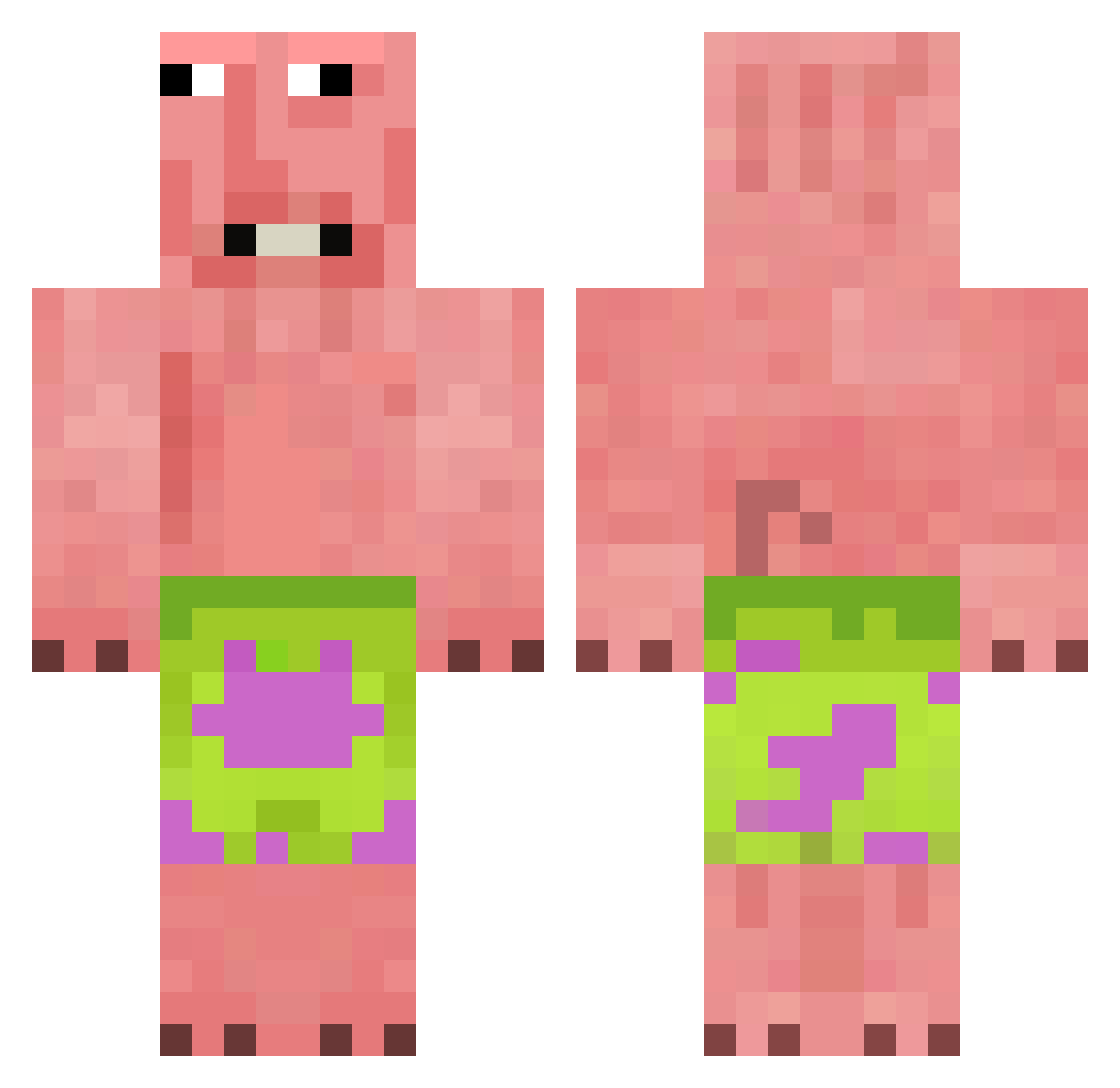
Current Minecraft skin of the player BROVERIDTH, loaded from the official Mojang API. Rotate the 3D model with your mouse or finger, then download the skin as a PNG file and use it in Minecraft: Bedrock Edition or Java Edition for free. When BROVERIDTH changes their skin, this page updates automatically and the old skin stays in the history below.
Other players with this skin (376)
BROVERIDTH was the 27th player we have seen with this skin, first spotted on 31.07.2026. The same skin was seen on these players. Open a nickname to see their current skin and skin history.
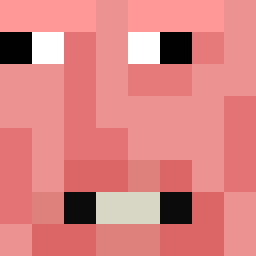 SiemaMordoMC NotMatei Lucas_da_goon Chans_26 jcw2013 blanck1426 BabyisTrying
 damian2468fn kazeteki Matschkopf94 SuperJamBall Iirat TurktheMastah 0ddster Nird2011
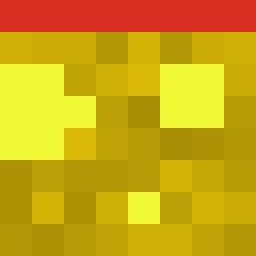 c1ldwiss tanishaStinks attractive_boy G0NZ_0 TheDogOfWisdom MrPatryk123 alyazidmzg Japuszko1234_gg srtp ItzVise NoobBoii1 kingsheep77 PoudreDeQ Adipom
 pelmenik23 Purifed_Bop HUMUYA
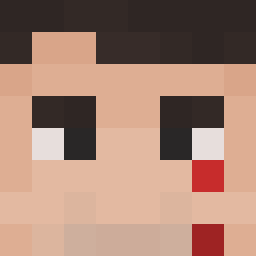 4XX_WINTER_XX4 svantuz andrew032315 anonymous642 DaeModeus TheTaoTie CipriJava Microwavecat123 DUSXWANTED abigail2k steve12432 y3lenna LIZHIW
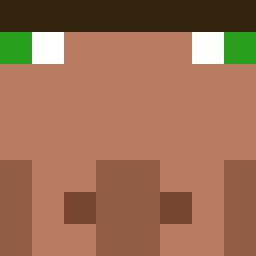 YESHTOODLABERD kaj0102 GFUSER rexisthebest22 Ziomomeister TurtleBOY09
 soohyun0716 Apfelmeister0101
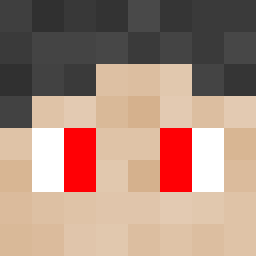 unstoppablePaul Littleman30 rxply thiccheesebugah Cato9310 alejandro4689
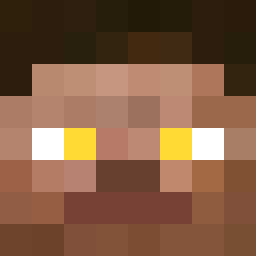 PRXV_
PRXV_More Patrick Star Minecraft skins
See all 612 Patrick Star skins
How to install the BROVERIDTH skin
- Press the Download button above to save the skin as a PNG file.
- Minecraft: Bedrock Edition (PE): open the Dressing Room from the main menu (or tap your character → Edit Character), go to Classic Skins → Owned, press the + (new skin) button, choose the downloaded PNG and pick the Classic (Steve) model. Works on PC and mobile; consoles cannot import custom skins.
- Minecraft: Java Edition: open the Minecraft Launcher, go to the Skins tab, click New Skin, load the PNG, pick the Classic (Steve) model and press Save & Use. You can also upload it at minecraft.net → Profile → Change Skin.
The skin does not show up after import - what should I do?
Restart Minecraft and open the Dressing Room again - imported skins sometimes appear only after a restart. Also make sure you selected the imported skin and picked the Classic (Steve) model.
Which model should I choose, Classic or Slim?
This skin is designed for the Classic (Steve) model. If you pick the wrong model, the arms of the skin will look stretched or squeezed.
Is the skin of BROVERIDTH free to download?
Yes. Press Download, save the PNG file and use it in Minecraft: Bedrock Edition or Java Edition - no payment or registration needed. The skin also works on multiplayer servers and Realms.
More skins
Looking for more? Go back to all Minecraft skins and check the top skins of the week, month and all time, or find any player's skin by nickname.