
Azathoth7529 - Minecraft Skins & Skin History
Current Minecraft skin of the player Azathoth7529, loaded from the official Mojang API. Rotate the 3D model with your mouse or finger, then download the skin as a PNG file and use it in Minecraft: Bedrock Edition or Java Edition for free. When Azathoth7529 changes their skin, this page updates automatically and the old skin stays in the history below.
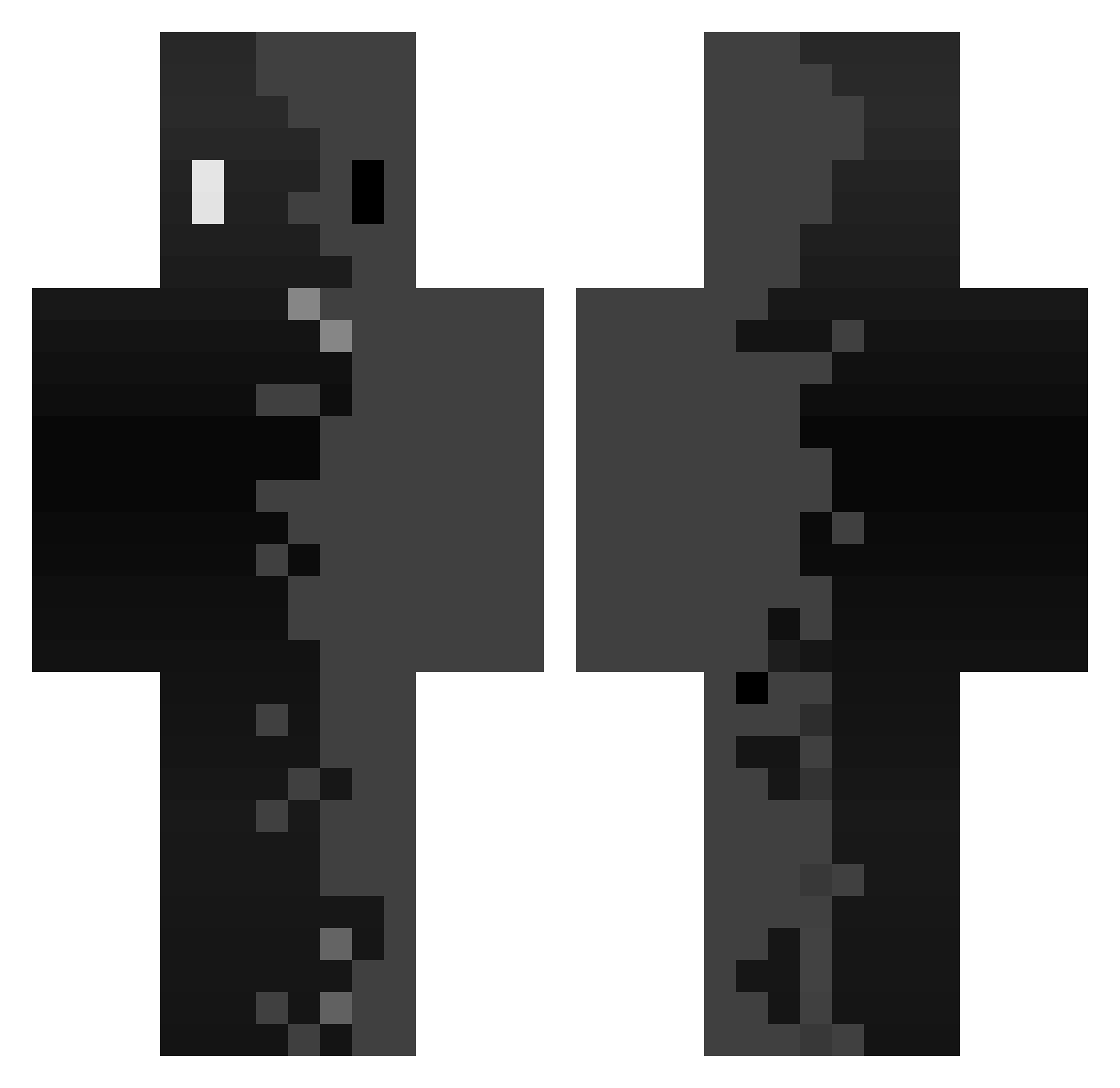
Other players with this skin (342)
Azathoth7529 was the 93rd player we have seen with this skin, first spotted on 17.08.2026. The same skin was seen on these players. Open a nickname to see their current skin and skin history.
 Gerchucraft221 A_lenda nikoo0w0 WeeDown eletter GoldenGamer5587
 Bryan_32 Fr4n___ Raphmaster999 Kingwersen3 xIDestruction Kiroww qx9m Romin68aXx341 iK0oshY fqyga Bruh_699 KuZiBoY Erni0o Tamamusi Strawple
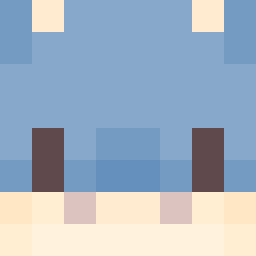 ReFong Chmonya32 Frankx_02 vtrrrxz Hyoz_ Suflair
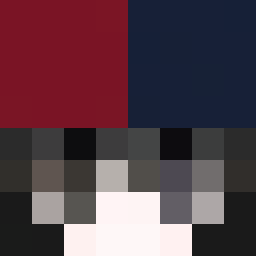 NoeliaK Scary_Bubba Denz1z yusunny m4xang3l1 NoWyFS
 natsumi_studio Mosybtw ANTRIX1289 LarpTillYaMakeIt
 Ma2thMoiSa Iymzz SeungMin0203 prokiller127 Jndro AinVasher
 itsdog144
 Danichuk yylk0805 newwooh ZXHK tax375 hajunhyuk Darkxz__x RustaCPVP _1224_ parksonic RedbullTin ynmwnmi WIIKE__ Guyyzmo Villmza NotDome
How to install the Azathoth7529 skin
- Press the Download button above to save the skin as a PNG file.
- Minecraft: Bedrock Edition (PE): open the Dressing Room from the main menu (or tap your character → Edit Character), go to Classic Skins → Owned, press the + (new skin) button, choose the downloaded PNG and pick the Classic (Steve) model. Works on PC and mobile; consoles cannot import custom skins.
- Minecraft: Java Edition: open the Minecraft Launcher, go to the Skins tab, click New Skin, load the PNG, pick the Classic (Steve) model and press Save & Use. You can also upload it at minecraft.net → Profile → Change Skin.
The skin does not show up after import - what should I do?
Restart Minecraft and open the Dressing Room again - imported skins sometimes appear only after a restart. Also make sure you selected the imported skin and picked the Classic (Steve) model.
Which model should I choose, Classic or Slim?
This skin is designed for the Classic (Steve) model. If you pick the wrong model, the arms of the skin will look stretched or squeezed.
Is the skin of Azathoth7529 free to download?
Yes. Press Download, save the PNG file and use it in Minecraft: Bedrock Edition or Java Edition - no payment or registration needed. The skin also works on multiplayer servers and Realms.
More skins
Looking for more? Go back to all Minecraft skins and check the top skins of the week, month and all time, or find any player's skin by nickname.