
AustinJett - Minecraft Skins & Skin History
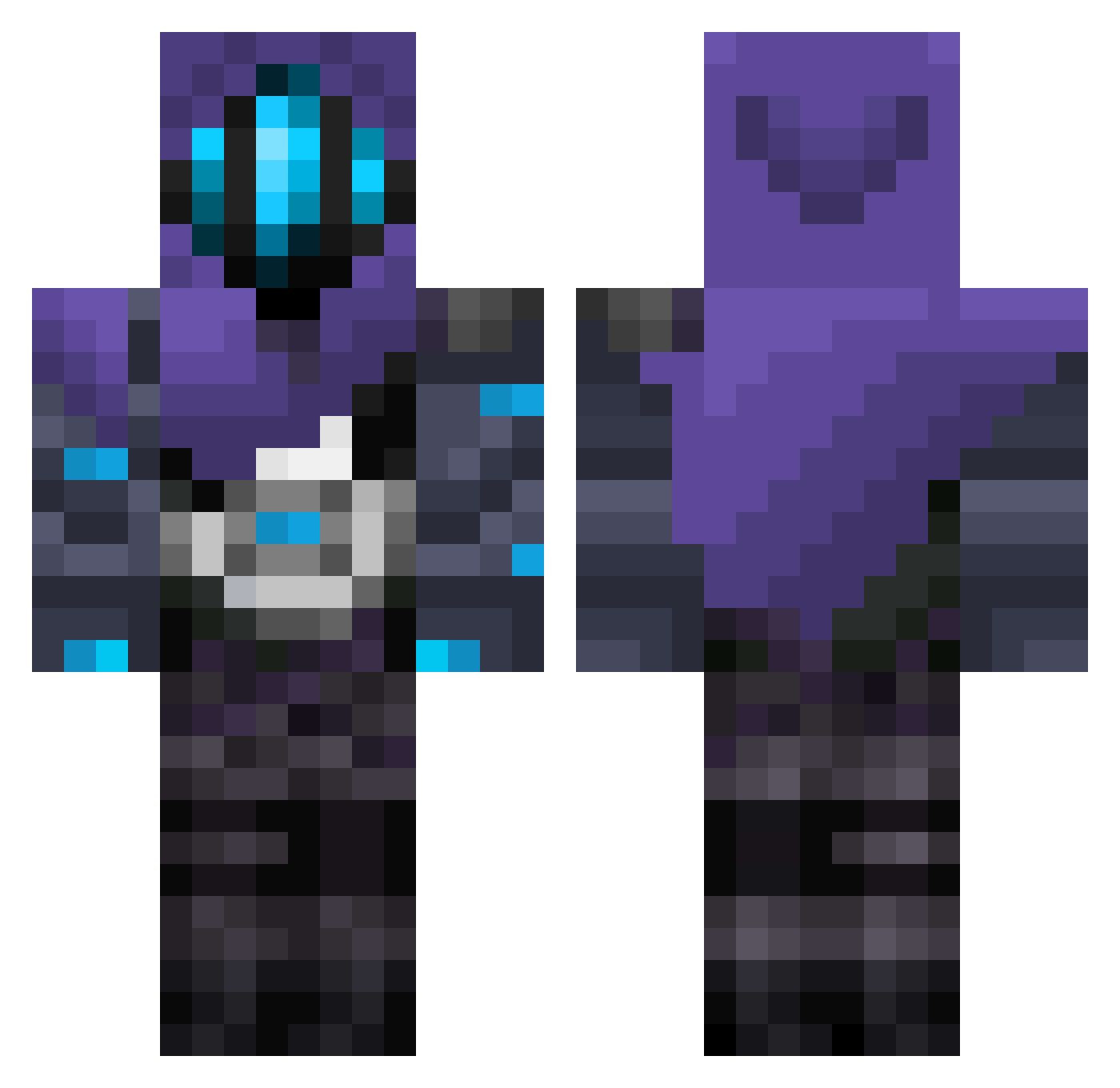
Current Minecraft skin of the player AustinJett, loaded from the official Mojang API. Rotate the 3D model with your mouse or finger, then download the skin as a PNG file and use it in Minecraft: Bedrock Edition or Java Edition for free. When AustinJett changes their skin, this page updates automatically and the old skin stays in the history below.
Other players with this skin (374)
AustinJett was the 237th player we have seen with this skin, first spotted on 14.10.2026. The same skin was seen on these players. Open a nickname to see their current skin and skin history.
 Rrronal joacccco LucaSouls ultimatemihi Sapa_Shake E4NF 10_acMilan hazzo0309 itsMontey125 mistbloom Jarryxd JoNgM2 Lehmonz ebifry0141 mikiti52 MYMYmy123456 VAIN10 Mikhee Noahsuarusrex V3n1cham Ghehe_hehe _xXExaliburXx_ blazikennnn Athena1311 SShadow52 KrreXerrS iJerexx aalex26 xAshei B_Rush6 KrakenXgod goosh666 wizger squirtlesour Hollow616 salvino123 christianito1120 callme_pablo0228 tomatoto_owo KY0DY AvovA Bogi2422 DarkfruitPorter TheWardenWarrior PacoAugusto ypua MinininjaMC ohsolman OwenMcGenius Igaa0 darioov9 so_machan bullkhy M3mzy01 ItzEvo Kiaraaa27 Burdou not1eo Simon0729 Luroko
More Omen Minecraft skins
How to install the AustinJett skin
- Press the Download button above to save the skin as a PNG file.
- Minecraft: Bedrock Edition (PE): open the Dressing Room from the main menu (or tap your character → Edit Character), go to Classic Skins → Owned, press the + (new skin) button, choose the downloaded PNG and pick the Classic (Steve) model. Works on PC and mobile; consoles cannot import custom skins.
- Minecraft: Java Edition: open the Minecraft Launcher, go to the Skins tab, click New Skin, load the PNG, pick the Classic (Steve) model and press Save & Use. You can also upload it at minecraft.net → Profile → Change Skin.
The skin does not show up after import - what should I do?
Restart Minecraft and open the Dressing Room again - imported skins sometimes appear only after a restart. Also make sure you selected the imported skin and picked the Classic (Steve) model.
Which model should I choose, Classic or Slim?
This skin is designed for the Classic (Steve) model. If you pick the wrong model, the arms of the skin will look stretched or squeezed.
Is the skin of AustinJett free to download?
Yes. Press Download, save the PNG file and use it in Minecraft: Bedrock Edition or Java Edition - no payment or registration needed. The skin also works on multiplayer servers and Realms.
More skins
Looking for more? Go back to all Minecraft skins and check the top skins of the week, month and all time, or find any player's skin by nickname.