
AshSeungHa - Minecraft Skins & Skin History
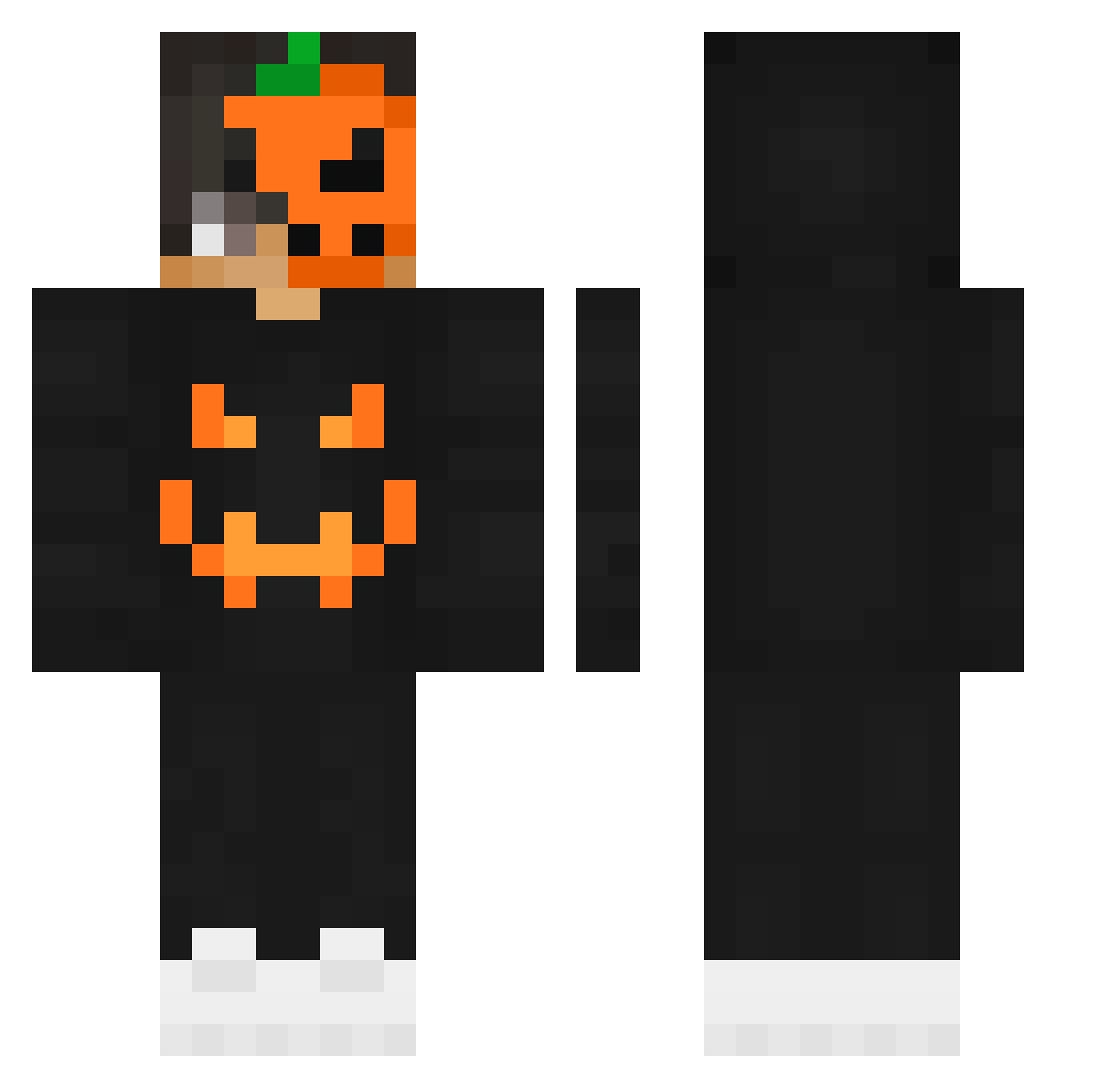
Current Minecraft skin of the player AshSeungHa, loaded from the official Mojang API. Rotate the 3D model with your mouse or finger, then download the skin as a PNG file and use it in Minecraft: Bedrock Edition or Java Edition for free. When AshSeungHa changes their skin, this page updates automatically and the old skin stays in the history below.
Other players with this skin (205)
AshSeungHa was the 49th player we have seen with this skin, first spotted on 22.08.2026. The same skin was seen on these players. Open a nickname to see their current skin and skin history.
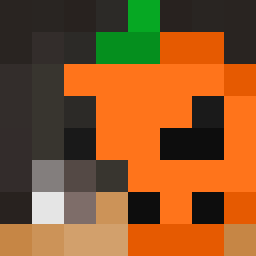 orangeman312 KitKatYT KaleFE
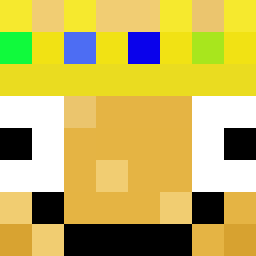 KUBAA88 EricGDGame ordinary______ Joyx87 Zayrox03 Idheu dz_y Mer_Dog
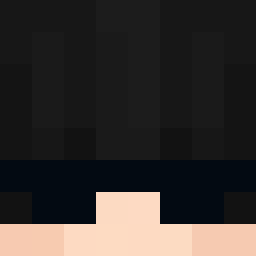 Abdullah19Sharif Akshan_ DieLing Yatachi Sparty_ Foniald KaysonMerrill OmerTheKing01 dragonbrillante BabouBMX Mesok02 MCyibai Jake_Milne TheJetSheep SaireZ_YT Tchabalabalaba Nq_xewtZK Gor1dNeZz Mal_JzVObv Fizzylol BALKABAK InsanityM TheCandyMen TheNueken StreamSniped plate1056 matti370 Qerio_ qpCriss ClammyParrot728 cr8zyroger Surasyno Jang_Y_K phm0922 SleepyBurrito2 Krykx_ ddarks1de xxx_beczka_123 Lasgaar NoodlesLover whaddajoke Danomen_YouTube schnuppe_3 bautyfedele Depr3ssiv3 DaniloG4mes2 EmmaRose_Olive iLuvDuks burakkemal1903
More Jackolantern Minecraft skins
See all 215 Jackolantern skins
How to install the AshSeungHa skin
- Press the Download button above to save the skin as a PNG file.
- Minecraft: Bedrock Edition (PE): open the Dressing Room from the main menu (or tap your character → Edit Character), go to Classic Skins → Owned, press the + (new skin) button, choose the downloaded PNG and pick the Classic (Steve) model. Works on PC and mobile; consoles cannot import custom skins.
- Minecraft: Java Edition: open the Minecraft Launcher, go to the Skins tab, click New Skin, load the PNG, pick the Classic (Steve) model and press Save & Use. You can also upload it at minecraft.net → Profile → Change Skin.
The skin does not show up after import - what should I do?
Restart Minecraft and open the Dressing Room again - imported skins sometimes appear only after a restart. Also make sure you selected the imported skin and picked the Classic (Steve) model.
Which model should I choose, Classic or Slim?
This skin is designed for the Classic (Steve) model. If you pick the wrong model, the arms of the skin will look stretched or squeezed.
Is the skin of AshSeungHa free to download?
Yes. Press Download, save the PNG file and use it in Minecraft: Bedrock Edition or Java Edition - no payment or registration needed. The skin also works on multiplayer servers and Realms.
More skins
Looking for more? Go back to all Minecraft skins and check the top skins of the week, month and all time, or find any player's skin by nickname.