
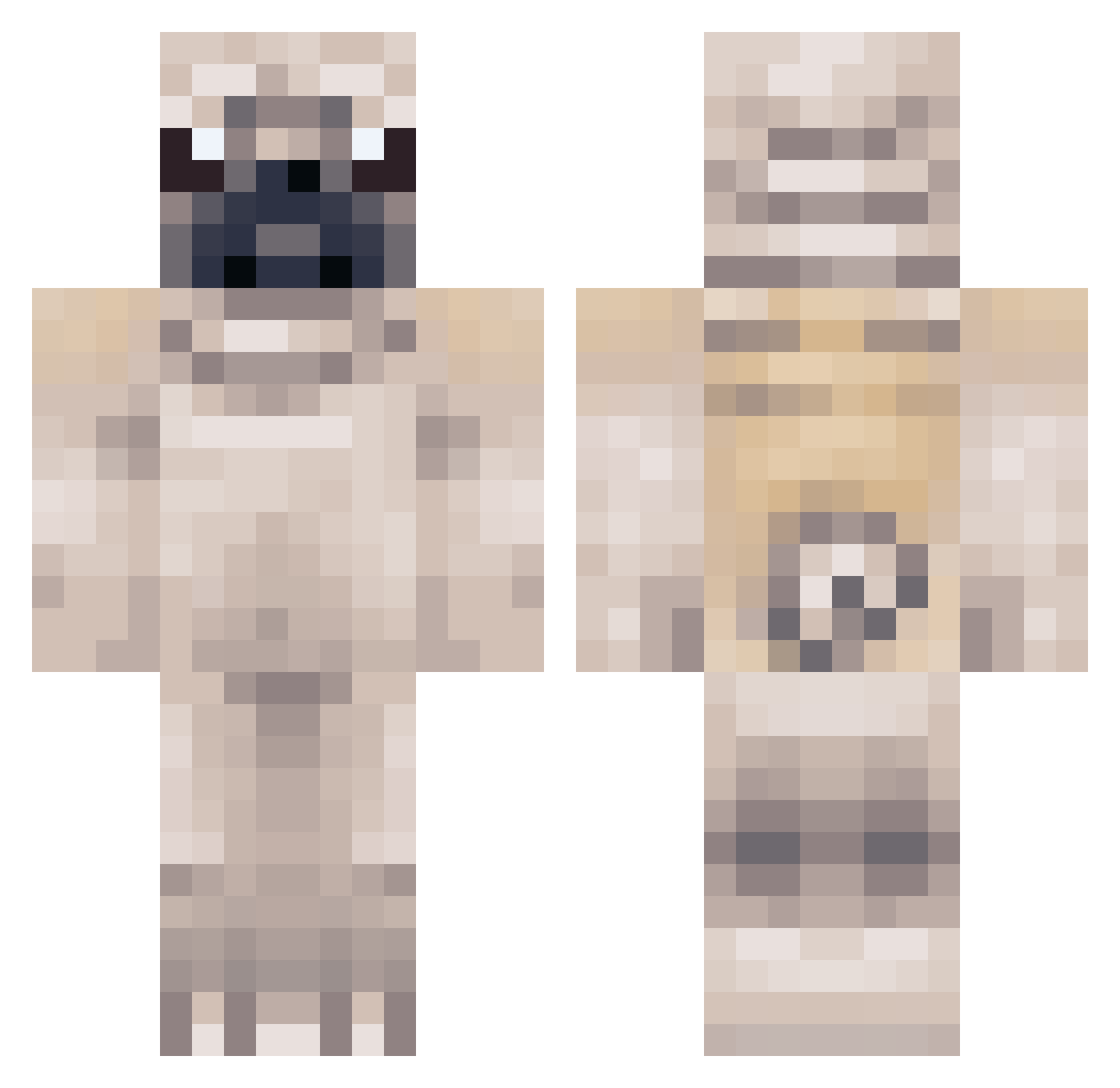
Current Minecraft skin of the player Arrrrvan, loaded from the official Mojang API. Rotate the 3D model with your mouse or finger, then download the skin as a PNG file and use it in Minecraft: Bedrock Edition or Java Edition for free. When Arrrrvan changes their skin, this page updates automatically and the old skin stays in the history below.
Other players with this skin (267)
Arrrrvan was the 127th player we have seen with this skin, first spotted on 04.09.2026. The same skin was seen on these players. Open a nickname to see their current skin and skin history.
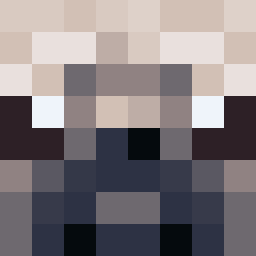 _Andrea_Hess_ SethDunn Erica730 Trozo Bravesir0bin STARWARSPRO66 God_of_Casino A3RIZ macmatador cjbrow Puggerooni fionalover123 Tommygotcha BaxterBurgundy puetchen Pugsly138 megang5 Harvster_22 lolopolus AttackOfTheLlama Chubby_unicorn23 StrongLee404 Krambas SaraBalara GarField_Oo EyeV Hyprus ParanX Marouane006 Puggy_Puffer gracielhx mimidere megskennedy Redwards1756 iamdumb97 WelshgirlGAMING valentijn09 cavansbh theadoboboys Pugcraft3000 coldice234 KingJeremyXX Willisplease7 DuncanShaw Flapasaurus duckman1234 zzabomber Cigla_ izzy0107 dsunrisen Scarborough1994 PugAtlas UdGtitan ChocolateDaPug68 IBeatZ2212 NotTheBestYT ashleyavery282 FatFrags JonaMonBro timothy_blanco
More Pug Minecraft skins
How to install the Arrrrvan skin
- Press the Download button above to save the skin as a PNG file.
- Minecraft: Bedrock Edition (PE): open the Dressing Room from the main menu (or tap your character → Edit Character), go to Classic Skins → Owned, press the + (new skin) button, choose the downloaded PNG and pick the Classic (Steve) model. Works on PC and mobile; consoles cannot import custom skins.
- Minecraft: Java Edition: open the Minecraft Launcher, go to the Skins tab, click New Skin, load the PNG, pick the Classic (Steve) model and press Save & Use. You can also upload it at minecraft.net → Profile → Change Skin.
The skin does not show up after import - what should I do?
Restart Minecraft and open the Dressing Room again - imported skins sometimes appear only after a restart. Also make sure you selected the imported skin and picked the Classic (Steve) model.
Which model should I choose, Classic or Slim?
This skin is designed for the Classic (Steve) model. If you pick the wrong model, the arms of the skin will look stretched or squeezed.
Is the skin of Arrrrvan free to download?
Yes. Press Download, save the PNG file and use it in Minecraft: Bedrock Edition or Java Edition - no payment or registration needed. The skin also works on multiplayer servers and Realms.
More skins
Looking for more? Go back to all Minecraft skins and check the top skins of the week, month and all time, or find any player's skin by nickname.