
Archer0830 - Minecraft Skins & Skin History
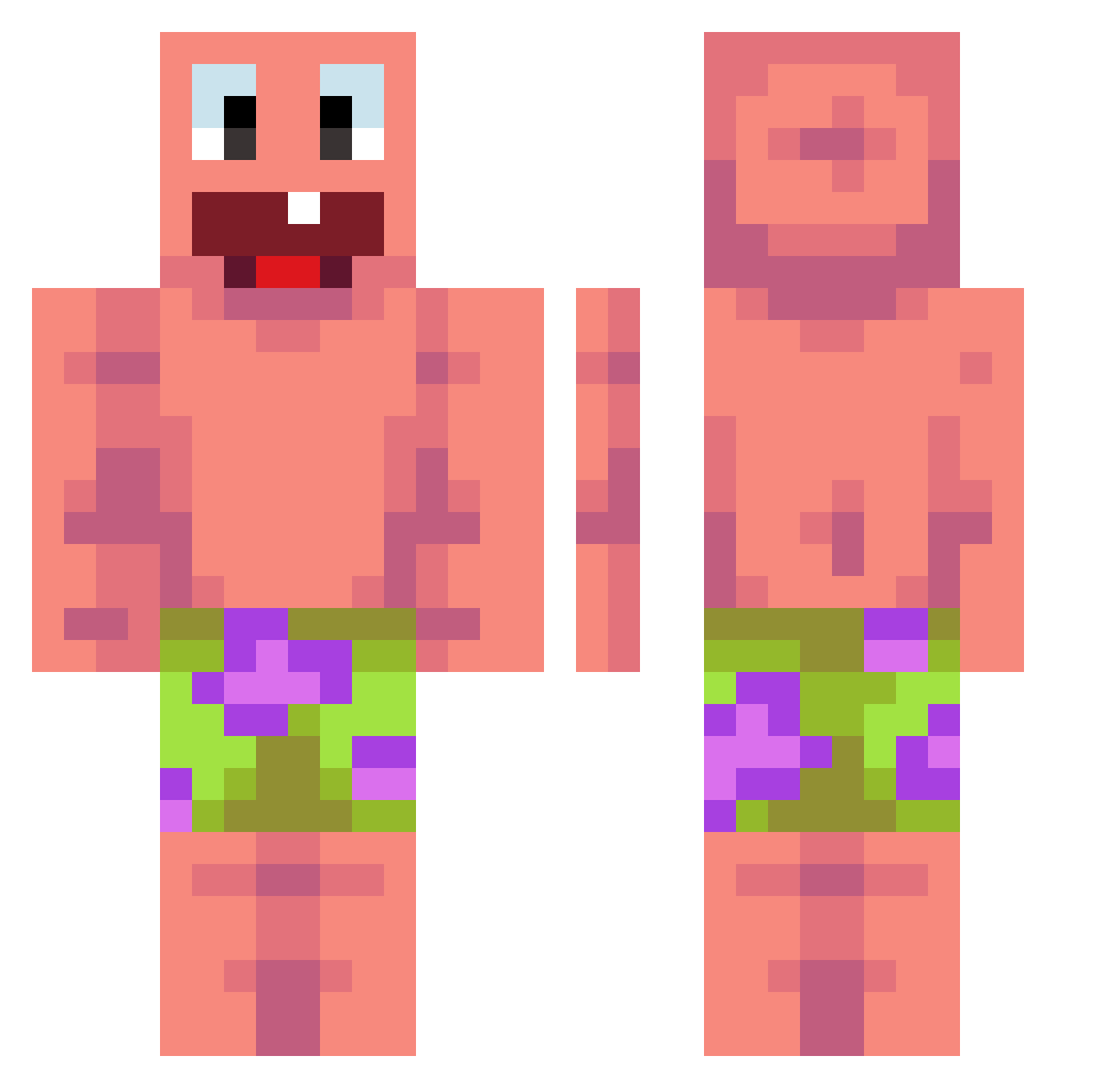
Current Minecraft skin of the player Archer0830, loaded from the official Mojang API. Rotate the 3D model with your mouse or finger, then download the skin as a PNG file and use it in Minecraft: Bedrock Edition or Java Edition for free. When Archer0830 changes their skin, this page updates automatically and the old skin stays in the history below.
Other players with this skin (441)
Archer0830 was the 298th player we have seen with this skin, first spotted on 04.10.2026. The same skin was seen on these players. Open a nickname to see their current skin and skin history.
 Foxy_440 Matedu2000 sushiboio andreeei_4 Ruedigore RaDientzx MATREXCj YourAntiSocial cerquerax KrzysiuMuszla67 GompangE Gezer2010 ALBADKI infinitybro78 leqit_Glitcher LR414 rodriseeex AidenY16 waxxes_ Skeppy_sigma alwakann MOGILI64 RizzlerDrizler13 zombiedontmiss EpicMan449 Zkame studioadam4 jani0904 CiberDelitos BruddahJay FreddyDum Maoyou_ brxqk lyontax DDbong Stillguns whwmst GUITARLnwSUS realcrazydutch 1Sorgen kuba18nowa RowertPattinson DaBabyRapy weebs_ FunDragon1356 Imbarazzante_ 21Miczu_ drzz7 kobietchoi29 Bogdanel10 ALMODMRQ8 Bigsloppy67 SwicherSquid5 Blobismijnnaam1 Partickle zzpcrcc 19lusquinhas vPercyy morad112 MrChimichanga
More Patrick Star Minecraft skins
See all 612 Patrick Star skins
How to install the Archer0830 skin
- Press the Download button above to save the skin as a PNG file.
- Minecraft: Bedrock Edition (PE): open the Dressing Room from the main menu (or tap your character → Edit Character), go to Classic Skins → Owned, press the + (new skin) button, choose the downloaded PNG and pick the Classic (Steve) model. Works on PC and mobile; consoles cannot import custom skins.
- Minecraft: Java Edition: open the Minecraft Launcher, go to the Skins tab, click New Skin, load the PNG, pick the Classic (Steve) model and press Save & Use. You can also upload it at minecraft.net → Profile → Change Skin.
The skin does not show up after import - what should I do?
Restart Minecraft and open the Dressing Room again - imported skins sometimes appear only after a restart. Also make sure you selected the imported skin and picked the Classic (Steve) model.
Which model should I choose, Classic or Slim?
This skin is designed for the Classic (Steve) model. If you pick the wrong model, the arms of the skin will look stretched or squeezed.
Is the skin of Archer0830 free to download?
Yes. Press Download, save the PNG file and use it in Minecraft: Bedrock Edition or Java Edition - no payment or registration needed. The skin also works on multiplayer servers and Realms.
More skins
Looking for more? Go back to all Minecraft skins and check the top skins of the week, month and all time, or find any player's skin by nickname.