
Anqp_ - Minecraft Skins & Skin History
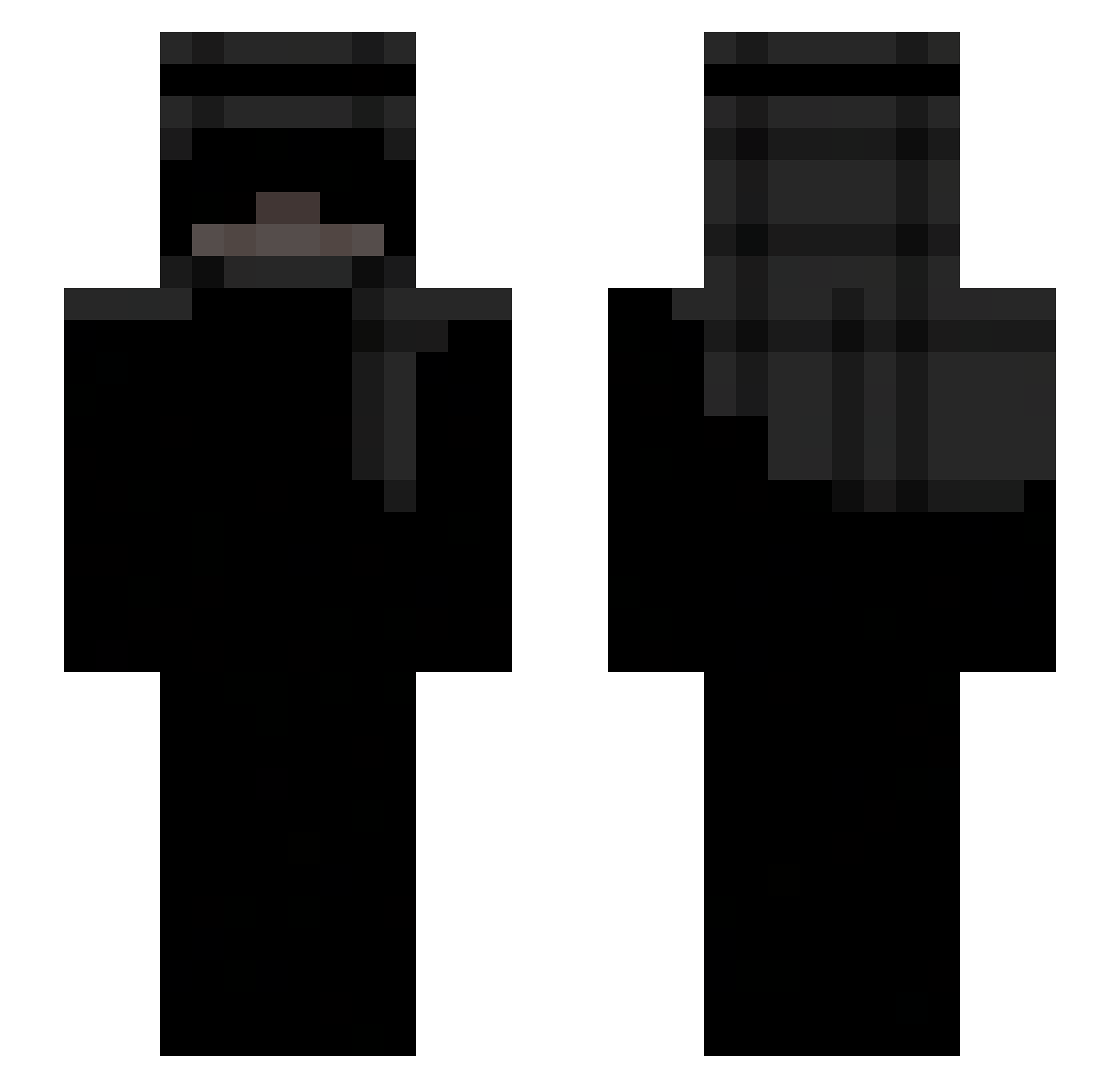
Current Minecraft skin of the player Anqp_, loaded from the official Mojang API. Rotate the 3D model with your mouse or finger, then download the skin as a PNG file and use it in Minecraft: Bedrock Edition or Java Edition for free. When Anqp_ changes their skin, this page updates automatically and the old skin stays in the history below.
Other players with this skin (284)
Anqp_ was the 143rd player we have seen with this skin, first spotted on 22.09.2026. The same skin was seen on these players. Open a nickname to see their current skin and skin history.
 bernybell AsTr01d_ Clown_Dog_9731 henkkusaa qprul1kKk Tha_Sandman_ rillo456 faultx2 Tomekcostam_ stegerxxst Thhug ARKHANNN nnliizx HAJINKWON MooserXO EvIlDeMonD_LV angie3e3e _D4M14N TorinGregory attila_55 TANKTHEKRAKEN Azoz711 Bugg1r RyanL19 romariox666 lunux007 Mehmoudd Kaczucha444 Evive2Smooth roprizz zborrou Marianekkc lawina6 nicktakecareontt SketchyJnr Tumaaaa ikuragodmem123 Fear165Hz YuqiiXHoly SilvRider oriiigoat CinderelaSmoking m6xn l1ladzz mimj4 CallMeFlixzz Aspect7701 Reaper177755 Bricolait GalaxyDu TheEndlessVoidD Renegadeishere Whiixz_ d4v1dXYZ qyvq in2motion_ Aeirum Thsko synlah queizs
More Keffiyeh Minecraft skins
How to install the Anqp_ skin
- Press the Download button above to save the skin as a PNG file.
- Minecraft: Bedrock Edition (PE): open the Dressing Room from the main menu (or tap your character → Edit Character), go to Classic Skins → Owned, press the + (new skin) button, choose the downloaded PNG and pick the Slim (Alex) model. Works on PC and mobile; consoles cannot import custom skins.
- Minecraft: Java Edition: open the Minecraft Launcher, go to the Skins tab, click New Skin, load the PNG, pick the Slim (Alex) model and press Save & Use. You can also upload it at minecraft.net → Profile → Change Skin.
The skin does not show up after import - what should I do?
Restart Minecraft and open the Dressing Room again - imported skins sometimes appear only after a restart. Also make sure you selected the imported skin and picked the Slim (Alex) model.
Which model should I choose, Classic or Slim?
This skin is designed for the Slim (Alex) model. If you pick the wrong model, the arms of the skin will look stretched or squeezed.
Is the skin of Anqp_ free to download?
Yes. Press Download, save the PNG file and use it in Minecraft: Bedrock Edition or Java Edition - no payment or registration needed. The skin also works on multiplayer servers and Realms.
More skins
Looking for more? Go back to all Minecraft skins and check the top skins of the week, month and all time, or find any player's skin by nickname.