
AndersNB - Minecraft Skins & Skin History
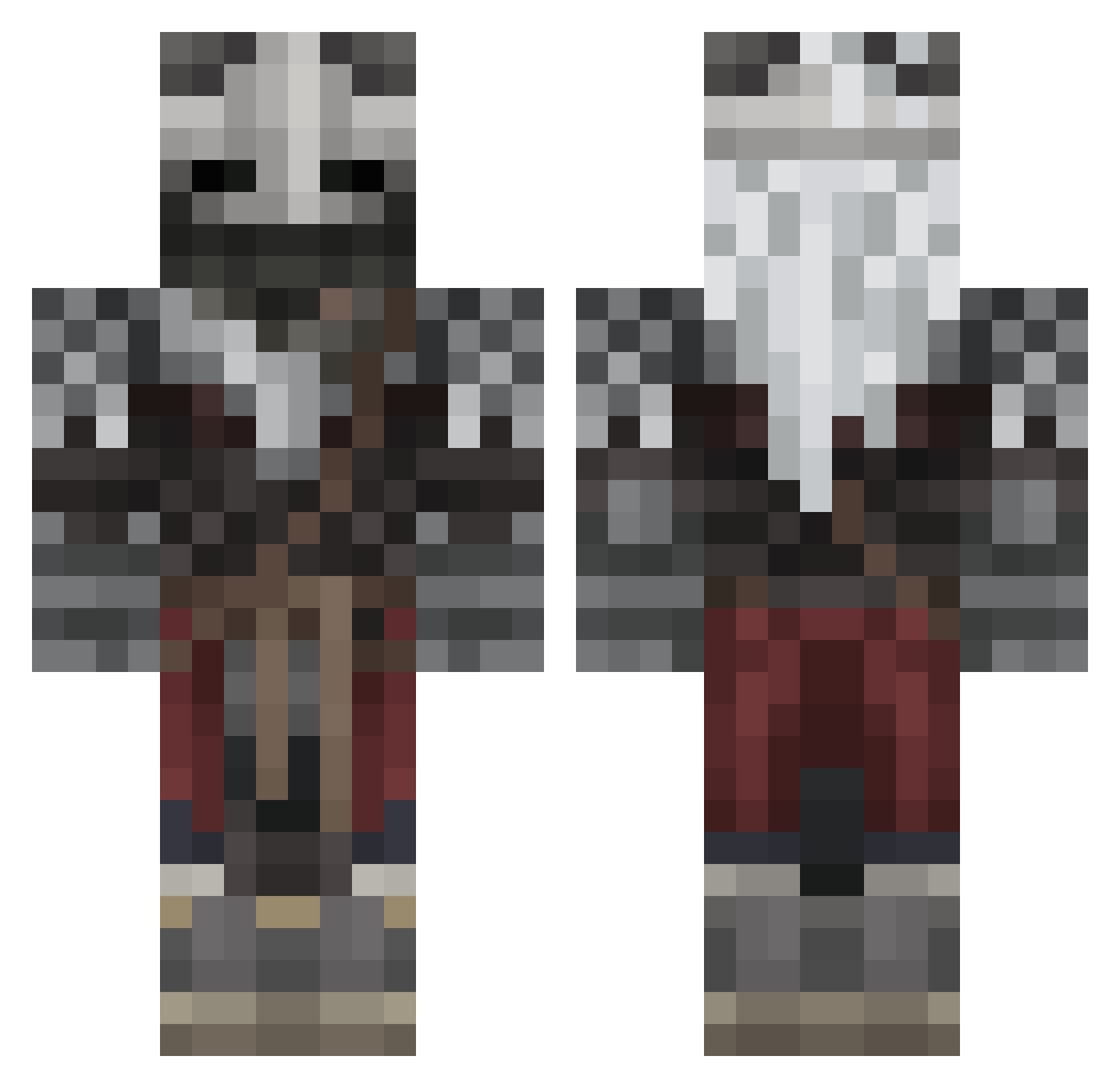
Current Minecraft skin of the player AndersNB, loaded from the official Mojang API. Rotate the 3D model with your mouse or finger, then download the skin as a PNG file and use it in Minecraft: Bedrock Edition or Java Edition for free. When AndersNB changes their skin, this page updates automatically and the old skin stays in the history below.
Other players with this skin (569)
AndersNB was the 283rd player we have seen with this skin, first spotted on 22.09.2026. The same skin was seen on these players. Open a nickname to see their current skin and skin history.
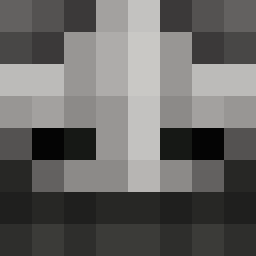 EzzyTop Micah6969 WinterFrost07 Stratixx T0astyS0cks Toxxio09 Lambretinho CoolDudeTheOne Elden__Lord TheKendal1900 DDomaa channy1108 Mannyy941 Roastbeef2983 munkeyman11 JoshuiBC LegendaryRoll itmeKarma solivagant1 DarkSchneider0 VoIcke JinMori17 Clownforjesterz Astro445 SnonkieDordle EnEnqhfl Chronno1 BrutusNigritae giuliobono11 Brunvik bllr ColdPot HeinzBeans1869 skengbop The_CD57 Vinnycents Showerrrrr xpiezie CharlyKilroy kazimierzz MrblankMC _Gusto BlusWolf sikolemon RUINEDFantasy fartnugget191 catapimbas1 YoungKebab __Kitt_ MPV2011 Tizi457 THICC_GRUB SpideCaptan21 GubGubson VenomEmi cametronn DemosKinoe MrFurek SpacedustX FlemTheCook
More Warrior Minecraft skins
How to install the AndersNB skin
- Press the Download button above to save the skin as a PNG file.
- Minecraft: Bedrock Edition (PE): open the Dressing Room from the main menu (or tap your character → Edit Character), go to Classic Skins → Owned, press the + (new skin) button, choose the downloaded PNG and pick the Classic (Steve) model. Works on PC and mobile; consoles cannot import custom skins.
- Minecraft: Java Edition: open the Minecraft Launcher, go to the Skins tab, click New Skin, load the PNG, pick the Classic (Steve) model and press Save & Use. You can also upload it at minecraft.net → Profile → Change Skin.
The skin does not show up after import - what should I do?
Restart Minecraft and open the Dressing Room again - imported skins sometimes appear only after a restart. Also make sure you selected the imported skin and picked the Classic (Steve) model.
Which model should I choose, Classic or Slim?
This skin is designed for the Classic (Steve) model. If you pick the wrong model, the arms of the skin will look stretched or squeezed.
Is the skin of AndersNB free to download?
Yes. Press Download, save the PNG file and use it in Minecraft: Bedrock Edition or Java Edition - no payment or registration needed. The skin also works on multiplayer servers and Realms.
More skins
Looking for more? Go back to all Minecraft skins and check the top skins of the week, month and all time, or find any player's skin by nickname.