
Amiyrahh - Minecraft Skins & Skin History
Current Minecraft skin of the player Amiyrahh, loaded from the official Mojang API. Rotate the 3D model with your mouse or finger, then download the skin as a PNG file and use it in Minecraft: Bedrock Edition or Java Edition for free. When Amiyrahh changes their skin, this page updates automatically and the old skin stays in the history below.
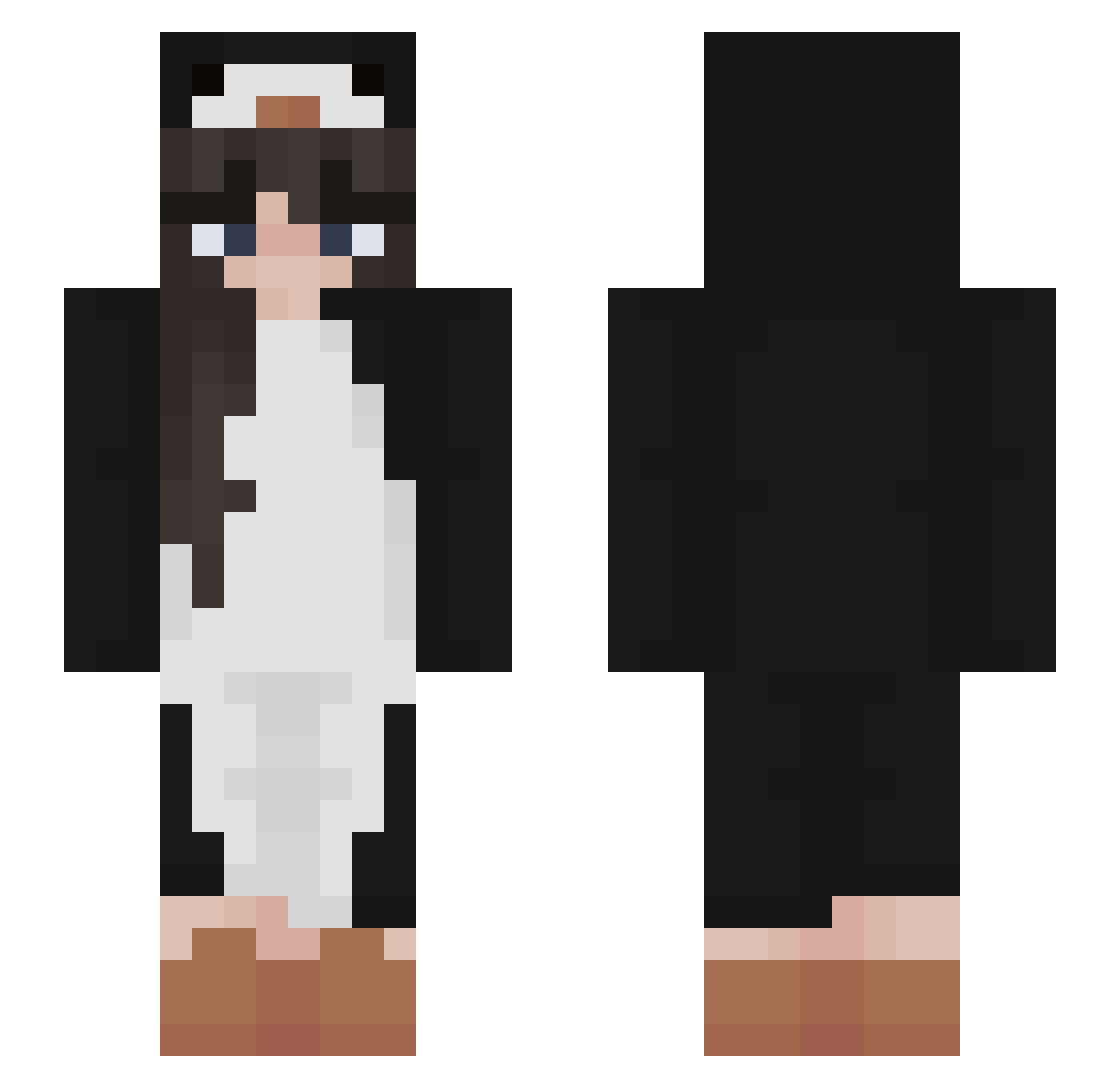
Other players with this skin (503)
Amiyrahh was the 241st player we have seen with this skin, first spotted on 22.09.2026. The same skin was seen on these players. Open a nickname to see their current skin and skin history.
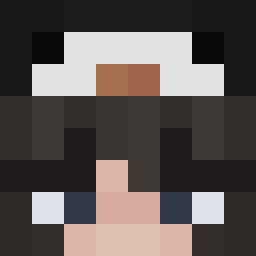 Smoky_Rat Cagla6642 scrmzn BichanPF21 Dancecast28 Dreamtinker oClutxh3 Lioruchka Brubys hye_1n10 Danna035 SoniaMendi elenaator 0reo Ainyss Xenatan okied0kie BettyKimchi Undde2STAND TearRain Zingier SenYing10 nuuriaa ylocraft dadjesusjul Jumpmeid cam0_0 Wafwu avocado1808 Penguin2295 sofiaa__ imabidinosaur TrueJxlika amandelssohn takecodei Joguin choca_pics sirinitik bluefrog5000 ElleCEO EmilyIsSleepin sabstot NINA_HAN woopyyyy yuxiang_0701 Liamx420 RealVini solsophia Atlantis2021 potatojas TrueJulika NicoleSnowFlock noraaer XxChinnxX BlockBuster815 imma_penguinn Polarishrr kalyaiika wokeuplikethis1 LaraWalsh
More Animal Onesie Minecraft skins
See all 2230 Animal Onesie skins
How to install the Amiyrahh skin
- Press the Download button above to save the skin as a PNG file.
- Minecraft: Bedrock Edition (PE): open the Dressing Room from the main menu (or tap your character → Edit Character), go to Classic Skins → Owned, press the + (new skin) button, choose the downloaded PNG and pick the Slim (Alex) model. Works on PC and mobile; consoles cannot import custom skins.
- Minecraft: Java Edition: open the Minecraft Launcher, go to the Skins tab, click New Skin, load the PNG, pick the Slim (Alex) model and press Save & Use. You can also upload it at minecraft.net → Profile → Change Skin.
The skin does not show up after import - what should I do?
Restart Minecraft and open the Dressing Room again - imported skins sometimes appear only after a restart. Also make sure you selected the imported skin and picked the Slim (Alex) model.
Which model should I choose, Classic or Slim?
This skin is designed for the Slim (Alex) model. If you pick the wrong model, the arms of the skin will look stretched or squeezed.
Is the skin of Amiyrahh free to download?
Yes. Press Download, save the PNG file and use it in Minecraft: Bedrock Edition or Java Edition - no payment or registration needed. The skin also works on multiplayer servers and Realms.
More skins
Looking for more? Go back to all Minecraft skins and check the top skins of the week, month and all time, or find any player's skin by nickname.