
AlexYu0122 - Minecraft Skins & Skin History
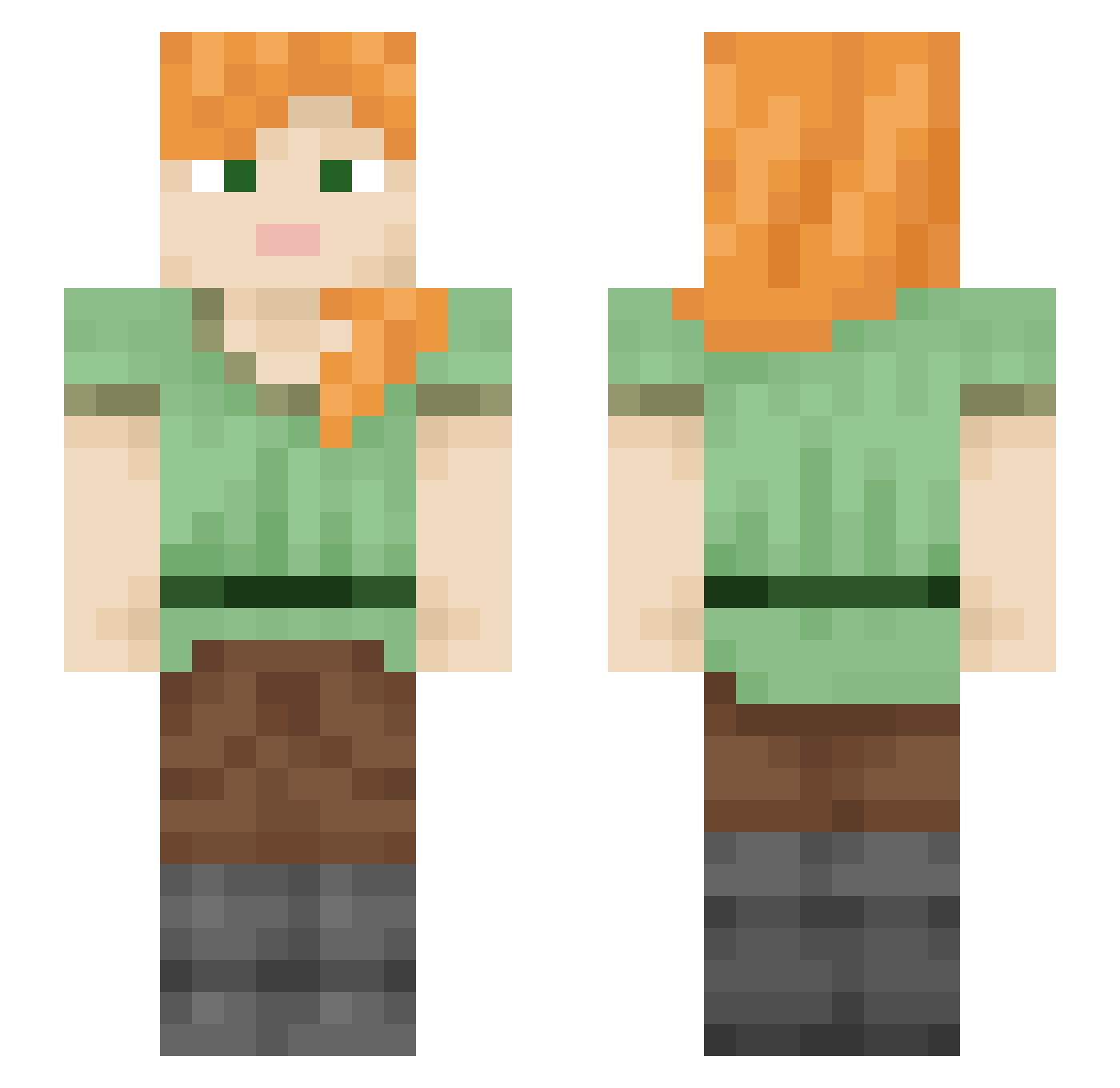
Current Minecraft skin of the player AlexYu0122, loaded from the official Mojang API. Rotate the 3D model with your mouse or finger, then download the skin as a PNG file and use it in Minecraft: Bedrock Edition or Java Edition for free. When AlexYu0122 changes their skin, this page updates automatically and the old skin stays in the history below.
Other players with this skin (1857)
AlexYu0122 was the 1206th player we have seen with this skin, first spotted on 26.09.2026. The same skin was seen on these players. Open a nickname to see their current skin and skin history.
 ElJeffeNewfarm ctrlphrk1 immagoldfish Usurpers SchaAbe89 kainit pauli_toja Sceat bjogbs11 Disappointed Fazeyi Gonar_ Anagenesis wholesaler fcsmc02 Vyrnwy AymYaya Effete cowest ALLLL T0ALHA Saphira15100 readreadf Babiana Leroyyy_ tormentor Viage osofoafaf21 ef7541 FabiDerMf Axol_ polyplectron TheSlinkyDoor shivymcstaberson Frogifuzz EbolaInABottle1 Noam_tv 5ub2me tr26_ Helena_Krawec LEN1213 Ferret1202 Megachile Coppra dobber JayGoo Spocony_maciek03 Hathsin Godwin92 Decarboxylation AndarilhoXIV Mashu_SeasonSub nematologist Jinyi0615 obsequiousness Aerobiology Abbeminhund frugalness coucou37 arvid1708
How to install the AlexYu0122 skin
- Press the Download button above to save the skin as a PNG file.
- Minecraft: Bedrock Edition (PE): open the Dressing Room from the main menu (or tap your character → Edit Character), go to Classic Skins → Owned, press the + (new skin) button, choose the downloaded PNG and pick the Slim (Alex) model. Works on PC and mobile; consoles cannot import custom skins.
- Minecraft: Java Edition: open the Minecraft Launcher, go to the Skins tab, click New Skin, load the PNG, pick the Slim (Alex) model and press Save & Use. You can also upload it at minecraft.net → Profile → Change Skin.
The skin does not show up after import - what should I do?
Restart Minecraft and open the Dressing Room again - imported skins sometimes appear only after a restart. Also make sure you selected the imported skin and picked the Slim (Alex) model.
Which model should I choose, Classic or Slim?
This skin is designed for the Slim (Alex) model. If you pick the wrong model, the arms of the skin will look stretched or squeezed.
Is the skin of AlexYu0122 free to download?
Yes. Press Download, save the PNG file and use it in Minecraft: Bedrock Edition or Java Edition - no payment or registration needed. The skin also works on multiplayer servers and Realms.
More skins
Looking for more? Go back to all Minecraft skins and check the top skins of the week, month and all time, or find any player's skin by nickname.