
AlexEnleft - Minecraft Skins & Skin History
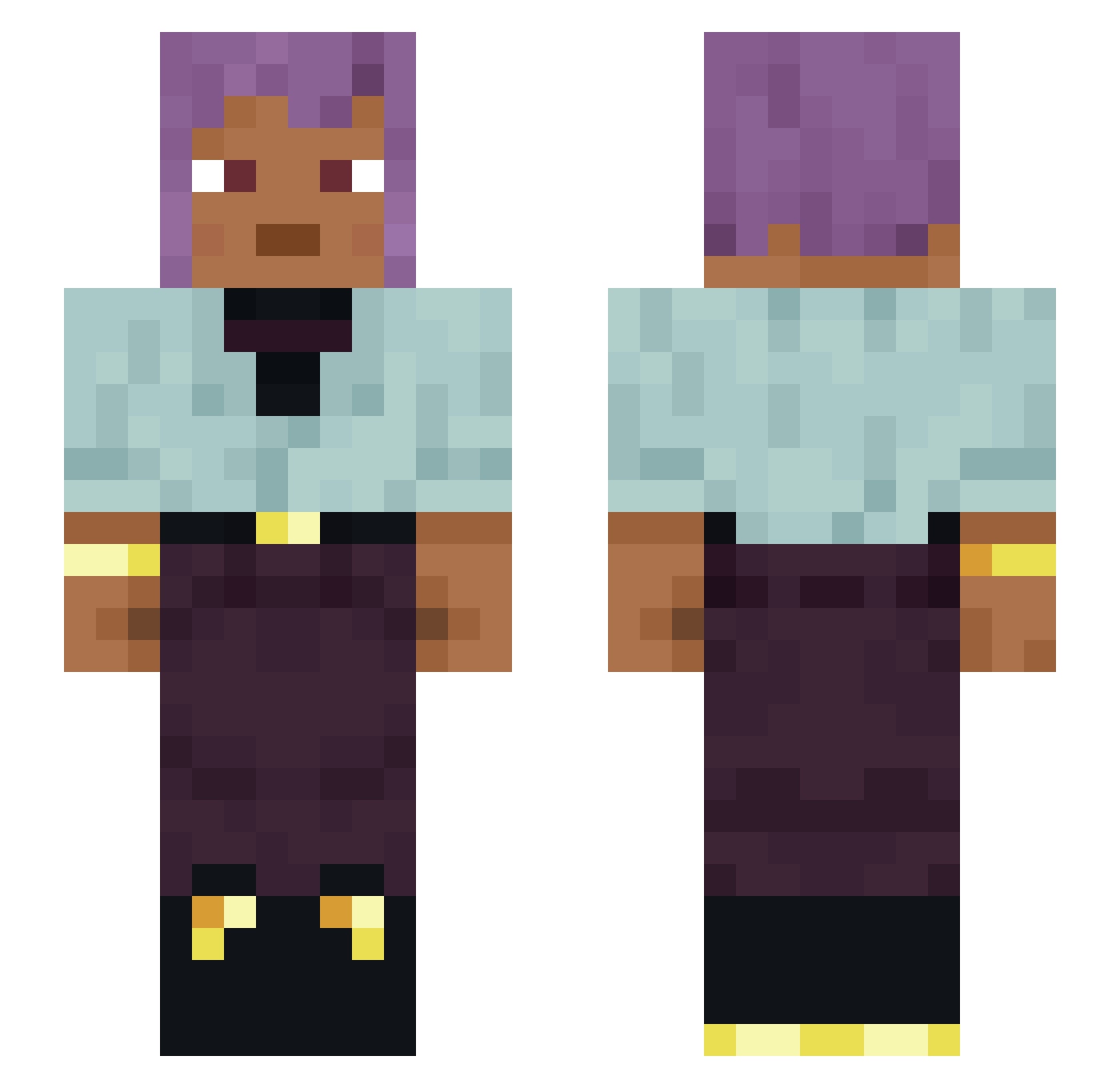
Current Minecraft skin of the player AlexEnleft, loaded from the official Mojang API. Rotate the 3D model with your mouse or finger, then download the skin as a PNG file and use it in Minecraft: Bedrock Edition or Java Edition for free. When AlexEnleft changes their skin, this page updates automatically and the old skin stays in the history below.
Other players with this skin (1334)
AlexEnleft was the 759th player we have seen with this skin, first spotted on 28.09.2026. The same skin was seen on these players. Open a nickname to see their current skin and skin history.
 Arcyn86 sruoF4 dungas Adobe110 morjuda Pleochroism Escape4201 matixq4 ManLover696969 Viewing guozuofeng RAMONEUR Concilium doiy Hereabouts DynaG SuperCriminal manchaoi Baakeddie xShadeexD Odyle wojtaSnx comino Doodah maidin JackQuartz Deodand iiRoyalSodaii DealerDom ssjwjw TubbyBot3 Boughed WhereAreMyFPS Keltic666 kodeman006 Yozuka_Ozaku Doubtfully ThatSpottedCat GodBird_ terpenoid _SakuraLol smythe2 Pellas Nola2000 Monterey Platy DaddyHitsMe69 BlueeZenith Red__5 Plink Dotal RowdyRiverhawk Jefferss71 _ElectroBlade_ banana_999_ PxwerRL ShadowAgate Feenz51 Carom BlankTurtle
How to install the AlexEnleft skin
- Press the Download button above to save the skin as a PNG file.
- Minecraft: Bedrock Edition (PE): open the Dressing Room from the main menu (or tap your character → Edit Character), go to Classic Skins → Owned, press the + (new skin) button, choose the downloaded PNG and pick the Slim (Alex) model. Works on PC and mobile; consoles cannot import custom skins.
- Minecraft: Java Edition: open the Minecraft Launcher, go to the Skins tab, click New Skin, load the PNG, pick the Slim (Alex) model and press Save & Use. You can also upload it at minecraft.net → Profile → Change Skin.
The skin does not show up after import - what should I do?
Restart Minecraft and open the Dressing Room again - imported skins sometimes appear only after a restart. Also make sure you selected the imported skin and picked the Slim (Alex) model.
Which model should I choose, Classic or Slim?
This skin is designed for the Slim (Alex) model. If you pick the wrong model, the arms of the skin will look stretched or squeezed.
Is the skin of AlexEnleft free to download?
Yes. Press Download, save the PNG file and use it in Minecraft: Bedrock Edition or Java Edition - no payment or registration needed. The skin also works on multiplayer servers and Realms.
More skins
Looking for more? Go back to all Minecraft skins and check the top skins of the week, month and all time, or find any player's skin by nickname.