
Akmi10 - Minecraft Skins & Skin History
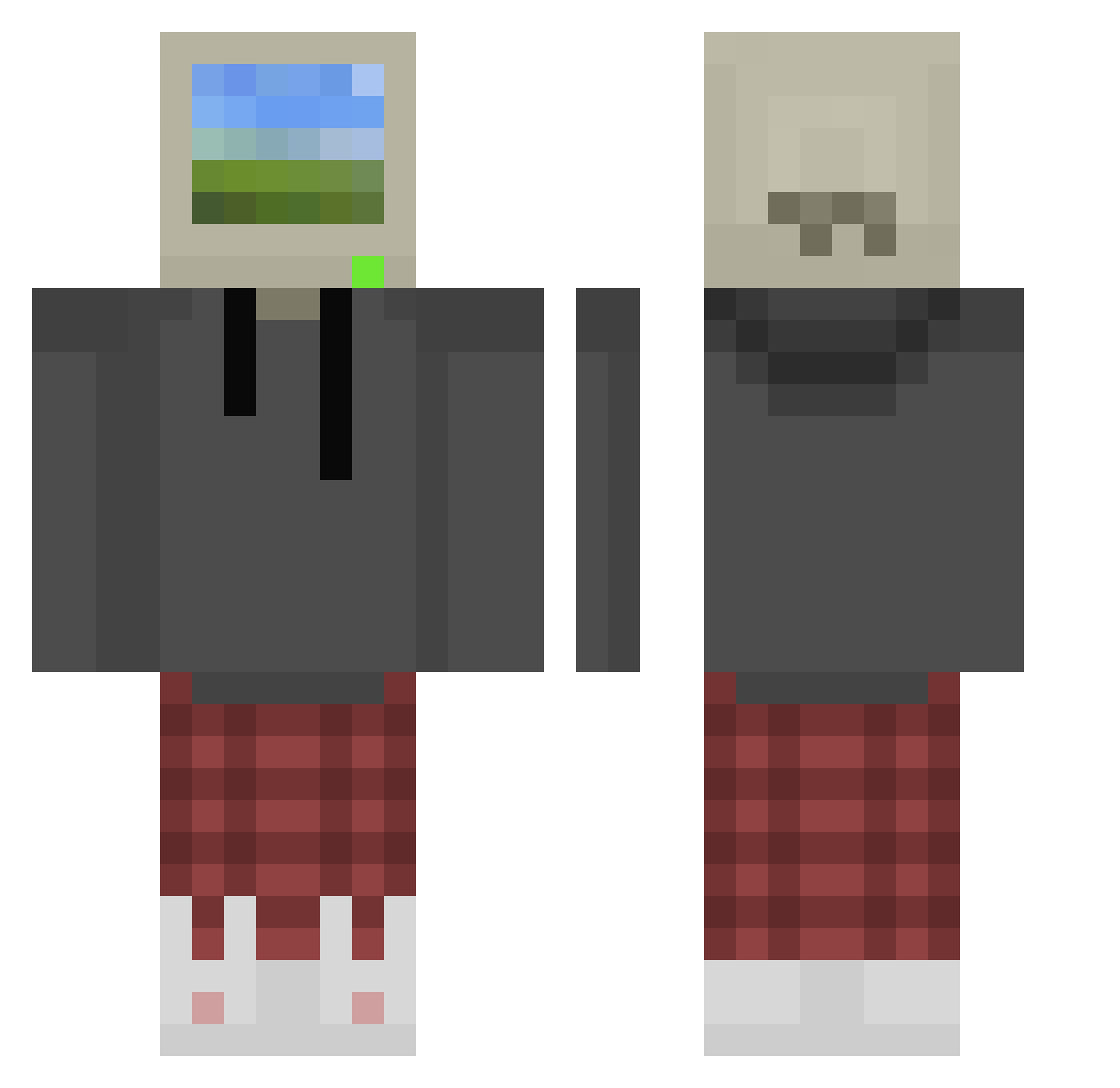
Current Minecraft skin of the player Akmi10, loaded from the official Mojang API. Rotate the 3D model with your mouse or finger, then download the skin as a PNG file and use it in Minecraft: Bedrock Edition or Java Edition for free. When Akmi10 changes their skin, this page updates automatically and the old skin stays in the history below.
Other players with this skin (872)
Akmi10 was the 51st player we have seen with this skin, first spotted on 28.07.2026. The same skin was seen on these players. Open a nickname to see their current skin and skin history.
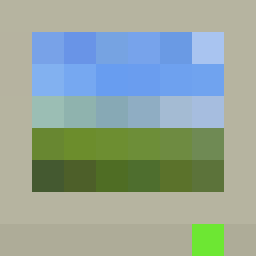 CHS_SCV telecxray keeefiiii Spidez19 Koepeith jj3910 liforc Ma1oXX XXYTherox1 yakitory MingZhu66 BBQ_Lv100 Jucesbakery mrlebutface Ryzhnya BobbyOnSmith Kiiam kbdslayer Shrikethorn SherWhoLocked13 zero_1122 SEABISCUIT99 JunH22 d4ni0q Pederinko x1aN__ Absolknights Sashastav2010 CptGreenbeard97 KicuxD FOREST_P Kyle036 Ronter16 Its_Towen JordyTheGreattt JD0913 xGhostCorvus Euphorik elonxe Trian4_ Descry_PaleBlood turtlewin_psn foru11 a_noob_in_TinPot KudlatyKoles Timu0 DaMang0 HankGeraldo Smittenbymittens GermanHashBrown TheNamesSock G00DV1BES luv78 EliteKiller33 nDeuce HallowdRaven Ixaias_ flacid__pancake neilyboy Capeful
More Windows XP Minecraft skins
How to install the Akmi10 skin
- Press the Download button above to save the skin as a PNG file.
- Minecraft: Bedrock Edition (PE): open the Dressing Room from the main menu (or tap your character → Edit Character), go to Classic Skins → Owned, press the + (new skin) button, choose the downloaded PNG and pick the Classic (Steve) model. Works on PC and mobile; consoles cannot import custom skins.
- Minecraft: Java Edition: open the Minecraft Launcher, go to the Skins tab, click New Skin, load the PNG, pick the Classic (Steve) model and press Save & Use. You can also upload it at minecraft.net → Profile → Change Skin.
The skin does not show up after import - what should I do?
Restart Minecraft and open the Dressing Room again - imported skins sometimes appear only after a restart. Also make sure you selected the imported skin and picked the Classic (Steve) model.
Which model should I choose, Classic or Slim?
This skin is designed for the Classic (Steve) model. If you pick the wrong model, the arms of the skin will look stretched or squeezed.
Is the skin of Akmi10 free to download?
Yes. Press Download, save the PNG file and use it in Minecraft: Bedrock Edition or Java Edition - no payment or registration needed. The skin also works on multiplayer servers and Realms.
More skins
Looking for more? Go back to all Minecraft skins and check the top skins of the week, month and all time, or find any player's skin by nickname.