
Ak1_ini - Minecraft Skins & Skin History
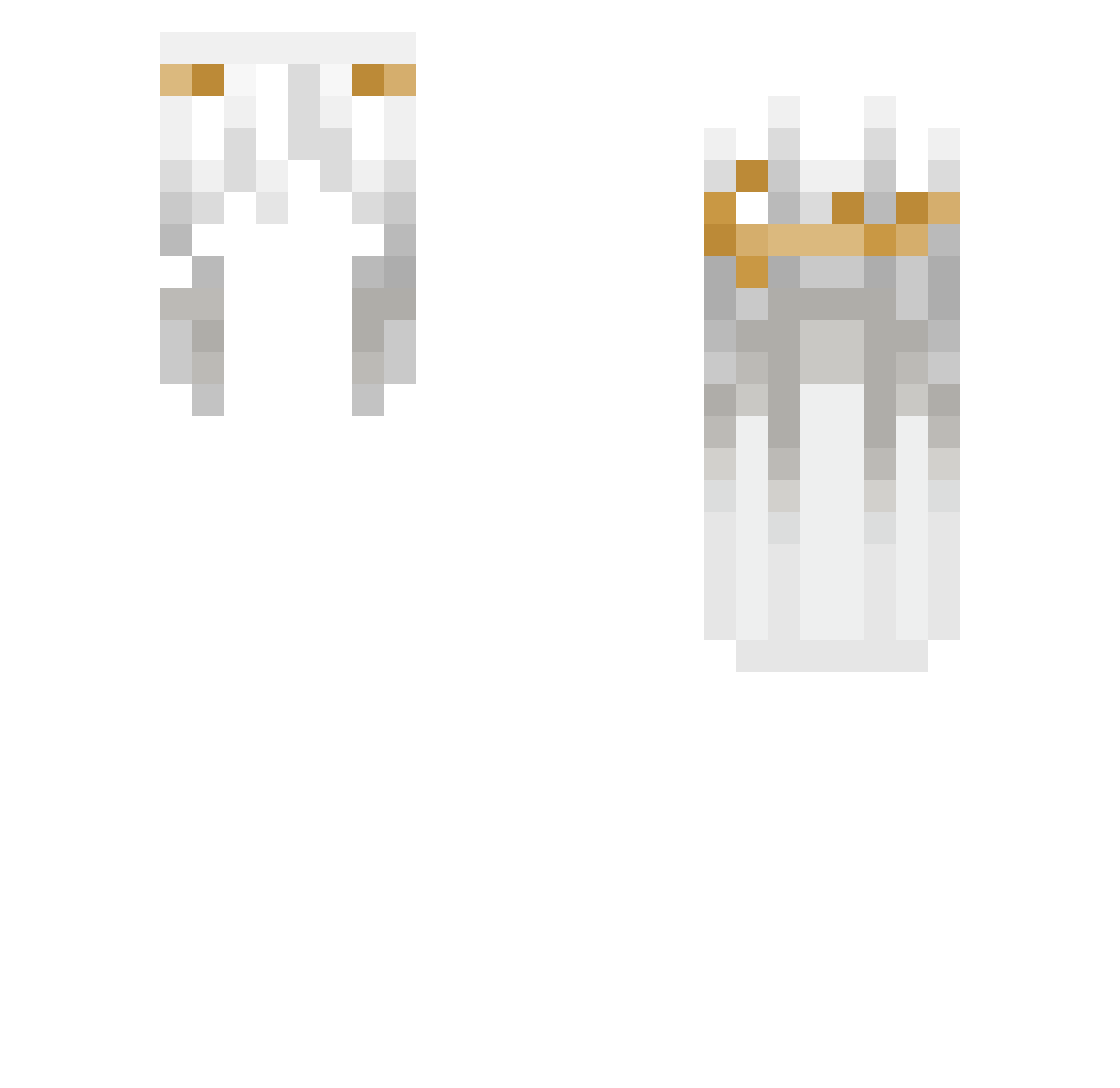
Current Minecraft skin of the player Ak1_ini, loaded from the official Mojang API. Rotate the 3D model with your mouse or finger, then download the skin as a PNG file and use it in Minecraft: Bedrock Edition or Java Edition for free. When Ak1_ini changes their skin, this page updates automatically and the old skin stays in the history below.
Other players with this skin (187)
Ak1_ini was the 63rd player we have seen with this skin, first spotted on 23.08.2026. The same skin was seen on these players. Open a nickname to see their current skin and skin history.
 shiningWyw N1hi1ity pukemygutzzz o18y qianxiaa hxtemylove ml01960
 Jori300 Uxteri4 Sunlore murffly sofiamar93 mwcl
 fackmanas LUCAS44T _2312
 Yamre kanguurek
 NotSaLy__ noopy_x3 Lils123456 An_Moi Slayer__MC1 Chiana123 Haruata immortallover
 Destravar lnheritance FPuongAhn kosour
 lokomotyw Inpesso Undertaker4032
 sqphiix 1Tqke _zwy Nimike ehley xianoxxx
 Vexylith 7taw xDimo wc4e Xyvea xinn173 TheFoXxx74
 CremaDeMango
 emuruier Carasouels
 rumu3 snezzzz flexi312 NightTraveler9
 aykzzxs DrGrey3rd
 moqiuxue Yurisds sQrIx misexample re503
How to install the Ak1_ini skin
- Press the Download button above to save the skin as a PNG file.
- Minecraft: Bedrock Edition (PE): open the Dressing Room from the main menu (or tap your character → Edit Character), go to Classic Skins → Owned, press the + (new skin) button, choose the downloaded PNG and pick the Slim (Alex) model. Works on PC and mobile; consoles cannot import custom skins.
- Minecraft: Java Edition: open the Minecraft Launcher, go to the Skins tab, click New Skin, load the PNG, pick the Slim (Alex) model and press Save & Use. You can also upload it at minecraft.net → Profile → Change Skin.
The skin does not show up after import - what should I do?
Restart Minecraft and open the Dressing Room again - imported skins sometimes appear only after a restart. Also make sure you selected the imported skin and picked the Slim (Alex) model.
Which model should I choose, Classic or Slim?
This skin is designed for the Slim (Alex) model. If you pick the wrong model, the arms of the skin will look stretched or squeezed.
Is the skin of Ak1_ini free to download?
Yes. Press Download, save the PNG file and use it in Minecraft: Bedrock Edition or Java Edition - no payment or registration needed. The skin also works on multiplayer servers and Realms.
More skins
Looking for more? Go back to all Minecraft skins and check the top skins of the week, month and all time, or find any player's skin by nickname.