
AjeaKiru - Minecraft Skins & Skin History
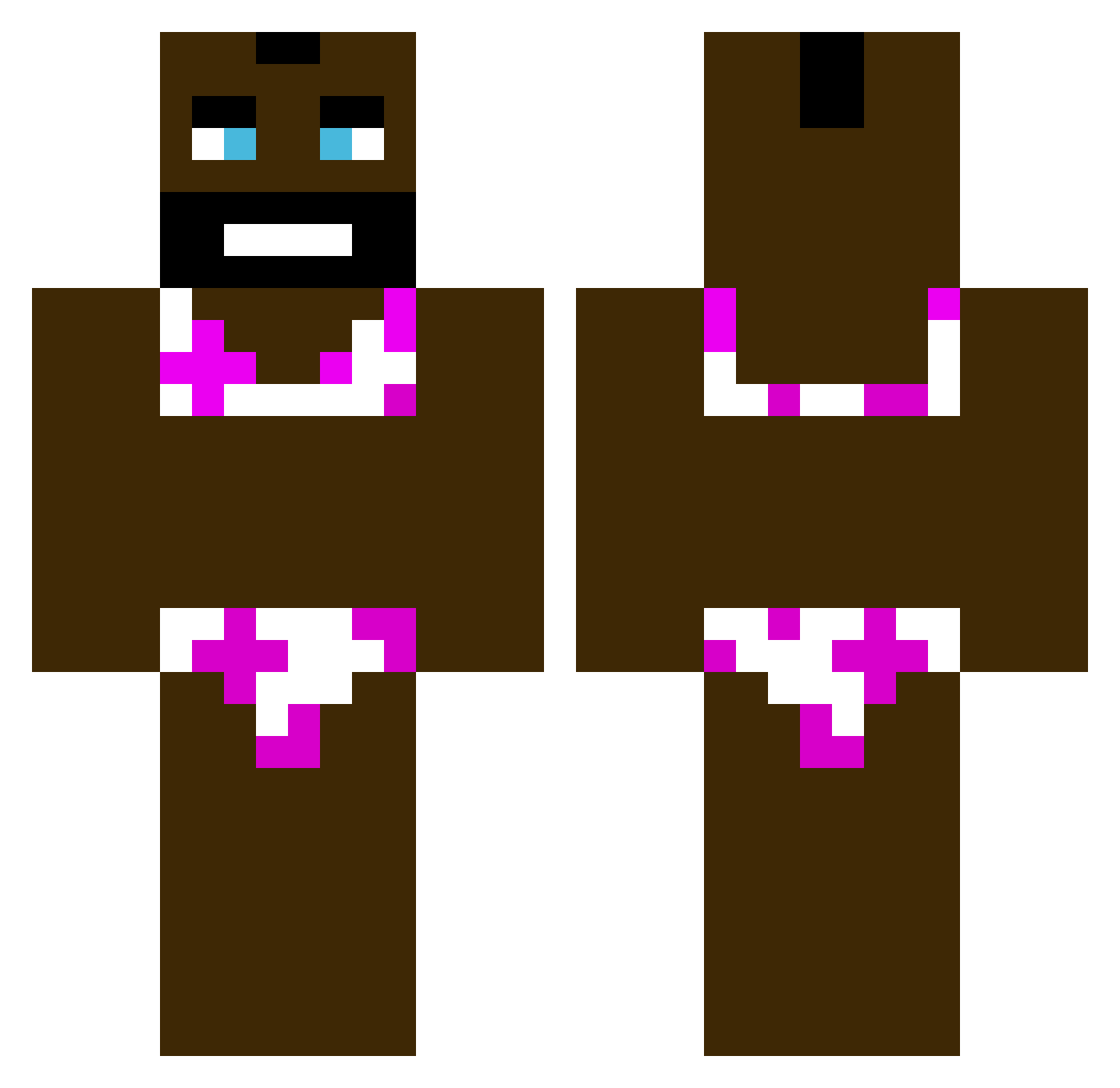
Current Minecraft skin of the player AjeaKiru, loaded from the official Mojang API. Rotate the 3D model with your mouse or finger, then download the skin as a PNG file and use it in Minecraft: Bedrock Edition or Java Edition for free. When AjeaKiru changes their skin, this page updates automatically and the old skin stays in the history below.
Other players with this skin (379)
AjeaKiru was the 253rd player we have seen with this skin, first spotted on 28.09.2026. The same skin was seen on these players. Open a nickname to see their current skin and skin history.
 luket517 N2XL KingArabu FlawlessKasper mat11sek tbez fktSS Donnerbacke Littleblud11AFK2 BIankMan r0mb0n Usoppthesniper Ejderiya35KC qdhyu GIRLPOWER1124 xpawelx201 SuJo_Strotty FentsFriend timacicek7 asdsdff GLowyyyyy alonso68elnoob SeaEye_ hyosubee Lennard0x0 jkdajksdalolasje MIKE3459 GirlyJanDoctor jaycuhz23 czrubygarnuch ryze_florian TheBIueStuff EATATPATTY Antoine_Le_Omar jabbe42069 BigCowBoyManGuy Enduro123 Buratmaker1738 bawkines TinyPancake IngrownLasagna Tysyn12 lostcyrill kayractns ErGufo ButtSnot youdaonekt EnzoderBabo SaikoMEOW DikWuad Duckyyy__ TotallyNotAndres GhostMan1121 elderlysteak RealBroski Wuzz_zzz ClipClopSector RevanX22 Yugiko_ bagietacziter
More Mr T Minecraft skins
How to install the AjeaKiru skin
- Press the Download button above to save the skin as a PNG file.
- Minecraft: Bedrock Edition (PE): open the Dressing Room from the main menu (or tap your character → Edit Character), go to Classic Skins → Owned, press the + (new skin) button, choose the downloaded PNG and pick the Classic (Steve) model. Works on PC and mobile; consoles cannot import custom skins.
- Minecraft: Java Edition: open the Minecraft Launcher, go to the Skins tab, click New Skin, load the PNG, pick the Classic (Steve) model and press Save & Use. You can also upload it at minecraft.net → Profile → Change Skin.
The skin does not show up after import - what should I do?
Restart Minecraft and open the Dressing Room again - imported skins sometimes appear only after a restart. Also make sure you selected the imported skin and picked the Classic (Steve) model.
Which model should I choose, Classic or Slim?
This skin is designed for the Classic (Steve) model. If you pick the wrong model, the arms of the skin will look stretched or squeezed.
Is the skin of AjeaKiru free to download?
Yes. Press Download, save the PNG file and use it in Minecraft: Bedrock Edition or Java Edition - no payment or registration needed. The skin also works on multiplayer servers and Realms.
More skins
Looking for more? Go back to all Minecraft skins and check the top skins of the week, month and all time, or find any player's skin by nickname.