
Aiden3113 - Minecraft Skins & Skin History
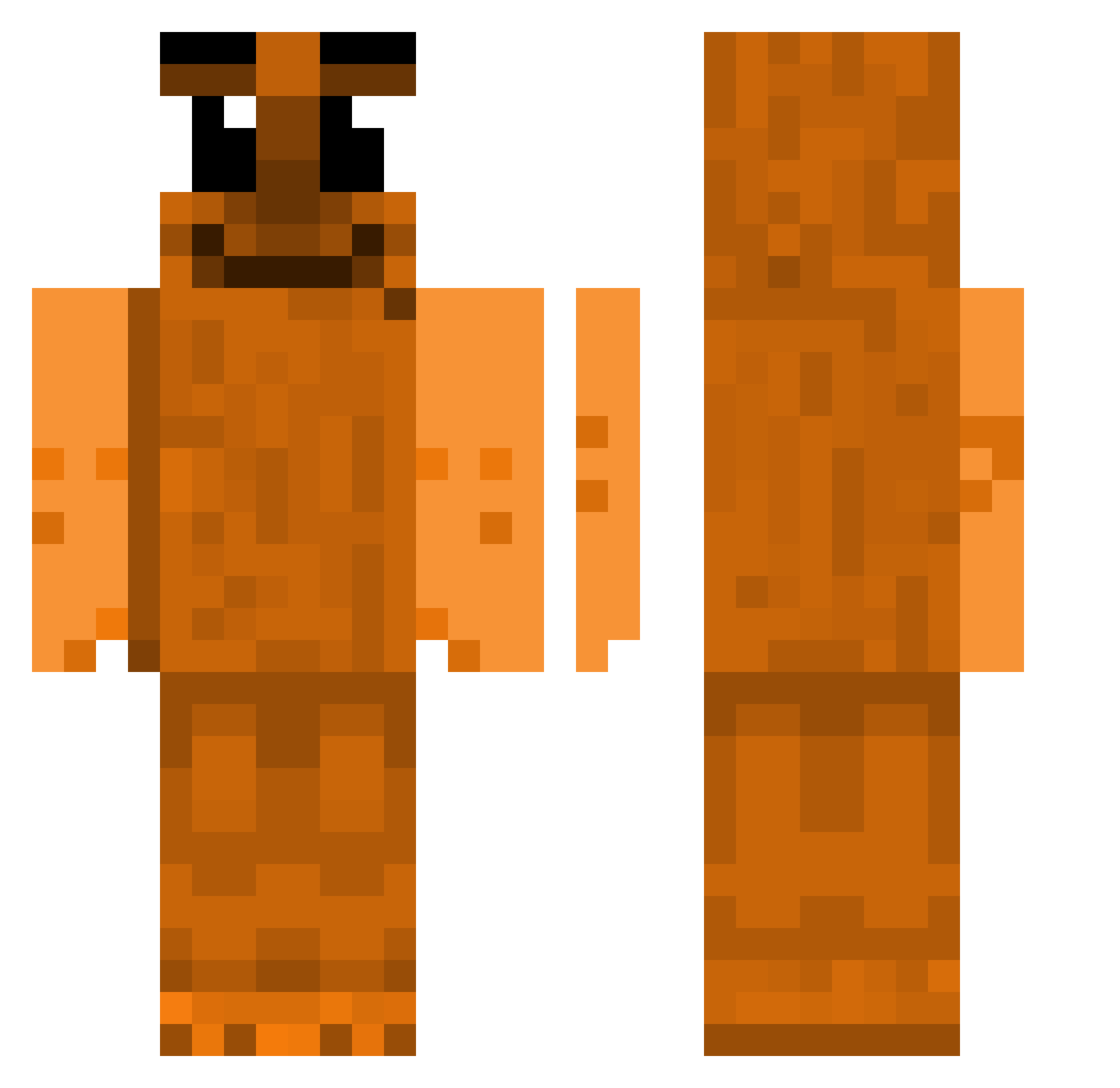
Current Minecraft skin of the player Aiden3113, loaded from the official Mojang API. Rotate the 3D model with your mouse or finger, then download the skin as a PNG file and use it in Minecraft: Bedrock Edition or Java Edition for free. When Aiden3113 changes their skin, this page updates automatically and the old skin stays in the history below.
Other players with this skin (101)
Aiden3113 was the 52nd player we have seen with this skin, first spotted on 24.09.2026. The same skin was seen on these players. Open a nickname to see their current skin and skin history.
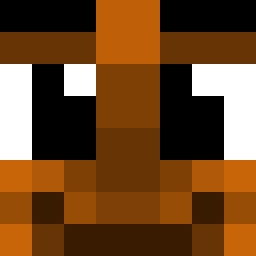 sbcnmd_cnmcnm EpicGamer610 aceludic EstPancake zSneaxx Ebbzi Juannma15 hou6 WarmChimp6369 gummywormsssss Fatpants2000 mioodzioo KenF1120 puurpple namunamunyan Eaglepcs CzokoJohn_67 jNikosj garylee21 IEatPanda DENI__S MEIRAJR ben7301 starzzyy Va1entia tungsuhur bader7169 peakjay xpendpe NewoLeets DillPickler62 HomogenousHotdog eidechse1983 TonkaJahari67 Kasz_tan CptCuttlefish22 ChurkaStrel Rafael31j DawsyGPG JesusJM11 XoKaiz TTBaseballman21 senpaip1mplord tuxxker Kimkw4120 lordbobo67 DinhersReady Ervaxx foreversosa skillzboi05 HatchFN elsze Flowigabri ng0csang9 Zebahlinni Tripl3T_ Luuth cookiePredator Flxxryy el_tumbavacas666
How to install the Aiden3113 skin
- Press the Download button above to save the skin as a PNG file.
- Minecraft: Bedrock Edition (PE): open the Dressing Room from the main menu (or tap your character → Edit Character), go to Classic Skins → Owned, press the + (new skin) button, choose the downloaded PNG and pick the Classic (Steve) model. Works on PC and mobile; consoles cannot import custom skins.
- Minecraft: Java Edition: open the Minecraft Launcher, go to the Skins tab, click New Skin, load the PNG, pick the Classic (Steve) model and press Save & Use. You can also upload it at minecraft.net → Profile → Change Skin.
The skin does not show up after import - what should I do?
Restart Minecraft and open the Dressing Room again - imported skins sometimes appear only after a restart. Also make sure you selected the imported skin and picked the Classic (Steve) model.
Which model should I choose, Classic or Slim?
This skin is designed for the Classic (Steve) model. If you pick the wrong model, the arms of the skin will look stretched or squeezed.
Is the skin of Aiden3113 free to download?
Yes. Press Download, save the PNG file and use it in Minecraft: Bedrock Edition or Java Edition - no payment or registration needed. The skin also works on multiplayer servers and Realms.
More skins
Looking for more? Go back to all Minecraft skins and check the top skins of the week, month and all time, or find any player's skin by nickname.