
8sun24 - Minecraft Skins & Skin History
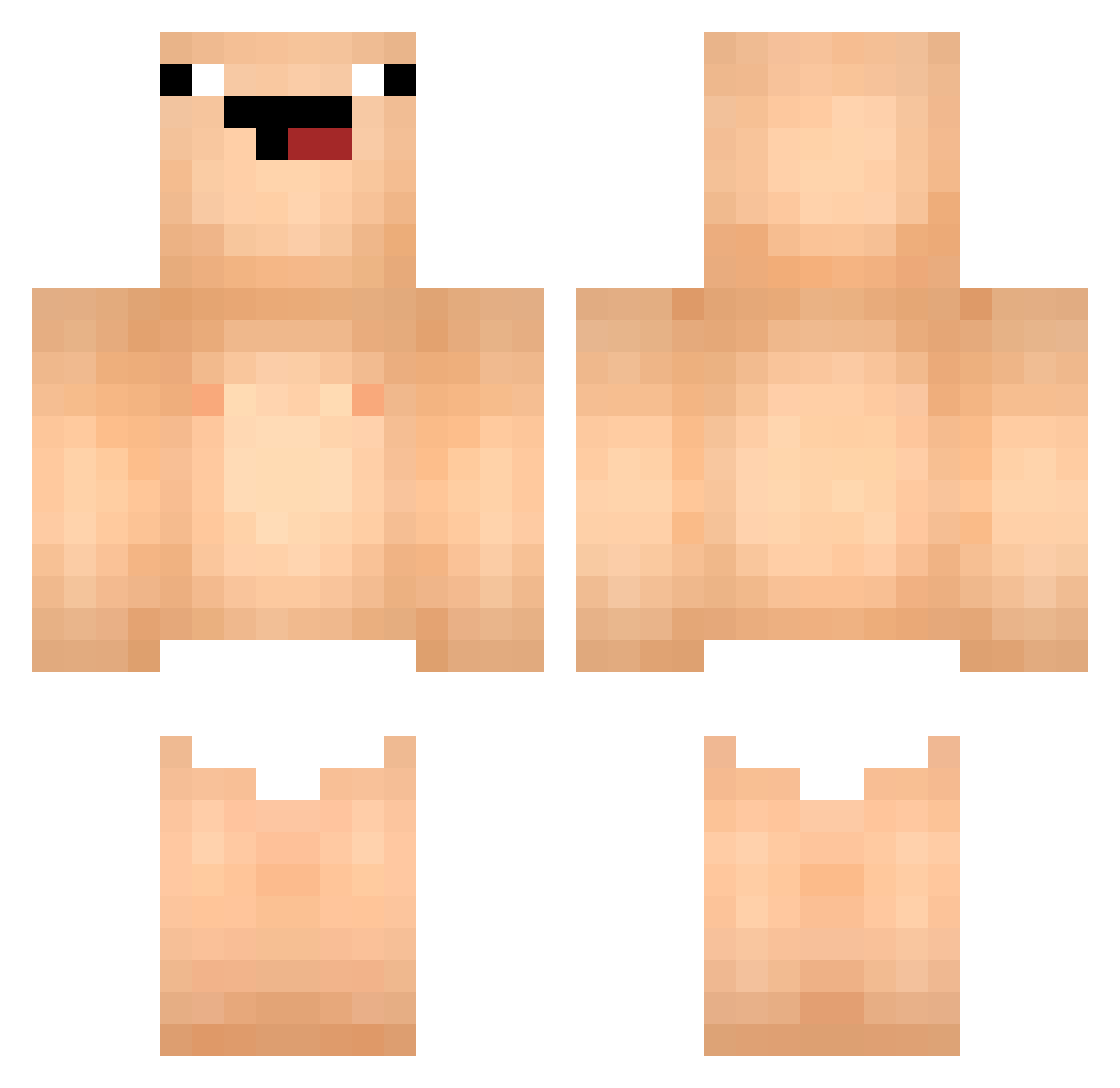
Current Minecraft skin of the player 8sun24, loaded from the official Mojang API. Rotate the 3D model with your mouse or finger, then download the skin as a PNG file and use it in Minecraft: Bedrock Edition or Java Edition for free. When 8sun24 changes their skin, this page updates automatically and the old skin stays in the history below.
Other players with this skin (75)
8sun24 was the 24th player we have seen with this skin, first spotted on 05.09.2026. The same skin was seen on these players. Open a nickname to see their current skin and skin history.
 Kbmdas Diegobest12 tsmgo_wg ryyzexx Black_Jerome Kahterdax Nequuer choyejun1 byeongsuri wonhee09 ojihwan67 ronguinho ljh8348_cca francostar9 BarrelSZN that1indian moonhate_ Bobbyzilla Nextzu banana3DA MPA3OTA1337 ggue0910 sheep910520 venfoo Cher1es 347Easton Skibidi_Stevey jeonwonseok Adr33n_ SuperDaGG8834 tzi_R9AYD_12_24 k1na1337 matimaton badllion amjaf luzillia engyuyan Henrynator4D pmj2618 Samf2111 X_Him VoiD_Edison kunkun__0805 DookBae shakebaby777 Gordoxgg dvdzql Hmm66 CanerReiz SadBuffer LUIZ01doyoutube Spyder_Manson auho0824 EnDeFPS Mur1l0_br JeanBaptisteM mustafaONG Ryan20574 XTIKTOKFAMOUS yushao0806
More Baby Minecraft skins
How to install the 8sun24 skin
- Press the Download button above to save the skin as a PNG file.
- Minecraft: Bedrock Edition (PE): open the Dressing Room from the main menu (or tap your character → Edit Character), go to Classic Skins → Owned, press the + (new skin) button, choose the downloaded PNG and pick the Classic (Steve) model. Works on PC and mobile; consoles cannot import custom skins.
- Minecraft: Java Edition: open the Minecraft Launcher, go to the Skins tab, click New Skin, load the PNG, pick the Classic (Steve) model and press Save & Use. You can also upload it at minecraft.net → Profile → Change Skin.
The skin does not show up after import - what should I do?
Restart Minecraft and open the Dressing Room again - imported skins sometimes appear only after a restart. Also make sure you selected the imported skin and picked the Classic (Steve) model.
Which model should I choose, Classic or Slim?
This skin is designed for the Classic (Steve) model. If you pick the wrong model, the arms of the skin will look stretched or squeezed.
Is the skin of 8sun24 free to download?
Yes. Press Download, save the PNG file and use it in Minecraft: Bedrock Edition or Java Edition - no payment or registration needed. The skin also works on multiplayer servers and Realms.
More skins
Looking for more? Go back to all Minecraft skins and check the top skins of the week, month and all time, or find any player's skin by nickname.