
702K3 - Minecraft Skins & Skin History
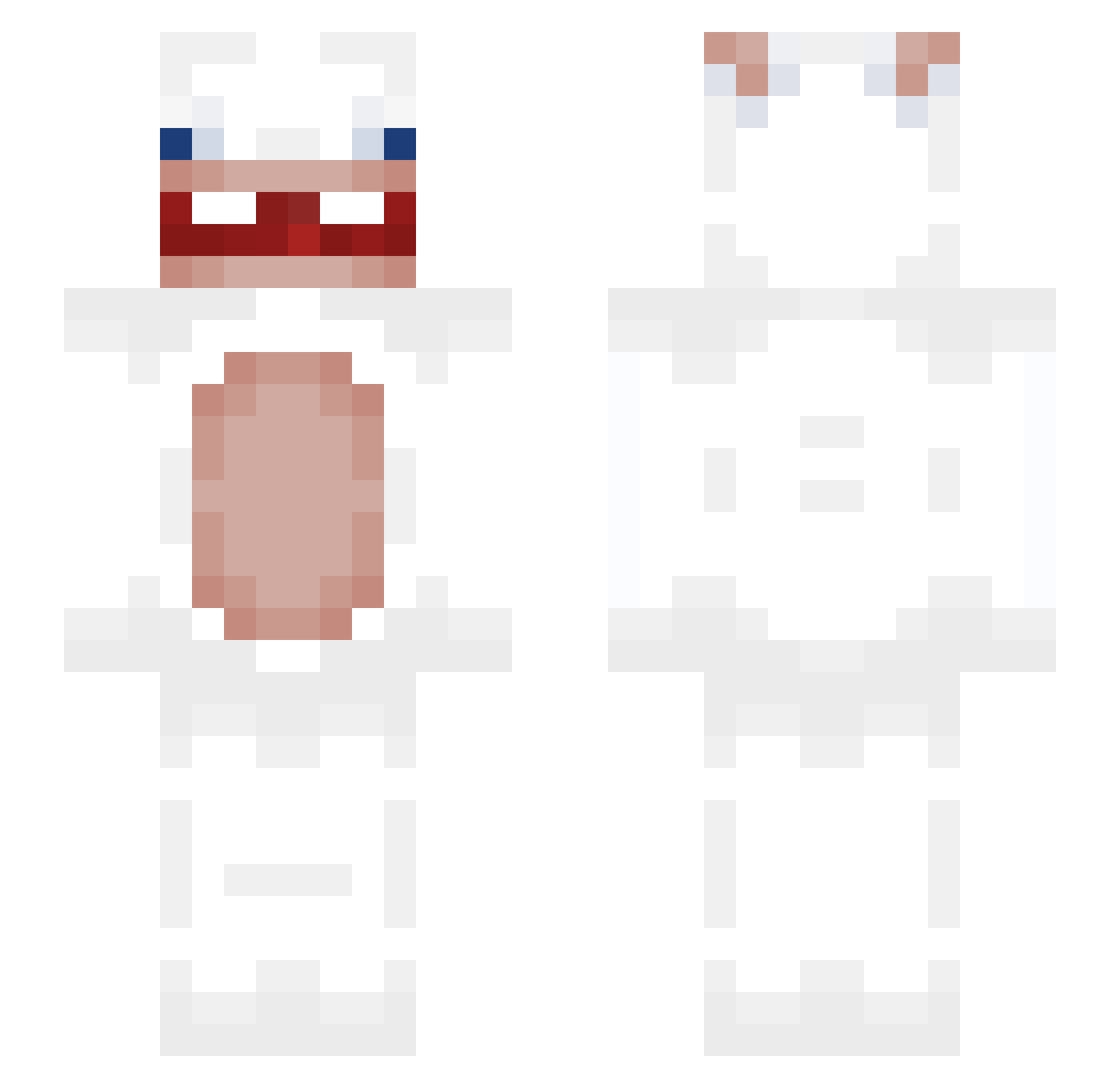
Current Minecraft skin of the player 702K3, loaded from the official Mojang API. Rotate the 3D model with your mouse or finger, then download the skin as a PNG file and use it in Minecraft: Bedrock Edition or Java Edition for free. When 702K3 changes their skin, this page updates automatically and the old skin stays in the history below.
Other players with this skin (290)
702K3 was the 247th player we have seen with this skin, first spotted on 06.10.2026. The same skin was seen on these players. Open a nickname to see their current skin and skin history.
 V7ZZ WildSquid13 ZionDoodXD xN07xR341x DamienTheBoss199 airminsu HEON11 tadis1989 Ar3khq Davides211 Annart007 maiki92 Tabasco09 BigEef Yolaah snow_fish_0306 daimlerShii Cynthia254 Hina1234 _moleeek34_ stampeechua2 springdaymay lisbenbel AloneHM southafricanbee Daxsy03 vertushkaN Taapupu2 TijmenSchalk Andy_Horps BabyGo ChesterLuo HogEA ZiegenSchiss Lijra rynrd ByAlbert24 Stellerminator Bores00 sachverhalten iAdriann0 edp448__ StagIsHere b00tyeatr Seethrought WUSHIBO GraduatedMarlin Poyica makeye 1122333546 TheXenT_ Maxeil55 NovaRages _DINK PatrickDH pve2 ConnorMcPenner drisrls iTakeGirlfriend fluxy684
More Rabbids Minecraft skins
How to install the 702K3 skin
- Press the Download button above to save the skin as a PNG file.
- Minecraft: Bedrock Edition (PE): open the Dressing Room from the main menu (or tap your character → Edit Character), go to Classic Skins → Owned, press the + (new skin) button, choose the downloaded PNG and pick the Slim (Alex) model. Works on PC and mobile; consoles cannot import custom skins.
- Minecraft: Java Edition: open the Minecraft Launcher, go to the Skins tab, click New Skin, load the PNG, pick the Slim (Alex) model and press Save & Use. You can also upload it at minecraft.net → Profile → Change Skin.
The skin does not show up after import - what should I do?
Restart Minecraft and open the Dressing Room again - imported skins sometimes appear only after a restart. Also make sure you selected the imported skin and picked the Slim (Alex) model.
Which model should I choose, Classic or Slim?
This skin is designed for the Slim (Alex) model. If you pick the wrong model, the arms of the skin will look stretched or squeezed.
Is the skin of 702K3 free to download?
Yes. Press Download, save the PNG file and use it in Minecraft: Bedrock Edition or Java Edition - no payment or registration needed. The skin also works on multiplayer servers and Realms.
More skins
Looking for more? Go back to all Minecraft skins and check the top skins of the week, month and all time, or find any player's skin by nickname.