
46dane46 - Minecraft Skins & Skin History
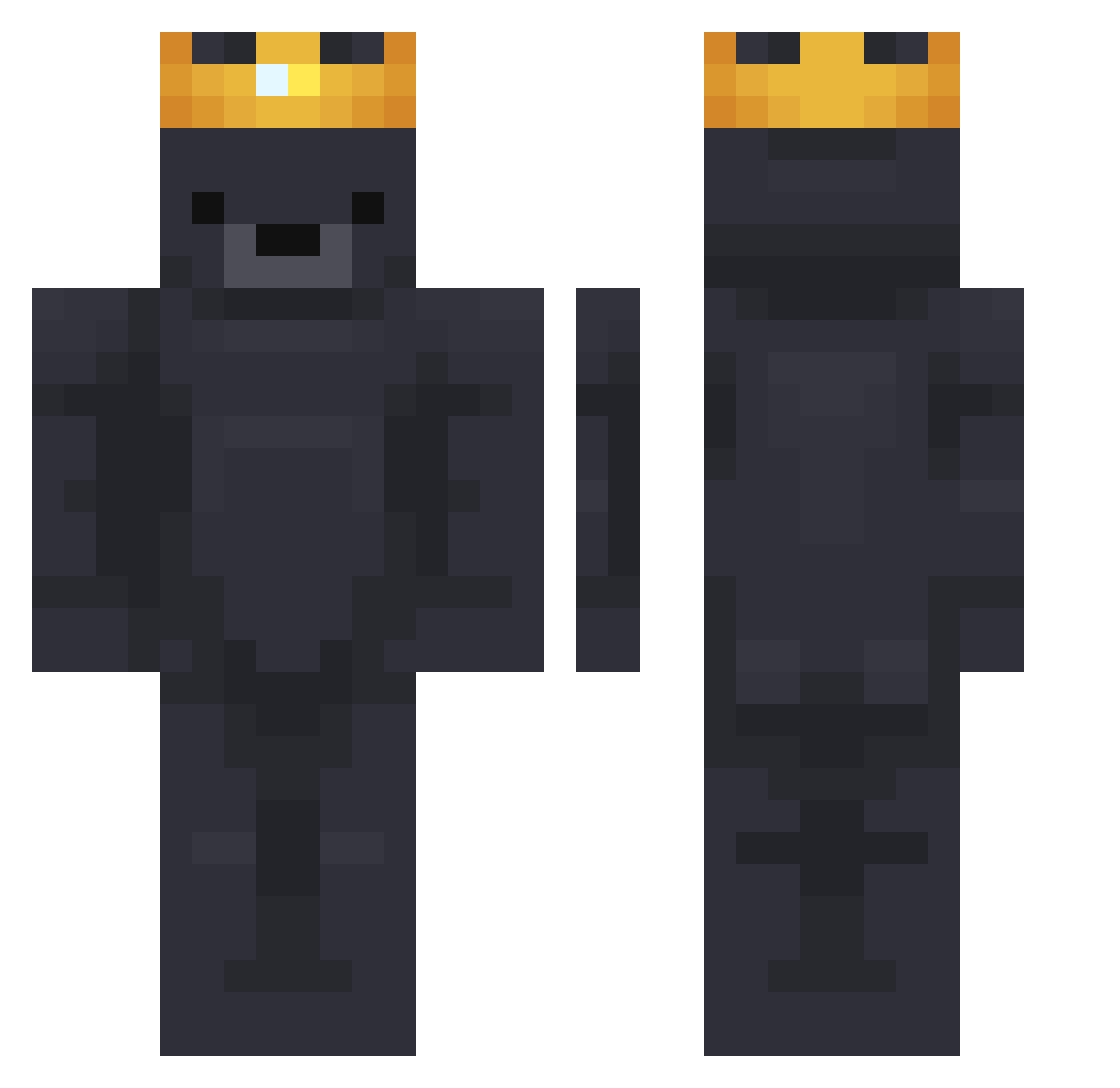
Current Minecraft skin of the player 46dane46, loaded from the official Mojang API. Rotate the 3D model with your mouse or finger, then download the skin as a PNG file and use it in Minecraft: Bedrock Edition or Java Edition for free. When 46dane46 changes their skin, this page updates automatically and the old skin stays in the history below.
Other players with this skin (904)
46dane46 was the 858th player we have seen with this skin, first spotted on 14.11.2026. The same skin was seen on these players. Open a nickname to see their current skin and skin history.
 constantpoet322 Fantacoke holidayhares Hoaxen_AKA_Aziz MCTIERS_ mlhb ajshadow_fn FastCabbage Halis AdroX_ Lardnard Lar1t Naxoo0o LabLab12138 EzDover1234 BengalC14 DiamondHaos chochomin0425 dalbongja Stanley_111 Eshvan olex_pro 12evet Tjobss AbbePierre lucx1090 andiwaslikeO_O fsou RynhoTV treee126 EVbaja Alanoose Kapapatrull CuckNorris Woongzzang KingGrizz69 GabrecBR SongDoHEEzzzz MasterOfLasers ZenXinFu ZyronMg Sindayo331 lmaobye Deadpool0102 teo__0 eGrizzlyy Trxy01 Rhiannon2194 Damonsta0 KillerGames15 dasKadse AlexM22 Yoouh26 billytheduck23 stucadoor toaztyylol Keylogs Jim_P_Gornge Manhugo Vaslilsck
More Crown Minecraft skins
How to install the 46dane46 skin
- Press the Download button above to save the skin as a PNG file.
- Minecraft: Bedrock Edition (PE): open the Dressing Room from the main menu (or tap your character → Edit Character), go to Classic Skins → Owned, press the + (new skin) button, choose the downloaded PNG and pick the Classic (Steve) model. Works on PC and mobile; consoles cannot import custom skins.
- Minecraft: Java Edition: open the Minecraft Launcher, go to the Skins tab, click New Skin, load the PNG, pick the Classic (Steve) model and press Save & Use. You can also upload it at minecraft.net → Profile → Change Skin.
The skin does not show up after import - what should I do?
Restart Minecraft and open the Dressing Room again - imported skins sometimes appear only after a restart. Also make sure you selected the imported skin and picked the Classic (Steve) model.
Which model should I choose, Classic or Slim?
This skin is designed for the Classic (Steve) model. If you pick the wrong model, the arms of the skin will look stretched or squeezed.
Is the skin of 46dane46 free to download?
Yes. Press Download, save the PNG file and use it in Minecraft: Bedrock Edition or Java Edition - no payment or registration needed. The skin also works on multiplayer servers and Realms.
More skins
Looking for more? Go back to all Minecraft skins and check the top skins of the week, month and all time, or find any player's skin by nickname.