
3milyPro - Minecraft Skins & Skin History
Current Minecraft skin of the player 3milyPro, loaded from the official Mojang API. Rotate the 3D model with your mouse or finger, then download the skin as a PNG file and use it in Minecraft: Bedrock Edition or Java Edition for free. When 3milyPro changes their skin, this page updates automatically and the old skin stays in the history below.
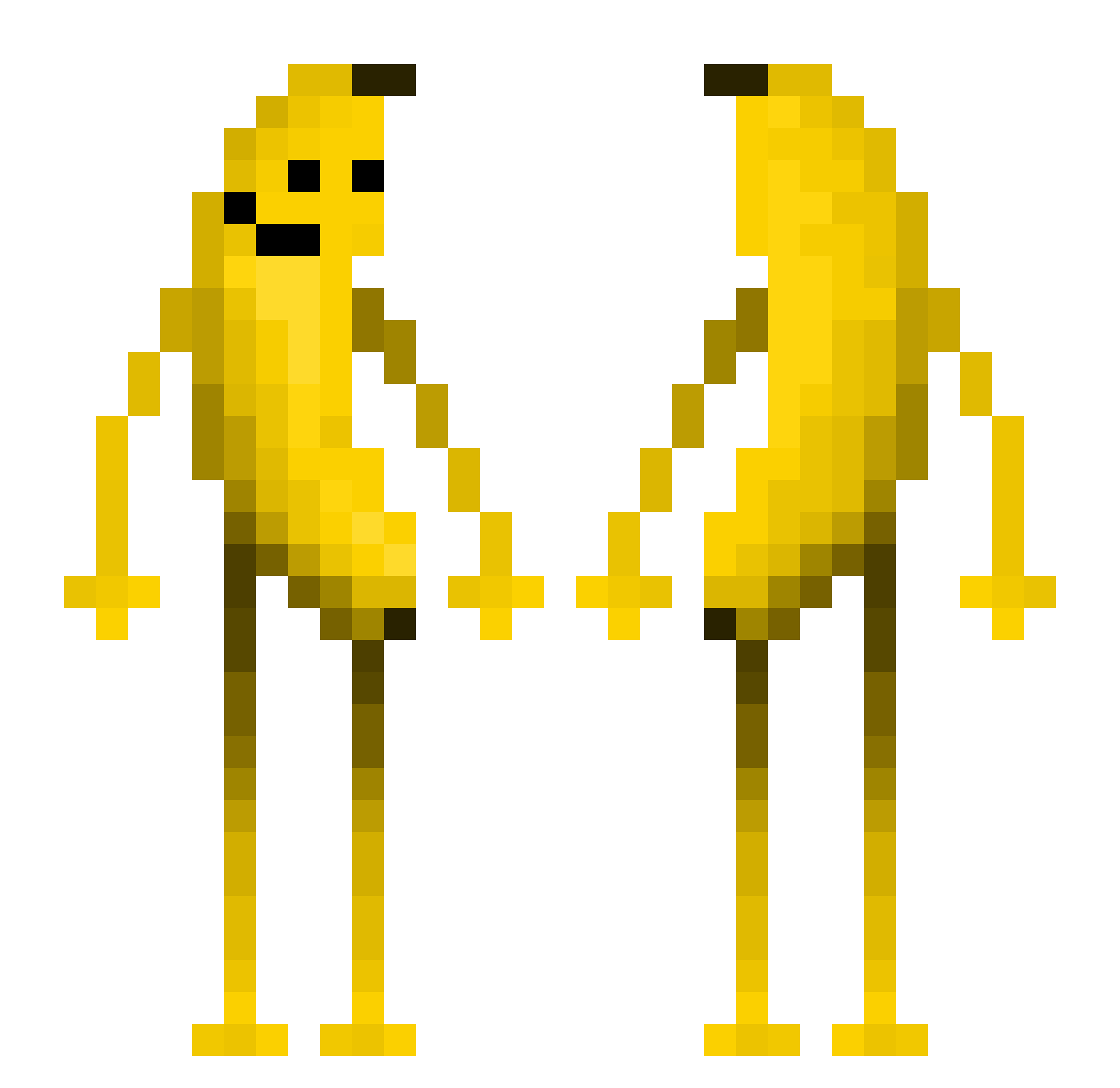
Other players with this skin (558)
3milyPro was the 48th player we have seen with this skin, first spotted on 01.08.2026. The same skin was seen on these players. Open a nickname to see their current skin and skin history.
 Slaloum notcuriousgeorge LcDx cornji H7HQ ButterMilkP JFjoy Maleui ossibossi09 Hydreenfer_ _SewerRoach_ SixReds 4kum4 xiaodu88666 moonlight5146 bhopisbackx sevdaperr ahahoh simreign easycure SGwayne romanceanddesire PORTUGALpatch Spinersam Gunnar512 RStraw okikikikiki BeyoungshinSaeki kudlaty47 nimabeigougun aiselec HardbassAdidas Rain028 nini__panini FumblingShaky120 Kurat_exe ConnorDowney Chickenpasta215 Baassieboy Masa077 HellDog_ Tostito2010 G_Man9477 cookiegever 2cmisoveraverage Reaperking34 phatam yinyuxi Muehlomat Jima02 likemyke76 Lekreb98 Mayosaan fpsbean ChubbySubdued372 DustNik Lukysek11
 itz_3bsh xmslt0818 Dinglebob2005
More Fruit Minecraft skins
How to install the 3milyPro skin
- Press the Download button above to save the skin as a PNG file.
- Minecraft: Bedrock Edition (PE): open the Dressing Room from the main menu (or tap your character → Edit Character), go to Classic Skins → Owned, press the + (new skin) button, choose the downloaded PNG and pick the Classic (Steve) model. Works on PC and mobile; consoles cannot import custom skins.
- Minecraft: Java Edition: open the Minecraft Launcher, go to the Skins tab, click New Skin, load the PNG, pick the Classic (Steve) model and press Save & Use. You can also upload it at minecraft.net → Profile → Change Skin.
The skin does not show up after import - what should I do?
Restart Minecraft and open the Dressing Room again - imported skins sometimes appear only after a restart. Also make sure you selected the imported skin and picked the Classic (Steve) model.
Which model should I choose, Classic or Slim?
This skin is designed for the Classic (Steve) model. If you pick the wrong model, the arms of the skin will look stretched or squeezed.
Is the skin of 3milyPro free to download?
Yes. Press Download, save the PNG file and use it in Minecraft: Bedrock Edition or Java Edition - no payment or registration needed. The skin also works on multiplayer servers and Realms.
More skins
Looking for more? Go back to all Minecraft skins and check the top skins of the week, month and all time, or find any player's skin by nickname.