
299ping8cps - Minecraft Skins & Skin History
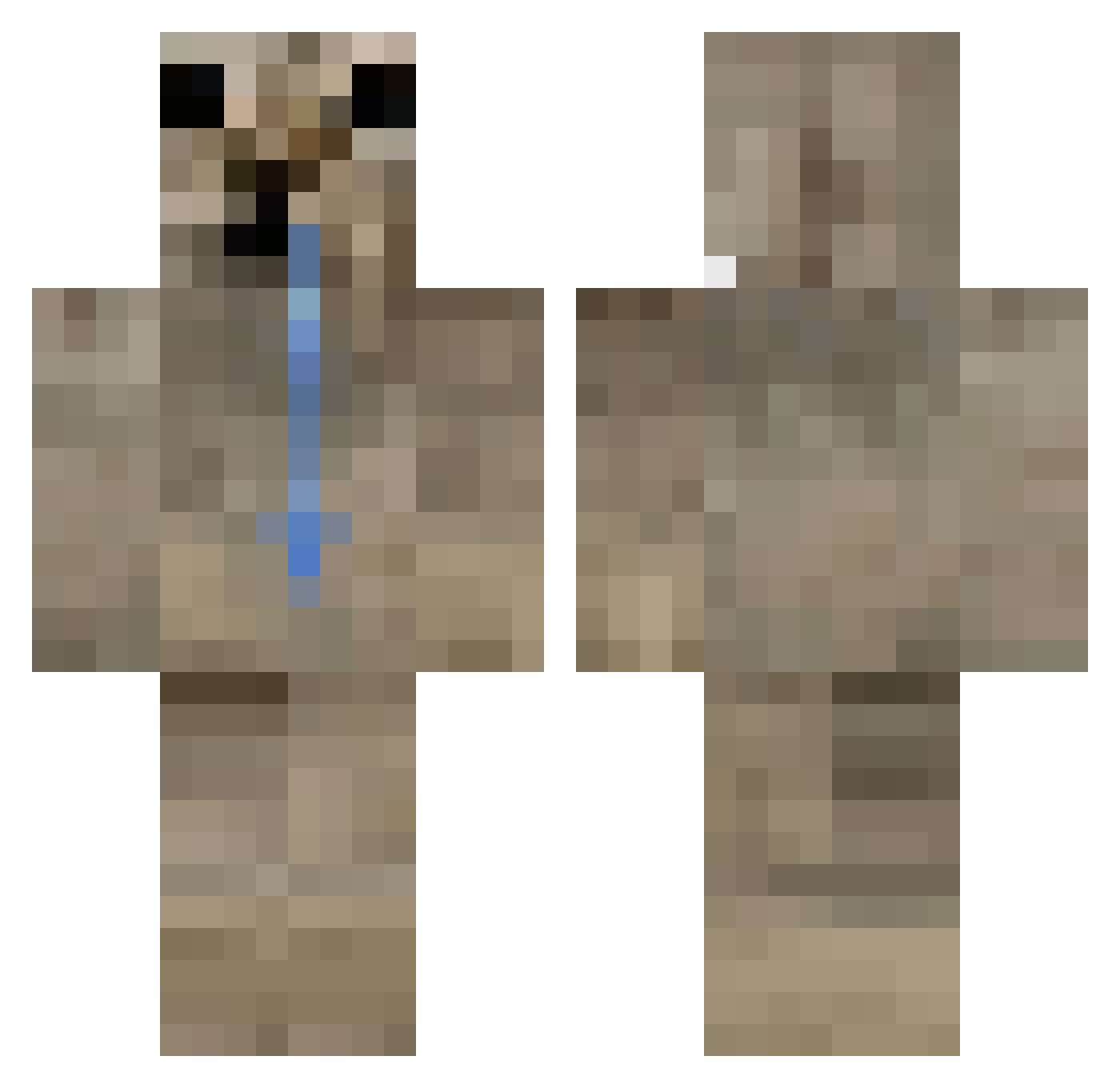
Current Minecraft skin of the player 299ping8cps, loaded from the official Mojang API. Rotate the 3D model with your mouse or finger, then download the skin as a PNG file and use it in Minecraft: Bedrock Edition or Java Edition for free. When 299ping8cps changes their skin, this page updates automatically and the old skin stays in the history below.
Other players with this skin (438)
299ping8cps was the 165th player we have seen with this skin, first spotted on 02.09.2026. The same skin was seen on these players. Open a nickname to see their current skin and skin history.
 Zasfadwsqd bogumal
 UhBoss 60es ema1636 KJMufasa BilbreyIsBilbrey luccaacb Bumbuga jihoon66 KongLouis KarnosPL indkm Nrero Tolokid hxs_prime PeteWplays jeffyfansml99 gamermiron maryoum bbbbingus dppwq PlanetonMC alstjd231 xrvqz insomnniiac o_Frosti QuocTri3667 MoonRetreat1ng Dantx_s11 lazydolphins Turtamunelli Tobbitoo r4maa hxnzinho BidCave _Majoreon UNLIKELY_DEAD Kubus222 _Onur hezecu StaDormida sssaltpottt Balkanika JetDevilGamerYT
 LucasCAM7112 Gurglopulp TrueBoredom wagadoobee ChomboTron Elpichulitaa Koomers slugfruitss schleembus K0NCHIK hyuppk R3ALITI3S EDLOSI EvaTheDookie
 Vipdude13
How to install the 299ping8cps skin
- Press the Download button above to save the skin as a PNG file.
- Minecraft: Bedrock Edition (PE): open the Dressing Room from the main menu (or tap your character → Edit Character), go to Classic Skins → Owned, press the + (new skin) button, choose the downloaded PNG and pick the Classic (Steve) model. Works on PC and mobile; consoles cannot import custom skins.
- Minecraft: Java Edition: open the Minecraft Launcher, go to the Skins tab, click New Skin, load the PNG, pick the Classic (Steve) model and press Save & Use. You can also upload it at minecraft.net → Profile → Change Skin.
The skin does not show up after import - what should I do?
Restart Minecraft and open the Dressing Room again - imported skins sometimes appear only after a restart. Also make sure you selected the imported skin and picked the Classic (Steve) model.
Which model should I choose, Classic or Slim?
This skin is designed for the Classic (Steve) model. If you pick the wrong model, the arms of the skin will look stretched or squeezed.
Is the skin of 299ping8cps free to download?
Yes. Press Download, save the PNG file and use it in Minecraft: Bedrock Edition or Java Edition - no payment or registration needed. The skin also works on multiplayer servers and Realms.
More skins
Looking for more? Go back to all Minecraft skins and check the top skins of the week, month and all time, or find any player's skin by nickname.