
0a_ky - Minecraft Skins & Skin History
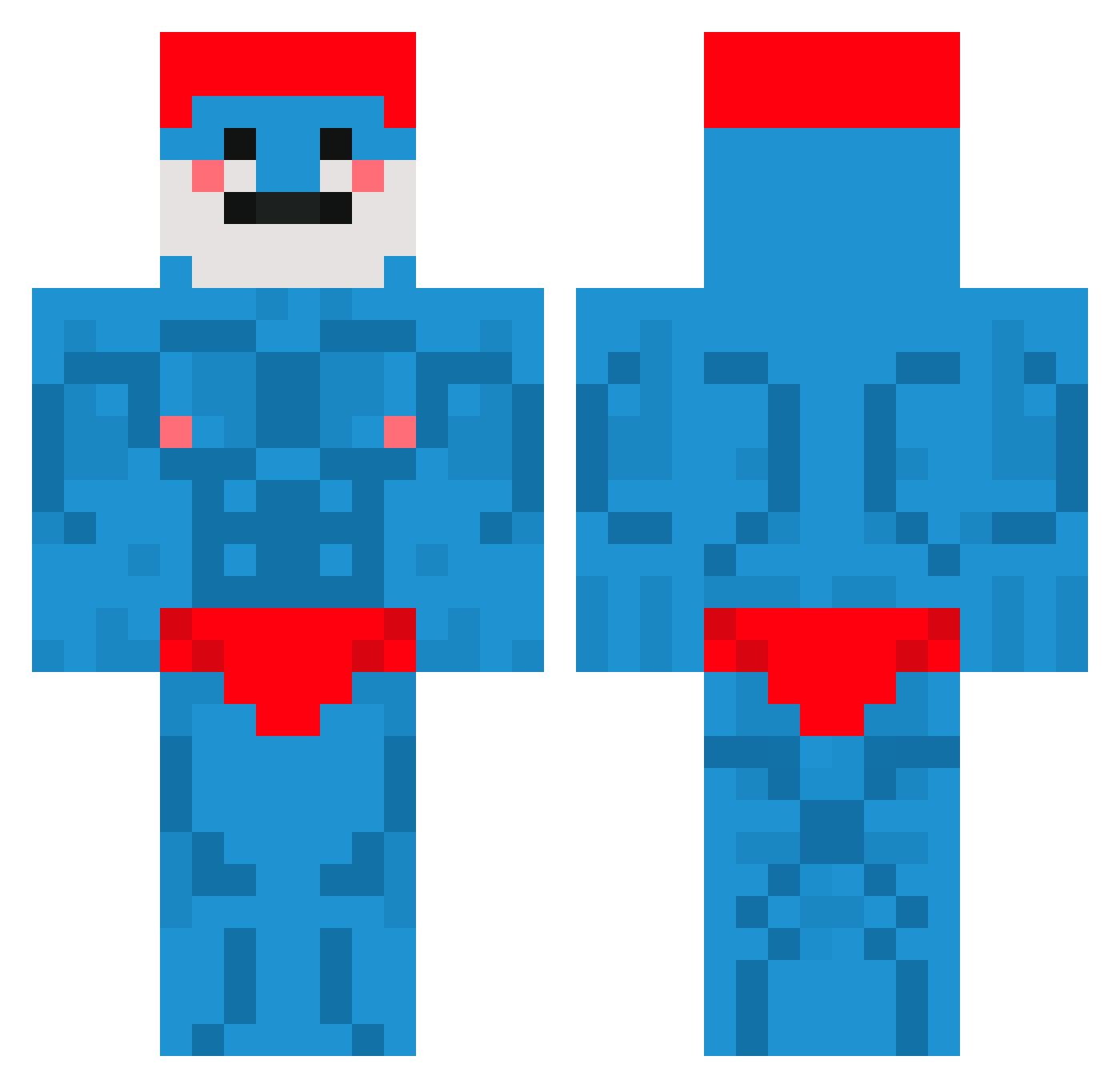
Current Minecraft skin of the player 0a_ky, loaded from the official Mojang API. Rotate the 3D model with your mouse or finger, then download the skin as a PNG file and use it in Minecraft: Bedrock Edition or Java Edition for free. When 0a_ky changes their skin, this page updates automatically and the old skin stays in the history below.
Other players with this skin (819)
0a_ky was the 663rd player we have seen with this skin, first spotted on 01.11.2026. The same skin was seen on these players. Open a nickname to see their current skin and skin history.
 SplashSmurk Gibby_Gibster Kaeeper GuilleDB unvurrt DiDasDamas irisS230 slientwarrior1 GMan2012turtle24 wonchanklej craftgaming737 aloe061201 IAMAMUNCH4L Tongsouple Hasbulla15 YGSHOGUN FewlieDaGuy Deduux HaciVendetta Hockeymasterzach Kartoffel_____ AlfaWolf7776749 theflash955432 Spyrosmaiden Piernik9009 Reyyyy_ RamboRancid Nethano123 LeRadis Vetrhald Sachiko_Kirito stolbovvv BlueXD_XD Toasted_B4ead __Gleith__ HotCheetos4503 jstxry Viccert Borderquale Blarn1984 Leyouyou__ Mr_Electro08 strumf007 edooc saeed_syr1502 ALANDROXXX Envynoise YOON_JAE_WON JeffTheFruit gordonjames lyatil ThuggyTozz canerylmz HLGspike poepvlek_69 KiwiTuWiwi CoreB zatchbell500 BlackEnderman25 Feency
More Bodybuilder Minecraft skins
See all 1342 Bodybuilder skins
How to install the 0a_ky skin
- Press the Download button above to save the skin as a PNG file.
- Minecraft: Bedrock Edition (PE): open the Dressing Room from the main menu (or tap your character → Edit Character), go to Classic Skins → Owned, press the + (new skin) button, choose the downloaded PNG and pick the Classic (Steve) model. Works on PC and mobile; consoles cannot import custom skins.
- Minecraft: Java Edition: open the Minecraft Launcher, go to the Skins tab, click New Skin, load the PNG, pick the Classic (Steve) model and press Save & Use. You can also upload it at minecraft.net → Profile → Change Skin.
The skin does not show up after import - what should I do?
Restart Minecraft and open the Dressing Room again - imported skins sometimes appear only after a restart. Also make sure you selected the imported skin and picked the Classic (Steve) model.
Which model should I choose, Classic or Slim?
This skin is designed for the Classic (Steve) model. If you pick the wrong model, the arms of the skin will look stretched or squeezed.
Is the skin of 0a_ky free to download?
Yes. Press Download, save the PNG file and use it in Minecraft: Bedrock Edition or Java Edition - no payment or registration needed. The skin also works on multiplayer servers and Realms.
More skins
Looking for more? Go back to all Minecraft skins and check the top skins of the week, month and all time, or find any player's skin by nickname.