
00_darius - Minecraft Skins & Skin History
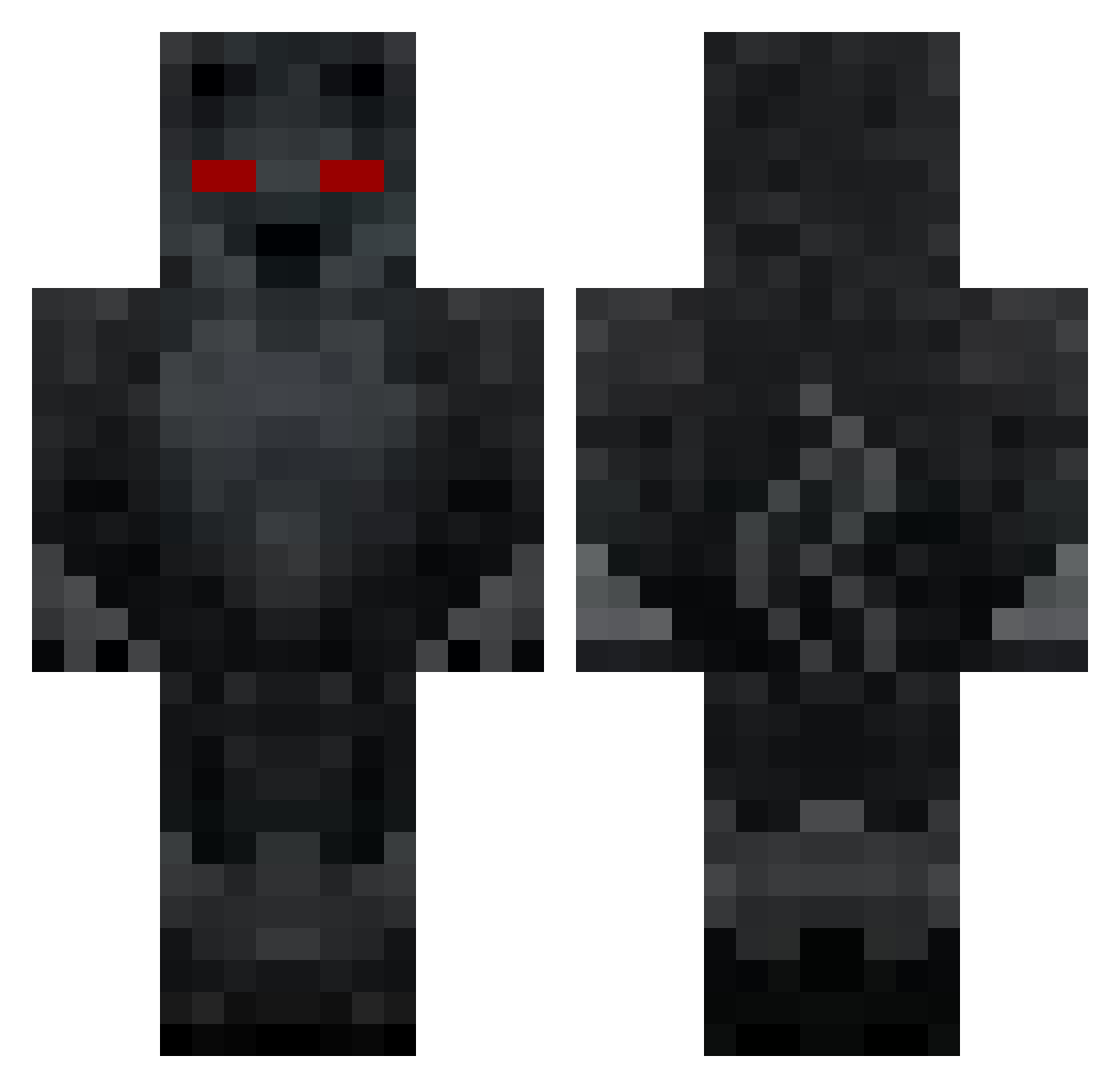
Current Minecraft skin of the player 00_darius, loaded from the official Mojang API. Rotate the 3D model with your mouse or finger, then download the skin as a PNG file and use it in Minecraft: Bedrock Edition or Java Edition for free. When 00_darius changes their skin, this page updates automatically and the old skin stays in the history below.
Other players with this skin (41)
00_darius was the 31st player we have seen with this skin, first spotted on 03.10.2026. The same skin was seen on these players. Open a nickname to see their current skin and skin history.
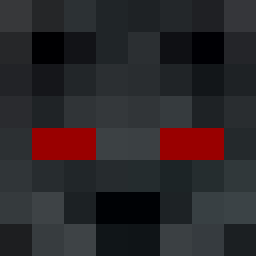 OnlyVERZIDE 240fps 1yng fwcus maconhade20 yourmom23 Carlinhoos zzuiy tired_senses akamelokeef Haxzaooo7_ zSlesh_ MithyBR Thvndery RussianDreamer_ glory0800 JAPADAVP Tqssed VaryMonkey thankyoukindsir GAMJABEAM zL1GHTTz_ Rynxc Nypsi_MX1OWPu Bilajz Attacker23 znby Mortally Varkame ZzjpsuraimuUHczZ
 BlueSlimePL imHbcBiceps Squueze yungbrae EzBucksz_ Admittee hamdonggeun FiveJing Micrify faxshw HunthMan
More Werewolf Minecraft skins
How to install the 00_darius skin
- Press the Download button above to save the skin as a PNG file.
- Minecraft: Bedrock Edition (PE): open the Dressing Room from the main menu (or tap your character → Edit Character), go to Classic Skins → Owned, press the + (new skin) button, choose the downloaded PNG and pick the Classic (Steve) model. Works on PC and mobile; consoles cannot import custom skins.
- Minecraft: Java Edition: open the Minecraft Launcher, go to the Skins tab, click New Skin, load the PNG, pick the Classic (Steve) model and press Save & Use. You can also upload it at minecraft.net → Profile → Change Skin.
The skin does not show up after import - what should I do?
Restart Minecraft and open the Dressing Room again - imported skins sometimes appear only after a restart. Also make sure you selected the imported skin and picked the Classic (Steve) model.
Which model should I choose, Classic or Slim?
This skin is designed for the Classic (Steve) model. If you pick the wrong model, the arms of the skin will look stretched or squeezed.
Is the skin of 00_darius free to download?
Yes. Press Download, save the PNG file and use it in Minecraft: Bedrock Edition or Java Edition - no payment or registration needed. The skin also works on multiplayer servers and Realms.
More skins
Looking for more? Go back to all Minecraft skins and check the top skins of the week, month and all time, or find any player's skin by nickname.