
 Gorotafe Ragna_black Pname23 The_MisterFurtif Gabimaru_Saku Ranveer7391 popol42069 GsppLz TheoRex06 Sergionr22 Garr0sh Tomatto56 brysn9 Rubensil26 Tostman NewLeo Dearcito Okrim07 Ibrassjb Miclangelo0210 MoeMazingMasonYT Yescudi Yaircentral vetate shiroihako Wario_Player Tomer080 Swinxx Bakari_konte CenturyCR Gaodiaz tobE_Asta xvladex Yikersssssssss Lensslo VINSMOG __KK__ Mygalon01_ Eisyu1002 4eyvx NOTS8 FriendshipCheeta WPeibolW ginko51 Eikyy Cip47 Szaszqa MushySanji DBCOOPER17 Lafaiko Goriren2803 itzkrysiis shabjdeed00 LazuraGaming ItharDePhilae Boss_Slayer101 yasinyagmur0 Mikatsuki512 noitceneZ Bilunk
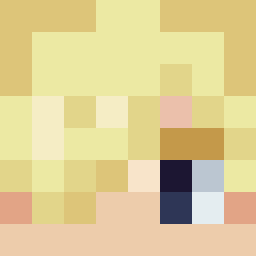
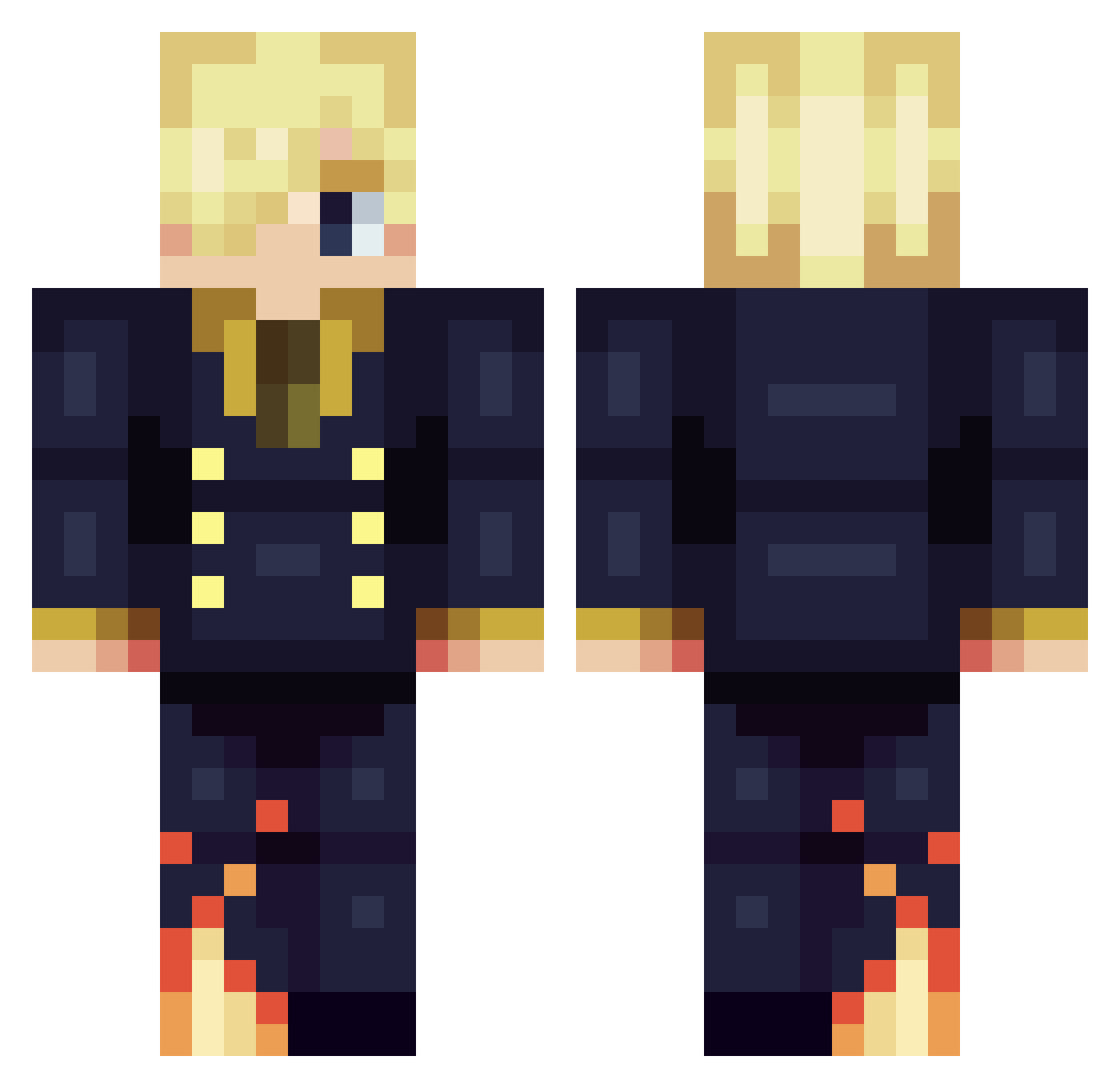
Minecraft skin of sunderboy05. Rotate the 3D model with your mouse or finger to view the skin from every angle, then download it as a PNG file and use it in Minecraft: Bedrock Edition or Java Edition for free. Rate the skin with stars to help other players find the best skins in our collection.
How to install the sunderboy05 skin
- Press the Download button above to save the skin as a PNG file.
- Minecraft: Bedrock Edition (PE): open the Dressing Room from the main menu (or tap your character → Edit Character), go to Classic Skins → Owned, press the + (new skin) button, choose the downloaded PNG and pick the Classic (Steve) model. Works on PC and mobile; consoles cannot import custom skins.
- Minecraft: Java Edition: open the Minecraft Launcher, go to the Skins tab, click New Skin, load the PNG, pick the Classic (Steve) model and press Save & Use. You can also upload it at minecraft.net → Profile → Change Skin.
The skin does not show up after import - what should I do?
Restart Minecraft and open the Dressing Room again - imported skins sometimes appear only after a restart. Also make sure you selected the imported skin and picked the Classic (Steve) model.
Which model should I choose, Classic or Slim?
This skin is designed for the Classic (Steve) model. If you pick the wrong model, the arms of the skin will look stretched or squeezed.
Is this skin free to use?
Yes. Press Download, save the PNG file and use it in Minecraft: Bedrock Edition or Java Edition - no payment or registration needed. The skin also works on multiplayer servers and Realms.
More Sanji Minecraft skins
More skins
Looking for more? Go back to all Minecraft skins and check the top skins of the week, month and all time, or find any player's skin by nickname.