
 Wolfe359 peper TheModMaker113 jodoma kobetdm ZuChannel 2ndscott ells_123_ poopyhead2007 Jameson6 Lion18 wistowsquid monkeyman154 kman1974 fetusconsumer400 Aforamazing1 lego_master_2005 milobenkaplan Regert Evanpickaxe BenM_45 gompers1 s0ubtheboob outdoorsman27 Huffychip KiwiCamNZ ABcre8 wipeoutkid sprgirlgamer18 achmedduvkov Erick3_0 gagefry04 kdj2221 xX894Xx GhostRoaster100 BlackHaxer B_Saroya dylanw100 XbluefirezX cookiesteve9 MasterMine419 Blockloxx whitekirem superpiggy2 PolicemanChuckle DragonRPZ SkyzaLimit Crosbysweater Marko5000 JaynJavon ghhh53 Elfery diamondminecarte liyu1234 dancbm Kbrooks2006 alejandrotejada JohnRose00 TumbleweedGG Wyattgreen
Minecraft skin of NATETGM. Rotate the 3D model with your mouse or finger to view the skin from every angle, then download it as a PNG file and use it in Minecraft: Bedrock Edition or Java Edition for free. Rate the skin with stars to help other players find the best skins in our collection.
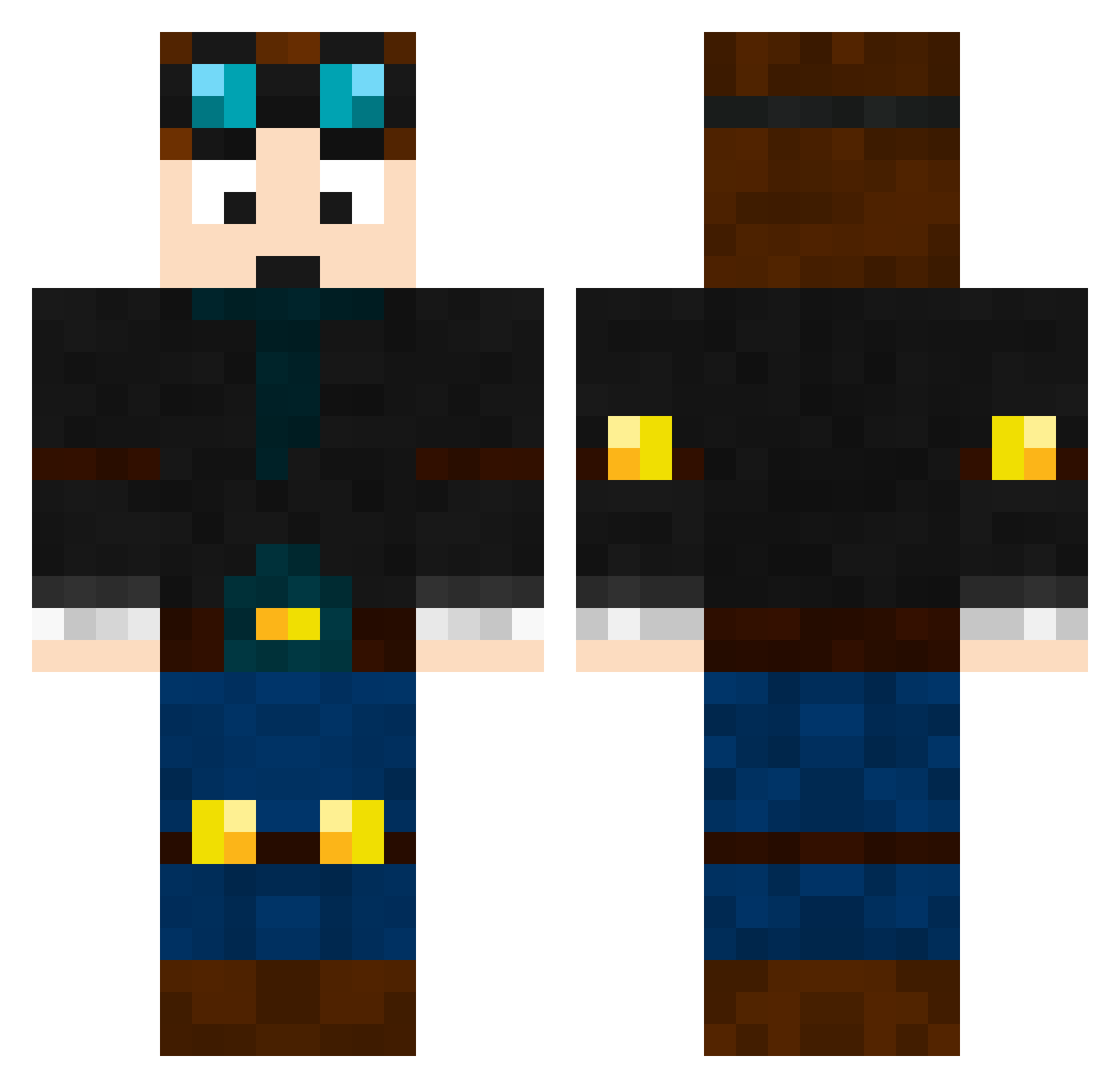
How to install the NATETGM skin
- Press the Download button above to save the skin as a PNG file.
- Minecraft: Bedrock Edition (PE): open the Dressing Room from the main menu (or tap your character → Edit Character), go to Classic Skins → Owned, press the + (new skin) button, choose the downloaded PNG and pick the Classic (Steve) model. Works on PC and mobile; consoles cannot import custom skins.
- Minecraft: Java Edition: open the Minecraft Launcher, go to the Skins tab, click New Skin, load the PNG, pick the Classic (Steve) model and press Save & Use. You can also upload it at minecraft.net → Profile → Change Skin.
The skin does not show up after import - what should I do?
Restart Minecraft and open the Dressing Room again - imported skins sometimes appear only after a restart. Also make sure you selected the imported skin and picked the Classic (Steve) model.
Which model should I choose, Classic or Slim?
This skin is designed for the Classic (Steve) model. If you pick the wrong model, the arms of the skin will look stretched or squeezed.
Is this skin free to use?
Yes. Press Download, save the PNG file and use it in Minecraft: Bedrock Edition or Java Edition - no payment or registration needed. The skin also works on multiplayer servers and Realms.
More Engineer Minecraft skins
More skins
Looking for more? Go back to all Minecraft skins and check the top skins of the week, month and all time, or find any player's skin by nickname.