
 submarin3r Sv20bPE88r9YESv2 AmAM7 CATJIE Frxsty4Real Kangdaehan1211 Matscuil Falling19 sekiro213 FF1C _J4ce_ May988 Skywalker5730 unkhr haresora_air Maurice_sre sosimsaja Ansel__1 FunTimes20101 Shadowekk_ tybsy oYakshaa sou2359 Metralha8 LordFabian17 heyin0730 zqnnyy mengli11 Papazito69 bujieee nono1209 Creeeoo Oxykores abmystery Jonas6345 AlanCar07 Riceyboi Unknovus ZEROULTRAMAN Stelar_24 Hezzu__ GiulioFecondo_ Ryere_0216 WalnussGelenk P1KY4 El_Tobio_ kyo206 codyacuite stoneflower1410 adios43 DontLooK1010 Pradyotff BlackSilvers RackLkinG kimjonguntoONIX Pinsel10 rune_lunar GGboy212 AintThatKrazy D4rk_God
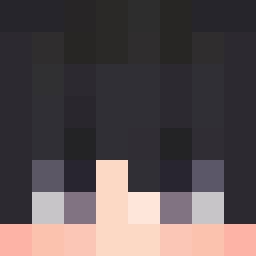
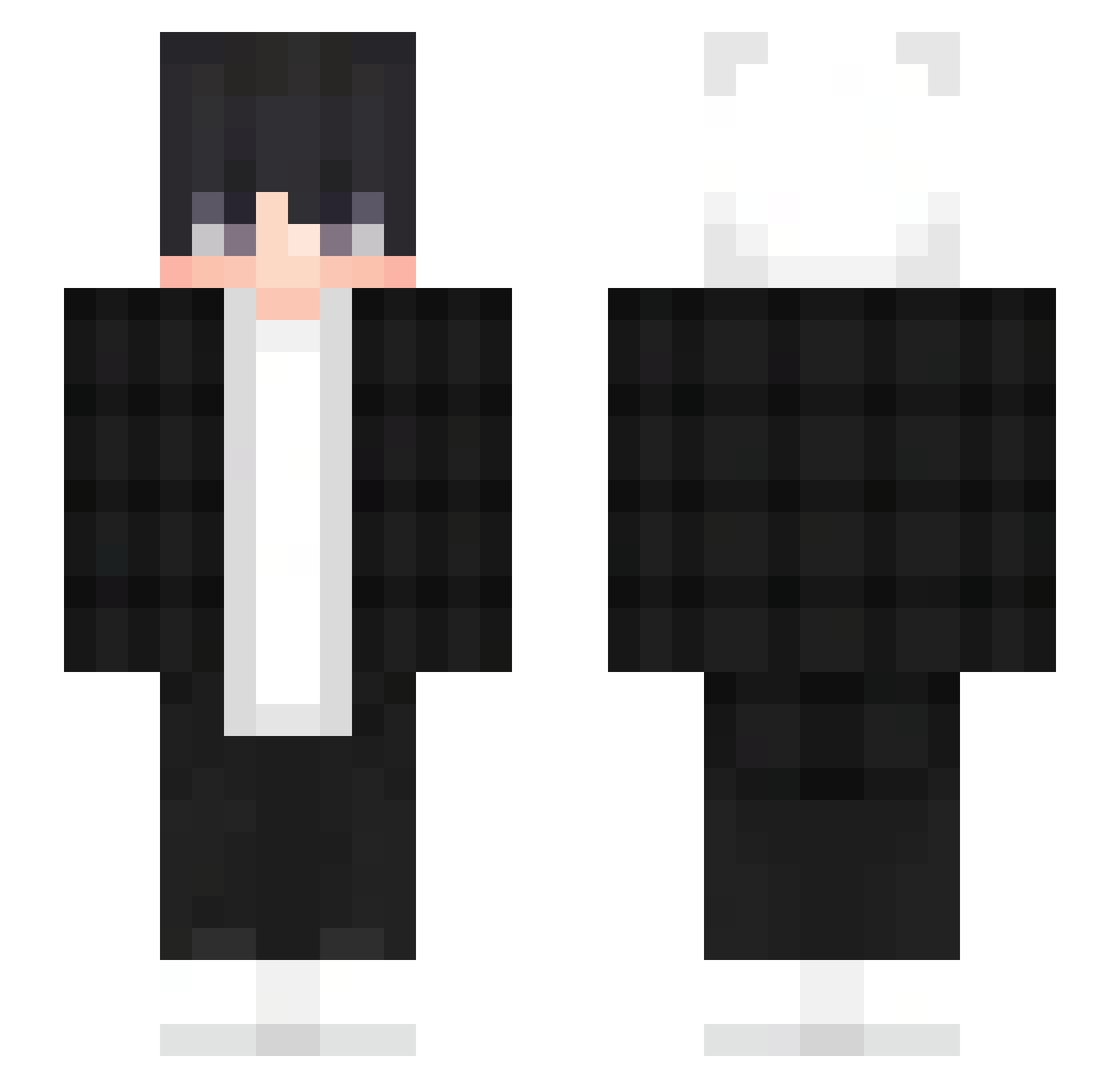
Minecraft skin of P1KY4. Rotate the 3D model with your mouse or finger to view the skin from every angle, then download it as a PNG file and use it in Minecraft: Bedrock Edition or Java Edition for free. Rate the skin with stars to help other players find the best skins in our collection.
How to install the P1KY4 skin
- Press the Download button above to save the skin as a PNG file.
- Minecraft: Bedrock Edition (PE): open the Dressing Room from the main menu (or tap your character → Edit Character), go to Classic Skins → Owned, press the + (new skin) button, choose the downloaded PNG and pick the Slim (Alex) model. Works on PC and mobile; consoles cannot import custom skins.
- Minecraft: Java Edition: open the Minecraft Launcher, go to the Skins tab, click New Skin, load the PNG, pick the Slim (Alex) model and press Save & Use. You can also upload it at minecraft.net → Profile → Change Skin.
The skin does not show up after import - what should I do?
Restart Minecraft and open the Dressing Room again - imported skins sometimes appear only after a restart. Also make sure you selected the imported skin and picked the Slim (Alex) model.
Which model should I choose, Classic or Slim?
This skin is designed for the Slim (Alex) model. If you pick the wrong model, the arms of the skin will look stretched or squeezed.
Is this skin free to use?
Yes. Press Download, save the PNG file and use it in Minecraft: Bedrock Edition or Java Edition - no payment or registration needed. The skin also works on multiplayer servers and Realms.
More skins
Looking for more? Go back to all Minecraft skins and check the top skins of the week, month and all time, or find any player's skin by nickname.