
 HasanImanov _GoodCombos Terca TobbenTheOne M4xShadow XBrinks GKN_PANDA NOAKIRSHENBAUM1 JefryAGF SikidomiREAL Quandreaopponbro Nicklas76 WesleyPatiek przmxx2 MrFly96 ThePartyMusic JVGameOver Mkplay Montanha2001 BiyanMC BroxeTR PVPpro254 Doyz32 dadampa MahmodKing10 Nefirus Tobiassons Sypheroff LIL_bobman Abo_Al_Kamal Roman200386 Thzp_4 ArMa7927 SrLUCASS ChuckDoorus abdrahman_gamer NouKx_ Szrans SpixTwoX Grawy777 A4R8N GabbaGandalf78 Felipe444_pro Safezz Teog01 RFC777LYON TheDestoyers assamy alexloco69 Gamer_craftYT Milos_Gamer Honestinn JacquesMescudi Barretasso cleanto0408 Ghostorbien erereric123 Jaro_Dzik TheSMecheRASul1 Matt2u
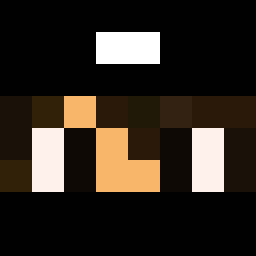
Minecraft skin of shedw. Rotate the 3D model with your mouse or finger to view the skin from every angle, then download it as a PNG file and use it in Minecraft: Bedrock Edition or Java Edition for free. Rate the skin with stars to help other players find the best skins in our collection.
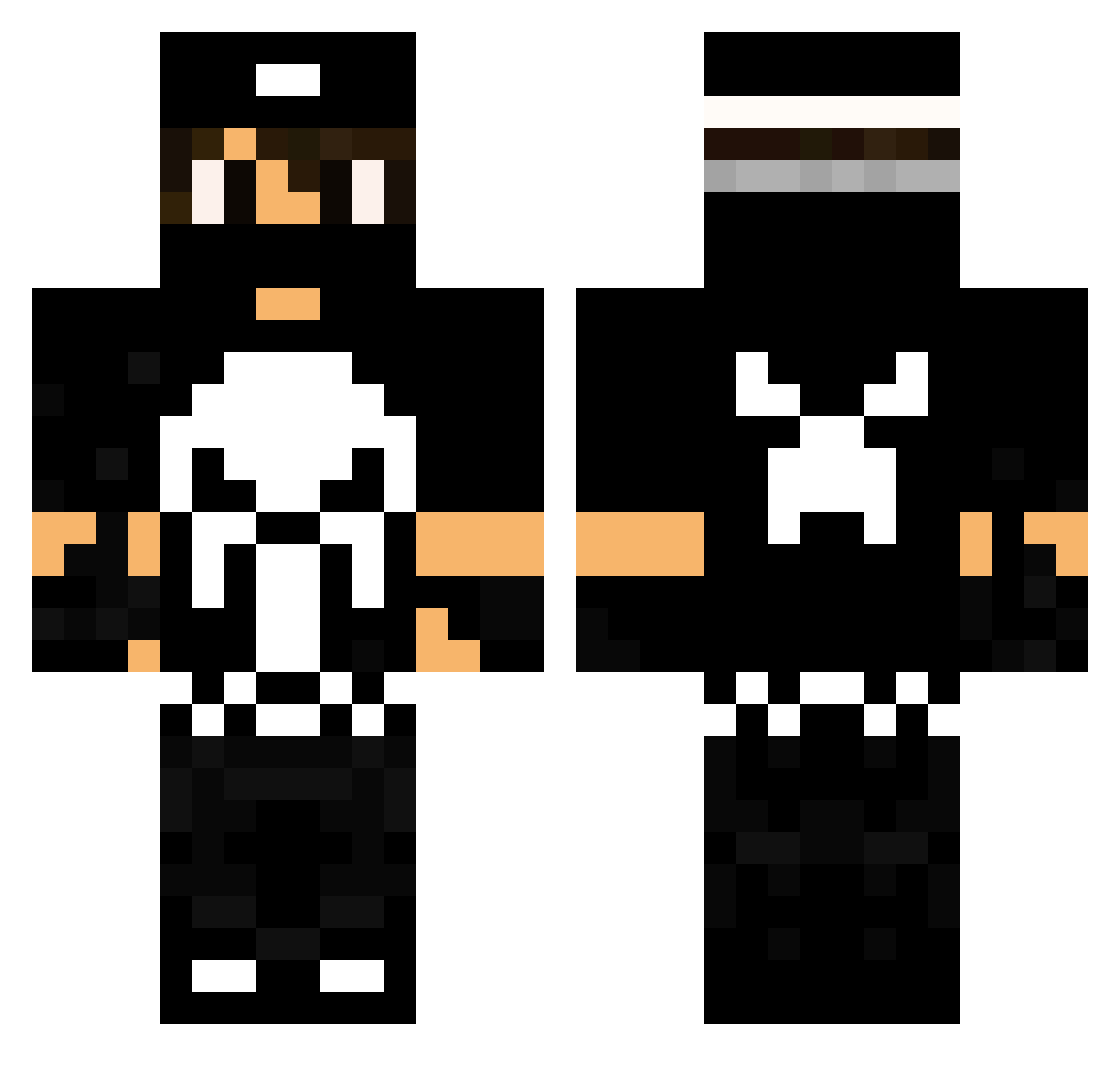
How to install the shedw skin
- Press the Download button above to save the skin as a PNG file.
- Minecraft: Bedrock Edition (PE): open the Dressing Room from the main menu (or tap your character → Edit Character), go to Classic Skins → Owned, press the + (new skin) button, choose the downloaded PNG and pick the Classic (Steve) model. Works on PC and mobile; consoles cannot import custom skins.
- Minecraft: Java Edition: open the Minecraft Launcher, go to the Skins tab, click New Skin, load the PNG, pick the Classic (Steve) model and press Save & Use. You can also upload it at minecraft.net → Profile → Change Skin.
The skin does not show up after import - what should I do?
Restart Minecraft and open the Dressing Room again - imported skins sometimes appear only after a restart. Also make sure you selected the imported skin and picked the Classic (Steve) model.
Which model should I choose, Classic or Slim?
This skin is designed for the Classic (Steve) model. If you pick the wrong model, the arms of the skin will look stretched or squeezed.
Is this skin free to use?
Yes. Press Download, save the PNG file and use it in Minecraft: Bedrock Edition or Java Edition - no payment or registration needed. The skin also works on multiplayer servers and Realms.
More The Punisher Minecraft skins
See all 155 The Punisher skins
More skins
Looking for more? Go back to all Minecraft skins and check the top skins of the week, month and all time, or find any player's skin by nickname.