
 Luurking ThreeGWarriors coleus_cubum SuicideChrist_ AstronaughtYoshi Tomocu Ridcully_Wizard JayJay_X_Pro Blazii Amisplace RODRIGUEZSCHULZ Desperdo Blacklight302 bestRexch noahXXXXXXXXXXXX Gkitbarder Credentials TonTonLeo zDaddyBANIDO LaMammaDiZinna Steaming_420 jalapanopepper Shamoo5106 LoLMANation reacheySKID Nickholas420 Noah_Emperor chesestick p9zda Dqrky_420 BLITZKREIGGG Yenaldooshii_ Power_420 ilProf ZzCr4zyzZ xBunnion PortamiVia Sydeex green888 L0ngYuTa0 niwffirg Dreamer_42O TrashtaLLLkers topkzzz _exxer_ Tabaka MountainG0at Japanishes ElFinal jamajka000 Lostshyguy77 besthungarian BESTBRLEGITMURII YoungTopu VirusParadox Zylows Hecton LIGASAO NateF10 51v
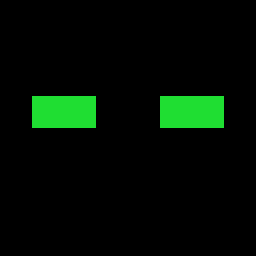
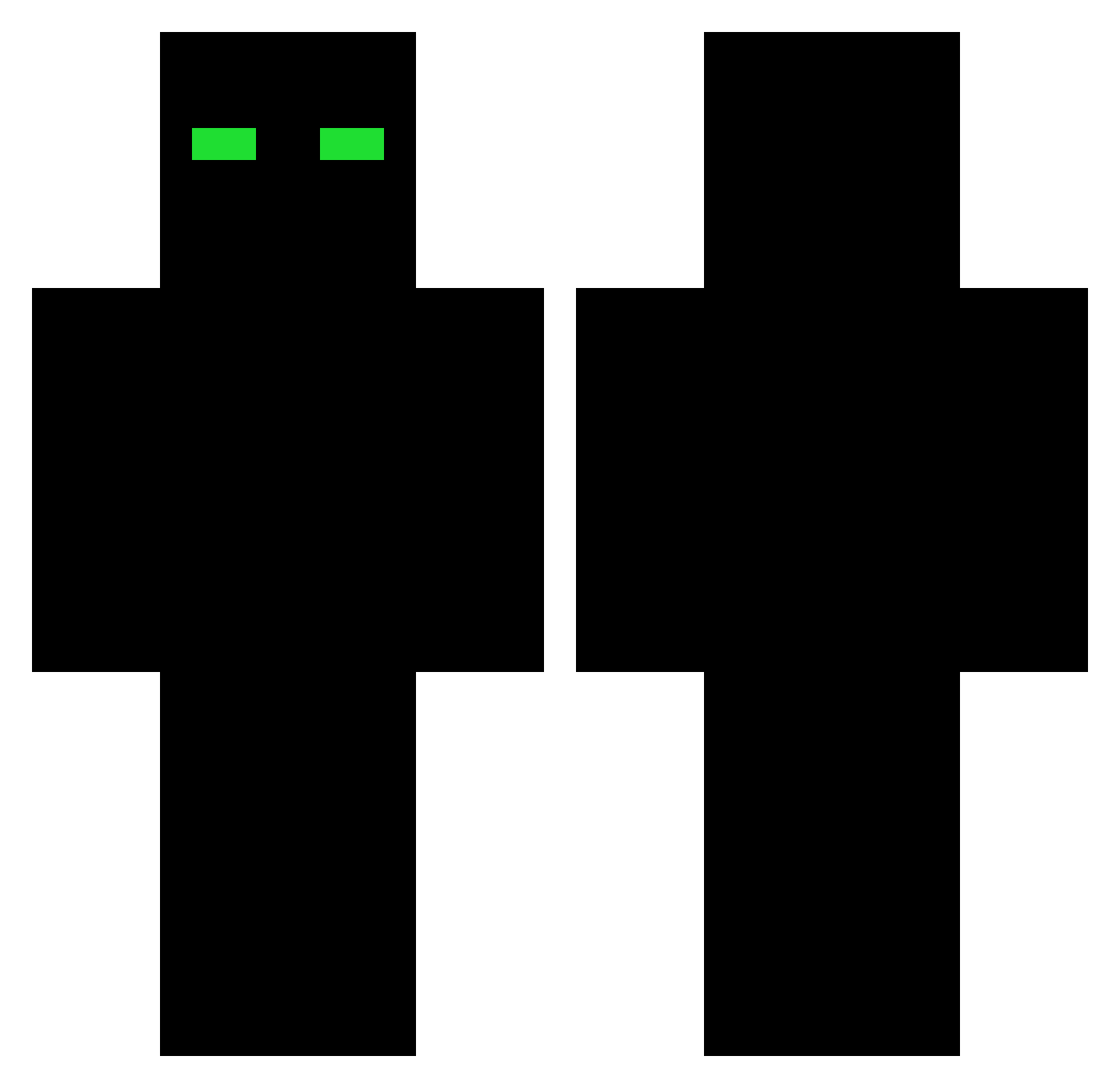
Minecraft skin of p9zda. Rotate the 3D model with your mouse or finger to view the skin from every angle, then download it as a PNG file and use it in Minecraft: Bedrock Edition or Java Edition for free. Rate the skin with stars to help other players find the best skins in our collection.
How to install the p9zda skin
- Press the Download button above to save the skin as a PNG file.
- Minecraft: Bedrock Edition (PE): open the Dressing Room from the main menu (or tap your character → Edit Character), go to Classic Skins → Owned, press the + (new skin) button, choose the downloaded PNG and pick the Classic (Steve) model. Works on PC and mobile; consoles cannot import custom skins.
- Minecraft: Java Edition: open the Minecraft Launcher, go to the Skins tab, click New Skin, load the PNG, pick the Classic (Steve) model and press Save & Use. You can also upload it at minecraft.net → Profile → Change Skin.
The skin does not show up after import - what should I do?
Restart Minecraft and open the Dressing Room again - imported skins sometimes appear only after a restart. Also make sure you selected the imported skin and picked the Classic (Steve) model.
Which model should I choose, Classic or Slim?
This skin is designed for the Classic (Steve) model. If you pick the wrong model, the arms of the skin will look stretched or squeezed.
Is this skin free to use?
Yes. Press Download, save the PNG file and use it in Minecraft: Bedrock Edition or Java Edition - no payment or registration needed. The skin also works on multiplayer servers and Realms.
More skins
Looking for more? Go back to all Minecraft skins and check the top skins of the week, month and all time, or find any player's skin by nickname.