
 vFiox KUBIXIG glamzy99 Deltarane God_Of_Losers Blowesy Dravix98 MrReDCenT GwnLuuk23 Aeroxcs Malllloooo Cl0wdRH Bagieta369 Its_K1ke Rykina MakroneKnopf825 netz_tech _Blitz_z 7FRR Onairso MAX43730 zLouiz Piltronic RayanNInja 202Barz THE35R Samuuuuuuu_ lettingspro1 AyaanIsBetter Aditi0 Sillly_ Tai_ro pL6476 Killian_dox preyCHEIROSO_ BenniiiW teddywetty Dylandst kasaturan 33dorrtim Chxaney
 Ei33k
Ei33k Ritoninetto13
Minecraft skin of Piltronic. Rotate the 3D model with your mouse or finger to view the skin from every angle, then download it as a PNG file and use it in Minecraft: Bedrock Edition or Java Edition for free. Rate the skin with stars to help other players find the best skins in our collection.
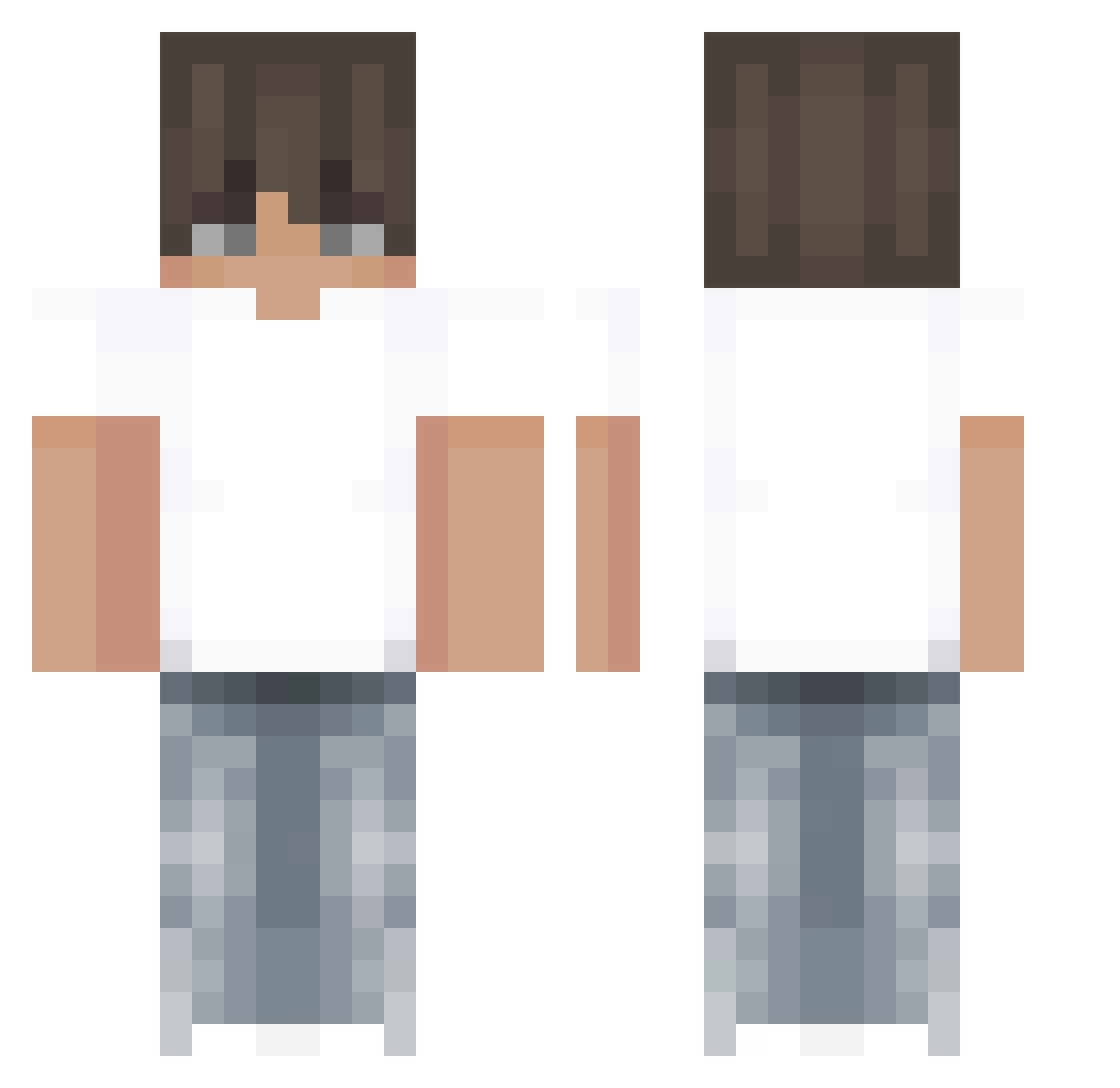
How to install the Piltronic skin
- Press the Download button above to save the skin as a PNG file.
- Minecraft: Bedrock Edition (PE): open the Dressing Room from the main menu (or tap your character → Edit Character), go to Classic Skins → Owned, press the + (new skin) button, choose the downloaded PNG and pick the Classic (Steve) model. Works on PC and mobile; consoles cannot import custom skins.
- Minecraft: Java Edition: open the Minecraft Launcher, go to the Skins tab, click New Skin, load the PNG, pick the Classic (Steve) model and press Save & Use. You can also upload it at minecraft.net → Profile → Change Skin.
The skin does not show up after import - what should I do?
Restart Minecraft and open the Dressing Room again - imported skins sometimes appear only after a restart. Also make sure you selected the imported skin and picked the Classic (Steve) model.
Which model should I choose, Classic or Slim?
This skin is designed for the Classic (Steve) model. If you pick the wrong model, the arms of the skin will look stretched or squeezed.
Is this skin free to use?
Yes. Press Download, save the PNG file and use it in Minecraft: Bedrock Edition or Java Edition - no payment or registration needed. The skin also works on multiplayer servers and Realms.
More skins
Looking for more? Go back to all Minecraft skins and check the top skins of the week, month and all time, or find any player's skin by nickname.