
 NotPratyushh Alex_H_20151731 Waters_ Lil_Snake_ SnowTex_cz PieSca sisibetsu demyxx77 nlbcz98 SightPierce MadeINAsia leyennn fiverk qpBasti MrKnight_XD colddrr Leoniasty500 _hypra_ Viruss1_ S1eepyssz AthiTD DonutCEAper CodeGear07 xiaohuang121 incNOVA Jeffcomanda 7henriky Dinis34r Top_1_Baltop karryroy442 vendedordealface KxcpyKX Manogamer01 KOXSY123 AcceleratorCG Tojt15 Alantendo _Albx_ N3R0N3K Ratuta27 yCastiel_XD ballsde Saihi ThurzlashMC SkullyD2090 HawkDuty MarcosPraia Filippo15044 OBsquareds Hokuru25 justLixe VexyqMc K3rzumii_ jeoungho TEOGAM3R bionee stychert_ Randin345g mroff1cial _crazeqq
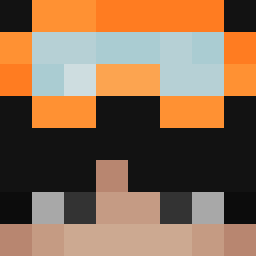
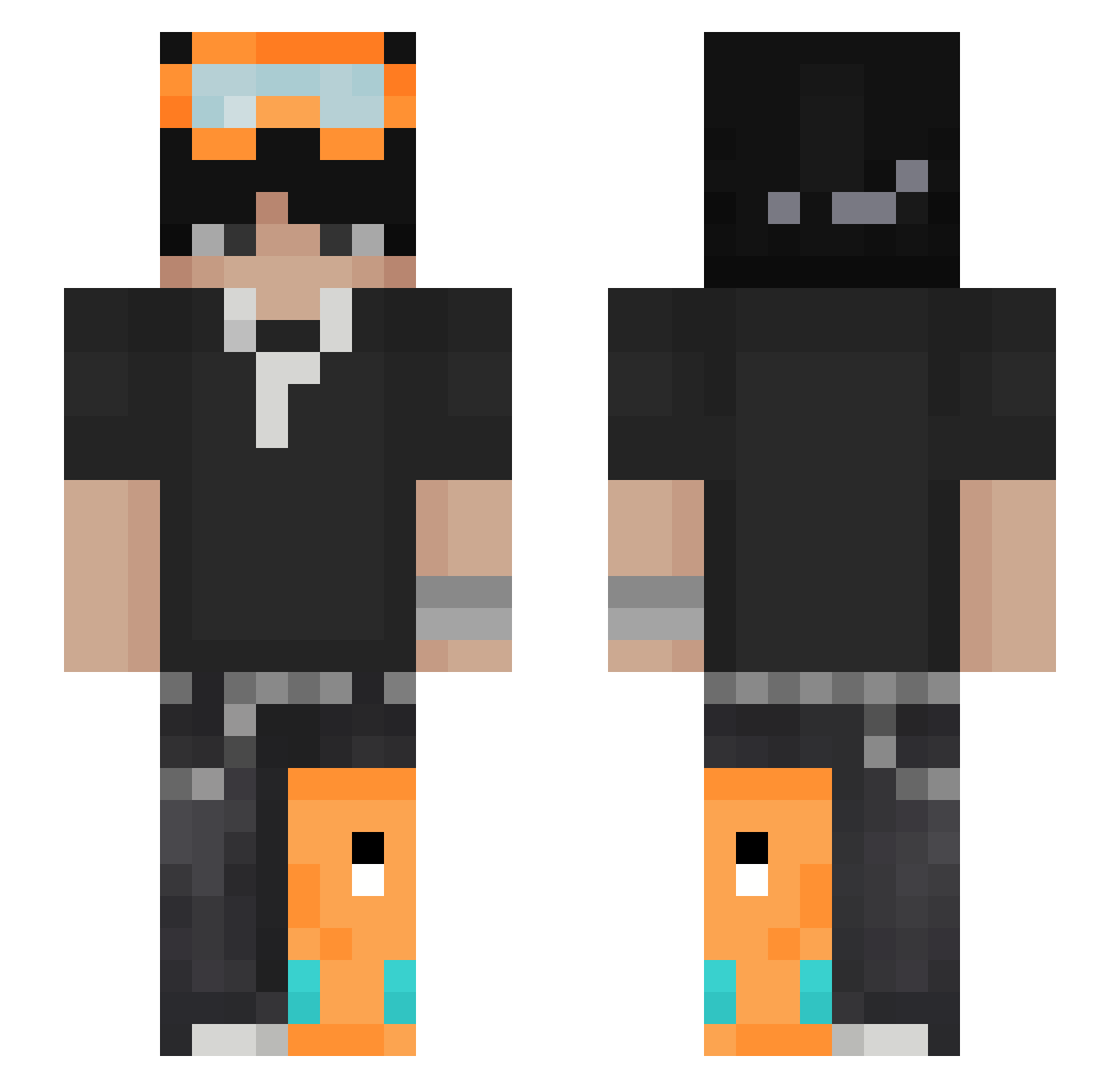
Minecraft skin of sim0nekk. Rotate the 3D model with your mouse or finger to view the skin from every angle, then download it as a PNG file and use it in Minecraft: Bedrock Edition or Java Edition for free. Rate the skin with stars to help other players find the best skins in our collection.
How to install the sim0nekk skin
- Press the Download button above to save the skin as a PNG file.
- Minecraft: Bedrock Edition (PE): open the Dressing Room from the main menu (or tap your character → Edit Character), go to Classic Skins → Owned, press the + (new skin) button, choose the downloaded PNG and pick the Slim (Alex) model. Works on PC and mobile; consoles cannot import custom skins.
- Minecraft: Java Edition: open the Minecraft Launcher, go to the Skins tab, click New Skin, load the PNG, pick the Slim (Alex) model and press Save & Use. You can also upload it at minecraft.net → Profile → Change Skin.
The skin does not show up after import - what should I do?
Restart Minecraft and open the Dressing Room again - imported skins sometimes appear only after a restart. Also make sure you selected the imported skin and picked the Slim (Alex) model.
Which model should I choose, Classic or Slim?
This skin is designed for the Slim (Alex) model. If you pick the wrong model, the arms of the skin will look stretched or squeezed.
Is this skin free to use?
Yes. Press Download, save the PNG file and use it in Minecraft: Bedrock Edition or Java Edition - no payment or registration needed. The skin also works on multiplayer servers and Realms.
More skins
Looking for more? Go back to all Minecraft skins and check the top skins of the week, month and all time, or find any player's skin by nickname.