
 Glenn_Vidal xSpekTrulx Failprofile 4nh_ niickqt JafarSkatokolis RussianFlight RsRs Darkuei dkx13011 Etilams Tier1Operator95 YigitKavgaci Artlikemes MechGay Lord_Miru Berthie Hennae quicky1234 Domskyy soherasa caffrey Wojtun Jummum_ eboyken Plaasmaah_420 Jirny Roboox Wromeo13 CRZPark JaSamKlosarIRL Peter_more123 Anamadanox Jenstheclown K1Vegeta Scrubbed AstaEuc KyRoBuckets xBruninNOCL1CK_ HeyDanteh maika_1 puikyua amnotwill The_Warmaster78 Demomine3 sh_adow_907 edugu_420 fofly EdvansFM _MK69 edishowww yaboiethan69 Classic_Henkie31 awesomekidgamer7 enuuuu COD_CHAMP wnswns777 NachoLife666 Blatant_ Abyssonia
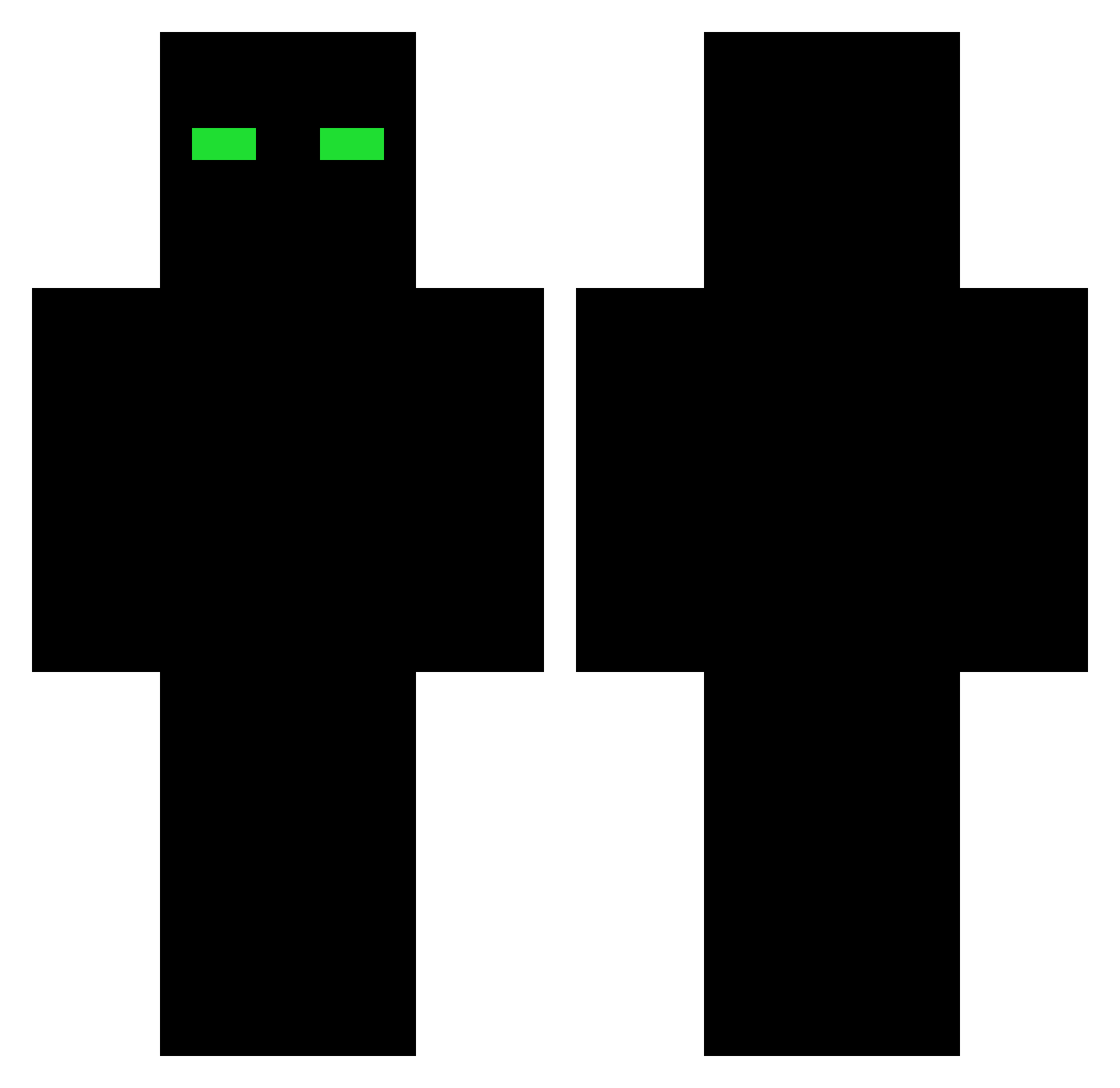
Minecraft skin of _MK69. Rotate the 3D model with your mouse or finger to view the skin from every angle, then download it as a PNG file and use it in Minecraft: Bedrock Edition or Java Edition for free. Rate the skin with stars to help other players find the best skins in our collection.
How to install the _MK69 skin
- Press the Download button above to save the skin as a PNG file.
- Minecraft: Bedrock Edition (PE): open the Dressing Room from the main menu (or tap your character → Edit Character), go to Classic Skins → Owned, press the + (new skin) button, choose the downloaded PNG and pick the Classic (Steve) model. Works on PC and mobile; consoles cannot import custom skins.
- Minecraft: Java Edition: open the Minecraft Launcher, go to the Skins tab, click New Skin, load the PNG, pick the Classic (Steve) model and press Save & Use. You can also upload it at minecraft.net → Profile → Change Skin.
The skin does not show up after import - what should I do?
Restart Minecraft and open the Dressing Room again - imported skins sometimes appear only after a restart. Also make sure you selected the imported skin and picked the Classic (Steve) model.
Which model should I choose, Classic or Slim?
This skin is designed for the Classic (Steve) model. If you pick the wrong model, the arms of the skin will look stretched or squeezed.
Is this skin free to use?
Yes. Press Download, save the PNG file and use it in Minecraft: Bedrock Edition or Java Edition - no payment or registration needed. The skin also works on multiplayer servers and Realms.
More skins
Looking for more? Go back to all Minecraft skins and check the top skins of the week, month and all time, or find any player's skin by nickname.