
 ConsoleCli912017 kavisauraman ConsoleClient647 Potzu Kisu17 PAL9K Asepsy ConsoleClient477 ConsoleClient935 Jis4ku Hamazushi18659 ConsoleClient137 ConsoleClient362 ConsoleClient250 Hamazushi66639 ConsoleClient87 ConsoleClient946 kimwo1f874496 ConsoleClient338 ConsoleClient674 ConsoleClient698 Tomipl12 4w3m ConsoleClient126 ConsoleClient489 ConsoleClient269 ConsoleClient634 ConsoleClient764 ConsoleClient604 028S2 4non056236 jaxtonic DeadMythX ConsoleClient599 Sharpsmith5 ConsoleClient877
 ConsoleCliente93 ConsoleClient435 ConsoleClient976 KissingBlackMen
 FernandoooLeoon ConsoleClient854 ConsoleClient872 ConsoleUlient149 03457234 ConsoleClient916 ConsoleClient578 ConsoleClient306 ConsoleClieTt558 ConsoleClient280 ConsoleClient654 ConsoleClient821 ConsoleClient111 ConsoleClient744 ConsoleClient353 ConsoleClient490 ConsoleClient257 relapseAsh12l
 ConsoleClient827
 Larrs0
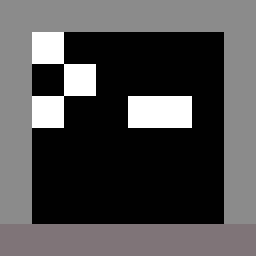
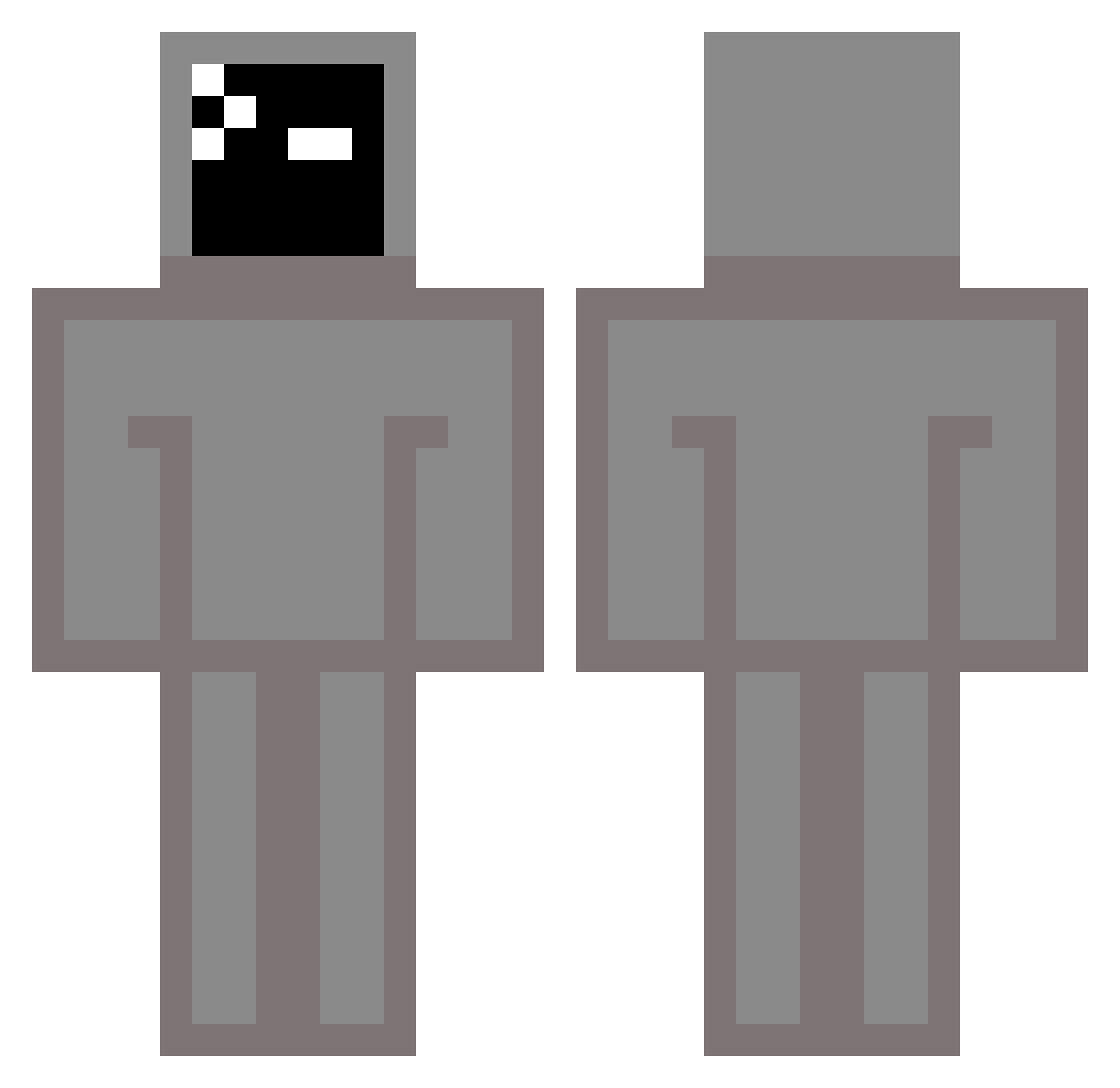
Minecraft skin of ConsoleClient87. Rotate the 3D model with your mouse or finger to view the skin from every angle, then download it as a PNG file and use it in Minecraft: Bedrock Edition or Java Edition for free. Rate the skin with stars to help other players find the best skins in our collection.
How to install the ConsoleClient87 skin
- Press the Download button above to save the skin as a PNG file.
- Minecraft: Bedrock Edition (PE): open the Dressing Room from the main menu (or tap your character → Edit Character), go to Classic Skins → Owned, press the + (new skin) button, choose the downloaded PNG and pick the Classic (Steve) model. Works on PC and mobile; consoles cannot import custom skins.
- Minecraft: Java Edition: open the Minecraft Launcher, go to the Skins tab, click New Skin, load the PNG, pick the Classic (Steve) model and press Save & Use. You can also upload it at minecraft.net → Profile → Change Skin.
The skin does not show up after import - what should I do?
Restart Minecraft and open the Dressing Room again - imported skins sometimes appear only after a restart. Also make sure you selected the imported skin and picked the Classic (Steve) model.
Which model should I choose, Classic or Slim?
This skin is designed for the Classic (Steve) model. If you pick the wrong model, the arms of the skin will look stretched or squeezed.
Is this skin free to use?
Yes. Press Download, save the PNG file and use it in Minecraft: Bedrock Edition or Java Edition - no payment or registration needed. The skin also works on multiplayer servers and Realms.
More TV Head Minecraft skins
More skins
Looking for more? Go back to all Minecraft skins and check the top skins of the week, month and all time, or find any player's skin by nickname.