
 ripclaw0109 FSKrugg MineYoOwnBiz OsMoS15 yourituller15 fightenguy5 GamingGuy44 treedubz furuken TheTreeBully TommyG31 UnstoppableLogic Vebjorn09 sbiped ArKei bink2015 Steel211 Guardian_YT Togo_cz Something_kNew lousybrother stellyvlogs GuardianTGU dillapoto BlindfischLP GODDLYBEAST18 Wookles RyanGavin zinkan99 spalose VaderGamer Falconmac bobino11 xXJellybean360Xx remyclerc GoSynox appie2000 Speedy_Gonzales3 Jasperveen02 DarkishBoreGames goier_pompano04 FuzziieHD BigMacPeeks Decepticon Chazzzzz MegaMatthew2008 Ingeaagaard Spacedanz King_NeoN7 huxi123456789 natedivin redspirery Thatonegirl9 Sir_Percivale Jadeblack53 AntonWebern WoutVandromme goldranger43 sammykrul FlavorousFilth
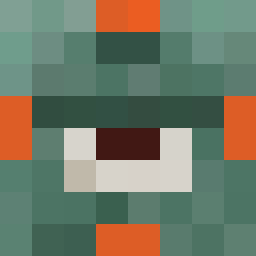
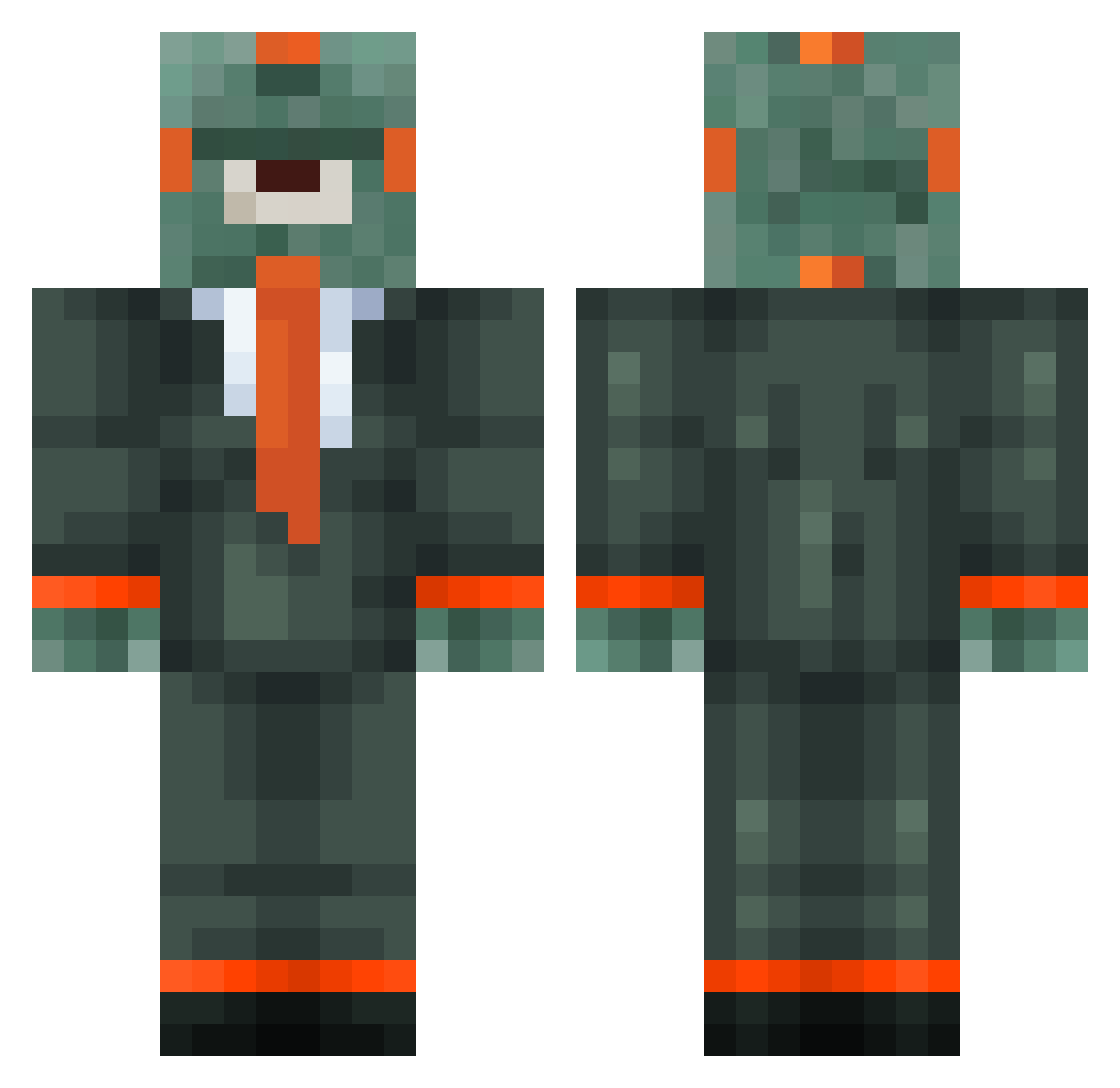
Minecraft skin of Hartmut2011. Rotate the 3D model with your mouse or finger to view the skin from every angle, then download it as a PNG file and use it in Minecraft: Bedrock Edition or Java Edition for free. Rate the skin with stars to help other players find the best skins in our collection.
How to install the Hartmut2011 skin
- Press the Download button above to save the skin as a PNG file.
- Minecraft: Bedrock Edition (PE): open the Dressing Room from the main menu (or tap your character → Edit Character), go to Classic Skins → Owned, press the + (new skin) button, choose the downloaded PNG and pick the Classic (Steve) model. Works on PC and mobile; consoles cannot import custom skins.
- Minecraft: Java Edition: open the Minecraft Launcher, go to the Skins tab, click New Skin, load the PNG, pick the Classic (Steve) model and press Save & Use. You can also upload it at minecraft.net → Profile → Change Skin.
The skin does not show up after import - what should I do?
Restart Minecraft and open the Dressing Room again - imported skins sometimes appear only after a restart. Also make sure you selected the imported skin and picked the Classic (Steve) model.
Which model should I choose, Classic or Slim?
This skin is designed for the Classic (Steve) model. If you pick the wrong model, the arms of the skin will look stretched or squeezed.
Is this skin free to use?
Yes. Press Download, save the PNG file and use it in Minecraft: Bedrock Edition or Java Edition - no payment or registration needed. The skin also works on multiplayer servers and Realms.
More Cyclops Minecraft skins
More skins
Looking for more? Go back to all Minecraft skins and check the top skins of the week, month and all time, or find any player's skin by nickname.