
 abnormal_Yagi DAVDSS CopeFishh Y_mendes nytuzi DayBreak031 SteelPotathor bb___ nocommas555 Elunt DantePog RxseEXE Louvyn Skernox Wololoa4 bym_PWe6P_04_29 Turlu2 mellowdid Its_Zoom werd1489 AZMHALP07 tamakon58 undeadparx Scuflix lollokill2011 HockeyJockDJ el_Gato04 Cris_VC MrRaily07 Baker0221 rii4199 R0XAS_ Noir1218 Psychonamix Skulk_01 WingedAngel436 RomainLeJK Hollie314 Inerni itsmevicky CyberPy Sarah_Joestar deymurka Calamity1016 Nesta_121 SummerTrain06 Kesici3 KOP_Milu LikeableCake392 Emptyset_ misatosus kittykouture1 giraffetimez monoland ComboDodge Zora0410 hy3_ Amamiya_Ren_ Diogenes777 Nippy422
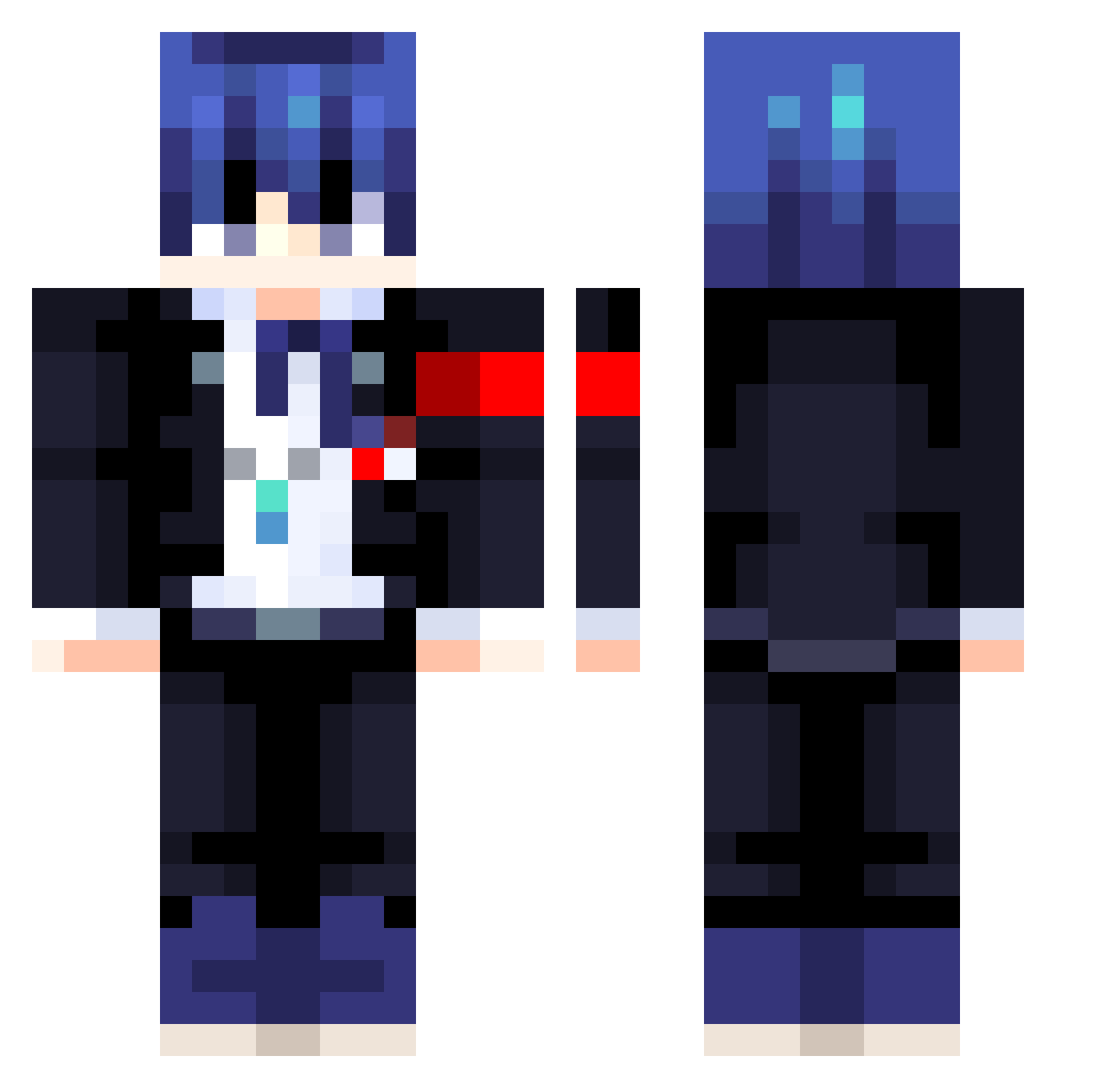
Minecraft skin of remenrero. Rotate the 3D model with your mouse or finger to view the skin from every angle, then download it as a PNG file and use it in Minecraft: Bedrock Edition or Java Edition for free. Rate the skin with stars to help other players find the best skins in our collection.
How to install the remenrero skin
- Press the Download button above to save the skin as a PNG file.
- Minecraft: Bedrock Edition (PE): open the Dressing Room from the main menu (or tap your character → Edit Character), go to Classic Skins → Owned, press the + (new skin) button, choose the downloaded PNG and pick the Classic (Steve) model. Works on PC and mobile; consoles cannot import custom skins.
- Minecraft: Java Edition: open the Minecraft Launcher, go to the Skins tab, click New Skin, load the PNG, pick the Classic (Steve) model and press Save & Use. You can also upload it at minecraft.net → Profile → Change Skin.
The skin does not show up after import - what should I do?
Restart Minecraft and open the Dressing Room again - imported skins sometimes appear only after a restart. Also make sure you selected the imported skin and picked the Classic (Steve) model.
Which model should I choose, Classic or Slim?
This skin is designed for the Classic (Steve) model. If you pick the wrong model, the arms of the skin will look stretched or squeezed.
Is this skin free to use?
Yes. Press Download, save the PNG file and use it in Minecraft: Bedrock Edition or Java Edition - no payment or registration needed. The skin also works on multiplayer servers and Realms.
More Makoto Naegi Minecraft skins
More skins
Looking for more? Go back to all Minecraft skins and check the top skins of the week, month and all time, or find any player's skin by nickname.