
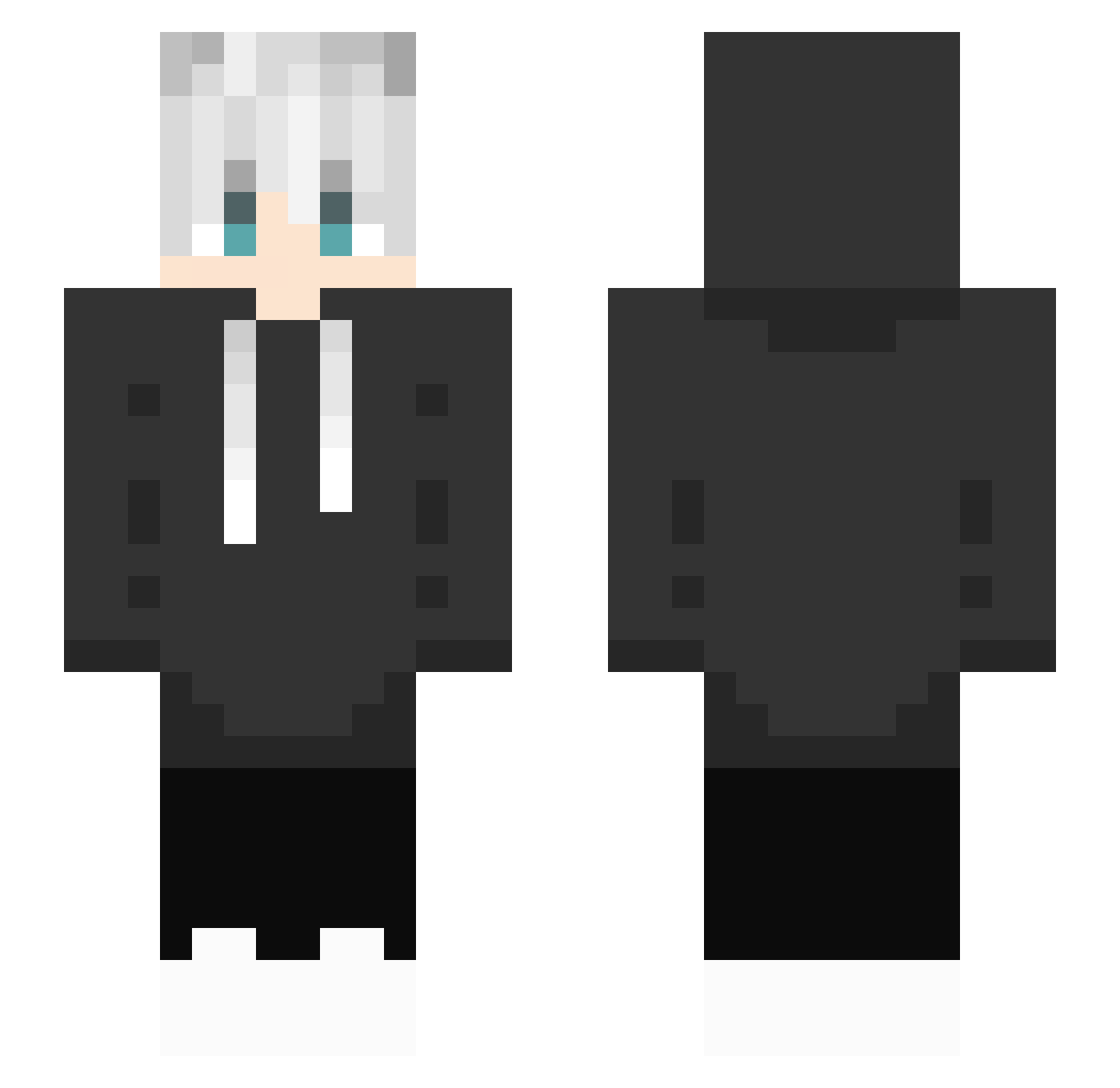
Current Minecraft skin of the player ziiimoooon, loaded from the official Mojang API. Rotate the 3D model with your mouse or finger, then download the skin as a PNG file and use it in Minecraft: Bedrock Edition or Java Edition for free. When ziiimoooon changes their skin, this page updates automatically and the old skin stays in the history below.
Other players with this skin (161)
ziiimoooon was the 140th player we have seen with this skin, first spotted on 16.09.2026. The same skin was seen on these players. Open a nickname to see their current skin and skin history.
 Nauntur GIAANGAMES1510 lavapro3 RuRan0895 Thammo26 fel_1219 KevinJustin Ahmet_Arslan erer_w noroa17ry Rulth RThePotato pirilampoloko LUDE_SUB Dominn_ ASH5719 dy9487 Goeverd Therebiel chenyuzii wapIn DreamRequiem GhostCraftingBoy Mexxify Sino25 _Jike_ Zer0Fiv3 YOX1N FBDOUYpwergfw 6JS9 WhiteParadox Bryn_26 sIeepy_af korukie silliestchip Emzie26 Valvarax neafchan GAUSHIN RipDreams_ zhenbanzhuan Lou_1211 Danual1999 yummy0301 Rui_patricio battery2233 zeppy392 fireboy500 Satsuki_y iMustafaBeyYT Assen557 AlanRan harryjscott chinaskiii HaringLE oGhostyyy JuggaKax Phippe dien6 ArTomiX_73
How to install the ziiimoooon skin
- Press the Download button above to save the skin as a PNG file.
- Minecraft: Bedrock Edition (PE): open the Dressing Room from the main menu (or tap your character → Edit Character), go to Classic Skins → Owned, press the + (new skin) button, choose the downloaded PNG and pick the Slim (Alex) model. Works on PC and mobile; consoles cannot import custom skins.
- Minecraft: Java Edition: open the Minecraft Launcher, go to the Skins tab, click New Skin, load the PNG, pick the Slim (Alex) model and press Save & Use. You can also upload it at minecraft.net → Profile → Change Skin.
The skin does not show up after import - what should I do?
Restart Minecraft and open the Dressing Room again - imported skins sometimes appear only after a restart. Also make sure you selected the imported skin and picked the Slim (Alex) model.
Which model should I choose, Classic or Slim?
This skin is designed for the Slim (Alex) model. If you pick the wrong model, the arms of the skin will look stretched or squeezed.
Is the skin of ziiimoooon free to download?
Yes. Press Download, save the PNG file and use it in Minecraft: Bedrock Edition or Java Edition - no payment or registration needed. The skin also works on multiplayer servers and Realms.
More skins
Looking for more? Go back to all Minecraft skins and check the top skins of the week, month and all time, or find any player's skin by nickname.