
zi_feng_11 - Minecraft Skins & Skin History
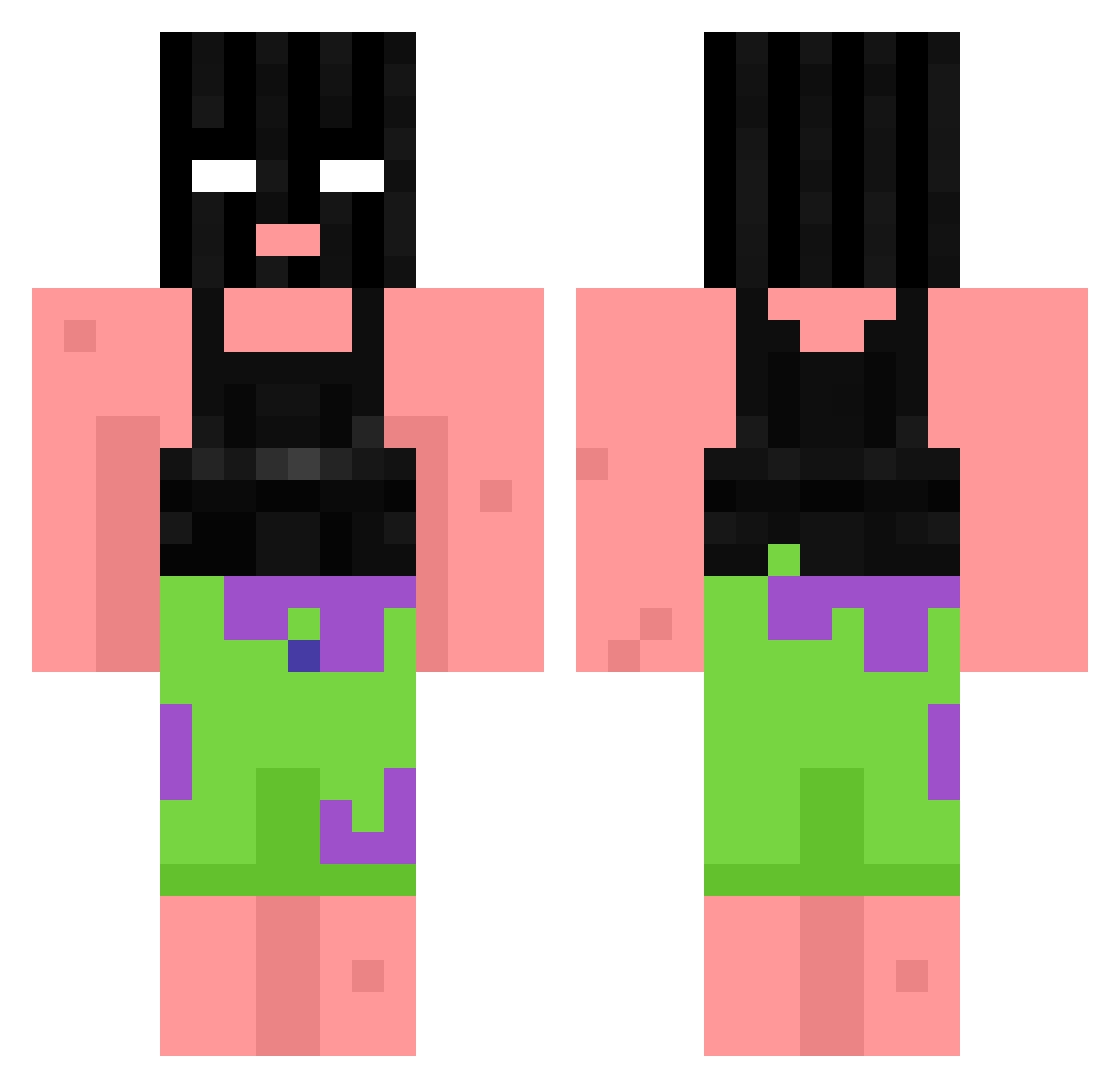
Current Minecraft skin of the player zi_feng_11, loaded from the official Mojang API. Rotate the 3D model with your mouse or finger, then download the skin as a PNG file and use it in Minecraft: Bedrock Edition or Java Edition for free. When zi_feng_11 changes their skin, this page updates automatically and the old skin stays in the history below.
Other players with this skin (868)
zi_feng_11 was the 452nd player we have seen with this skin, first spotted on 22.09.2026. The same skin was seen on these players. Open a nickname to see their current skin and skin history.
 BlueLemonek1337 a1destinee Simp1x humangusPP22 jaclo2004 sunwoo0930 NGS480 BedWrecker Gifff Theflexican10 JZ19JOSH Niekjehh UnLucky_Sev JFirmino10 victorperezqb Matute007 ciruzzotp Tequilabrav Nyakesz kc9z RubenIsKnettaa salut_ram Jummeh brie03 TadaTatas jianzhi_TW EarthSpirit49 OhMyToes PatrickStarr187 LuTiy_ chewbear2650 elnar02 LostSwords2477 LimeGuy_1 Honda_091 Pjoterer YourDadKV ILIKEKIDS554 Mittr0 CrackDaddyy Chaz_Chaz DutchVanDerLin_e SUCC50 wompwomp69_ lumperccini BadBloue battybub95 kylehighclub _vlopez Lelon2x PapiBaller Damlact twibbly WAXPee p9iggiig ThePowwMaster Yeye12321 lilsquirt1802 GhostKTY Meloooo
More Ski Mask Minecraft skins
How to install the zi_feng_11 skin
- Press the Download button above to save the skin as a PNG file.
- Minecraft: Bedrock Edition (PE): open the Dressing Room from the main menu (or tap your character → Edit Character), go to Classic Skins → Owned, press the + (new skin) button, choose the downloaded PNG and pick the Classic (Steve) model. Works on PC and mobile; consoles cannot import custom skins.
- Minecraft: Java Edition: open the Minecraft Launcher, go to the Skins tab, click New Skin, load the PNG, pick the Classic (Steve) model and press Save & Use. You can also upload it at minecraft.net → Profile → Change Skin.
The skin does not show up after import - what should I do?
Restart Minecraft and open the Dressing Room again - imported skins sometimes appear only after a restart. Also make sure you selected the imported skin and picked the Classic (Steve) model.
Which model should I choose, Classic or Slim?
This skin is designed for the Classic (Steve) model. If you pick the wrong model, the arms of the skin will look stretched or squeezed.
Is the skin of zi_feng_11 free to download?
Yes. Press Download, save the PNG file and use it in Minecraft: Bedrock Edition or Java Edition - no payment or registration needed. The skin also works on multiplayer servers and Realms.
More skins
Looking for more? Go back to all Minecraft skins and check the top skins of the week, month and all time, or find any player's skin by nickname.