
zZLeoZz - Minecraft Skins & Skin History
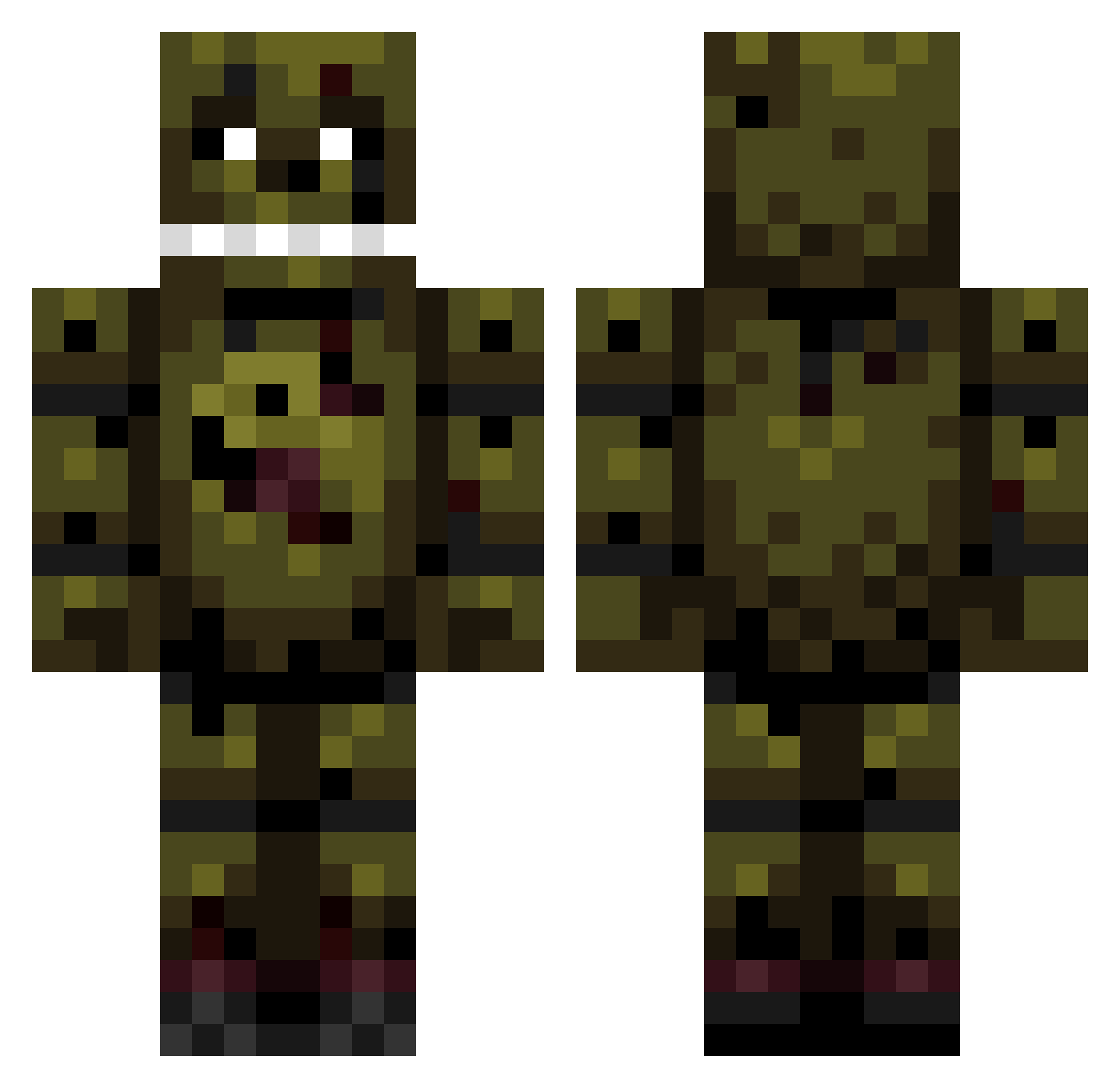
Current Minecraft skin of the player zZLeoZz, loaded from the official Mojang API. Rotate the 3D model with your mouse or finger, then download the skin as a PNG file and use it in Minecraft: Bedrock Edition or Java Edition for free. When zZLeoZz changes their skin, this page updates automatically and the old skin stays in the history below.
Other players with this skin (191)
zZLeoZz was the 157th player we have seen with this skin, first spotted on 30.10.2026. The same skin was seen on these players. Open a nickname to see their current skin and skin history.
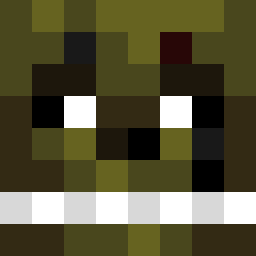 Splurgery Elayas569 Doomio_ _iz4M Wyrmsglow Bickydorya willamaftonn TUAL29 Maly_Fan_FNAFA AwesomeBruh2003 PrelawHawk Wispasgaming antoine20158 SoulofVoodoo gold46 TTVNoob RunzN NepticTIC theobottt sewnkinn Phuezlaus ShenziKhan Aelkion Devul_999 Nidlev freeflockaa TheRaven1003 jona_kona BXNSH0 KaijuXmonster Bicar OceanCrafting SoFish326 SHAMU_01 buGDeizi ColeB03 DrDetonation Fuzter Gidkid888 AmaliaLuvsDooRoo FIROW13 Lmg_Shock HaramKrutoi superdougnut sparklywnis JohnDeere787 Shachar_Tot skysky303 ZomBoy01 Lonely_Depths TheCh3cker LIL_BAKBOK Ru_1n MeteorWaffle ___roach kleinboys21 GhostlyPunkin DeetzNuts3592 Chaos_Neko iMNX
More Springtrap Minecraft skins
How to install the zZLeoZz skin
- Press the Download button above to save the skin as a PNG file.
- Minecraft: Bedrock Edition (PE): open the Dressing Room from the main menu (or tap your character → Edit Character), go to Classic Skins → Owned, press the + (new skin) button, choose the downloaded PNG and pick the Classic (Steve) model. Works on PC and mobile; consoles cannot import custom skins.
- Minecraft: Java Edition: open the Minecraft Launcher, go to the Skins tab, click New Skin, load the PNG, pick the Classic (Steve) model and press Save & Use. You can also upload it at minecraft.net → Profile → Change Skin.
The skin does not show up after import - what should I do?
Restart Minecraft and open the Dressing Room again - imported skins sometimes appear only after a restart. Also make sure you selected the imported skin and picked the Classic (Steve) model.
Which model should I choose, Classic or Slim?
This skin is designed for the Classic (Steve) model. If you pick the wrong model, the arms of the skin will look stretched or squeezed.
Is the skin of zZLeoZz free to download?
Yes. Press Download, save the PNG file and use it in Minecraft: Bedrock Edition or Java Edition - no payment or registration needed. The skin also works on multiplayer servers and Realms.
More skins
Looking for more? Go back to all Minecraft skins and check the top skins of the week, month and all time, or find any player's skin by nickname.