
zXTRISTONXz - Minecraft Skins & Skin History
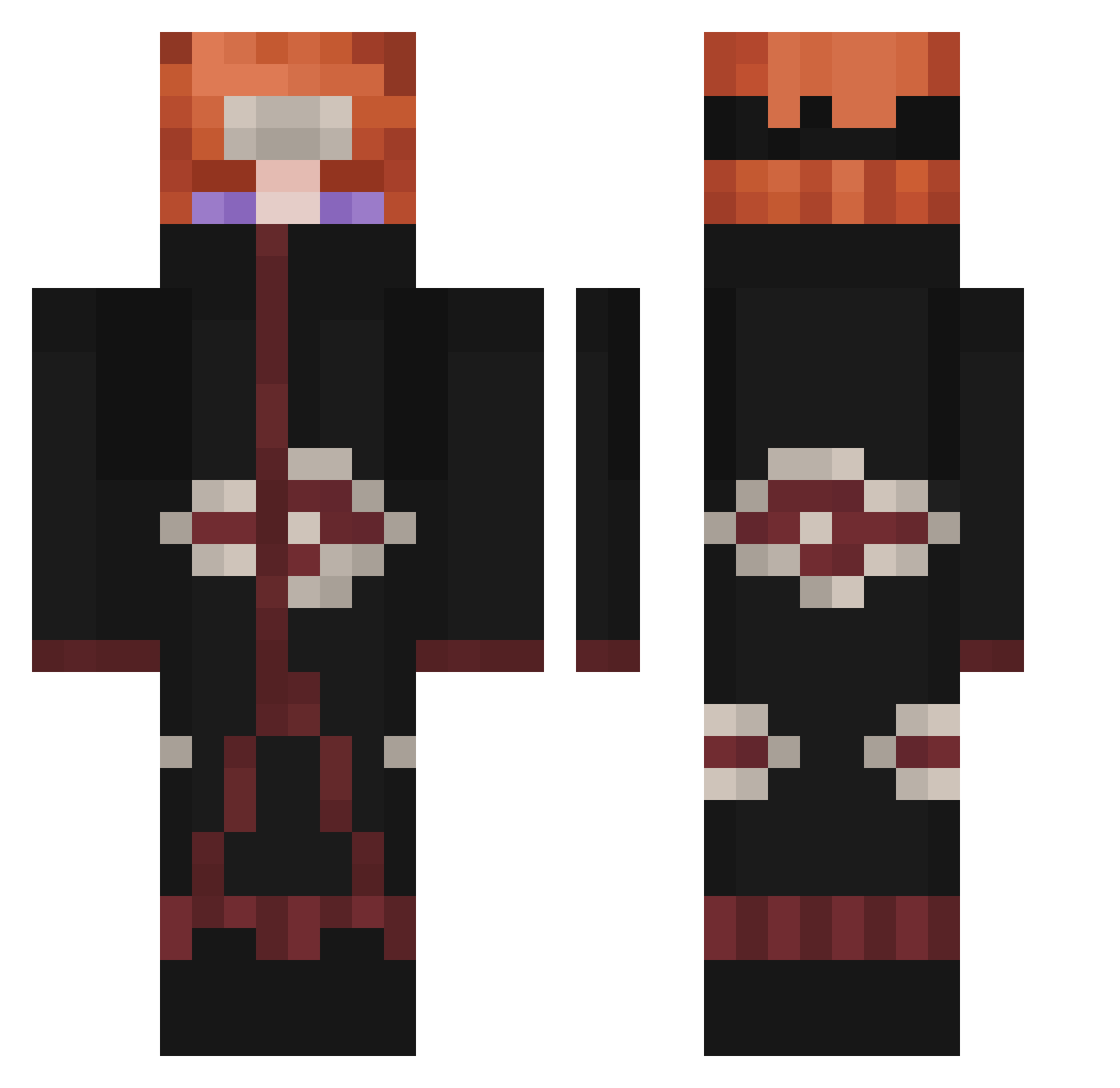
Current Minecraft skin of the player zXTRISTONXz, loaded from the official Mojang API. Rotate the 3D model with your mouse or finger, then download the skin as a PNG file and use it in Minecraft: Bedrock Edition or Java Edition for free. When zXTRISTONXz changes their skin, this page updates automatically and the old skin stays in the history below.
Other players with this skin (338)
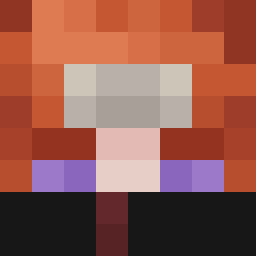
zXTRISTONXz was the 102nd player we have seen with this skin, first spotted on 26.08.2026. The same skin was seen on these players. Open a nickname to see their current skin and skin history.
 WOLFMYTHIC JrGG11 Lavagnamagnetica Insulator_Henry loutaquin Thaiboy Roaqi rladofka
 cygnusplm KillerCole101 RagnaroK__ xXCapraXx05 OOOOOOO0OOOOOO Mavismydad Katonnnn IcarusMejia MAGICIENTOZ Majmun47 TheGoats55913 BoreDom4530 g0ncalowhatever DITTO02 Ohsnapt Luke_S7arkiller TheGutiMC Tortugaboxeadora WrongKiller Kadaverbert1 Danil1224 Zenkuy Juicy7732 Rsainte33z jinwoo1103 Locomono20 Z3U5szn
 ELCH0L0 benszh trxxdex02 Weslovskii davitoshi nkomlp MUZAFFER2980 AlbanianDeluXe Sebkun10 Capo5 Oweeezzz GoldenPlayer306 HYDRAxDARK ReformedEcis LuckyAiss98 dariogb2 Alfa610 Pauta CritXR35 GreenWas Nugtella XFenggg realavequ Will_LZzz 2Dom
More Pain Minecraft skins
How to install the zXTRISTONXz skin
- Press the Download button above to save the skin as a PNG file.
- Minecraft: Bedrock Edition (PE): open the Dressing Room from the main menu (or tap your character → Edit Character), go to Classic Skins → Owned, press the + (new skin) button, choose the downloaded PNG and pick the Classic (Steve) model. Works on PC and mobile; consoles cannot import custom skins.
- Minecraft: Java Edition: open the Minecraft Launcher, go to the Skins tab, click New Skin, load the PNG, pick the Classic (Steve) model and press Save & Use. You can also upload it at minecraft.net → Profile → Change Skin.
The skin does not show up after import - what should I do?
Restart Minecraft and open the Dressing Room again - imported skins sometimes appear only after a restart. Also make sure you selected the imported skin and picked the Classic (Steve) model.
Which model should I choose, Classic or Slim?
This skin is designed for the Classic (Steve) model. If you pick the wrong model, the arms of the skin will look stretched or squeezed.
Is the skin of zXTRISTONXz free to download?
Yes. Press Download, save the PNG file and use it in Minecraft: Bedrock Edition or Java Edition - no payment or registration needed. The skin also works on multiplayer servers and Realms.
More skins
Looking for more? Go back to all Minecraft skins and check the top skins of the week, month and all time, or find any player's skin by nickname.