
zSlixxyDaGambler - Minecraft Skins & Skin History
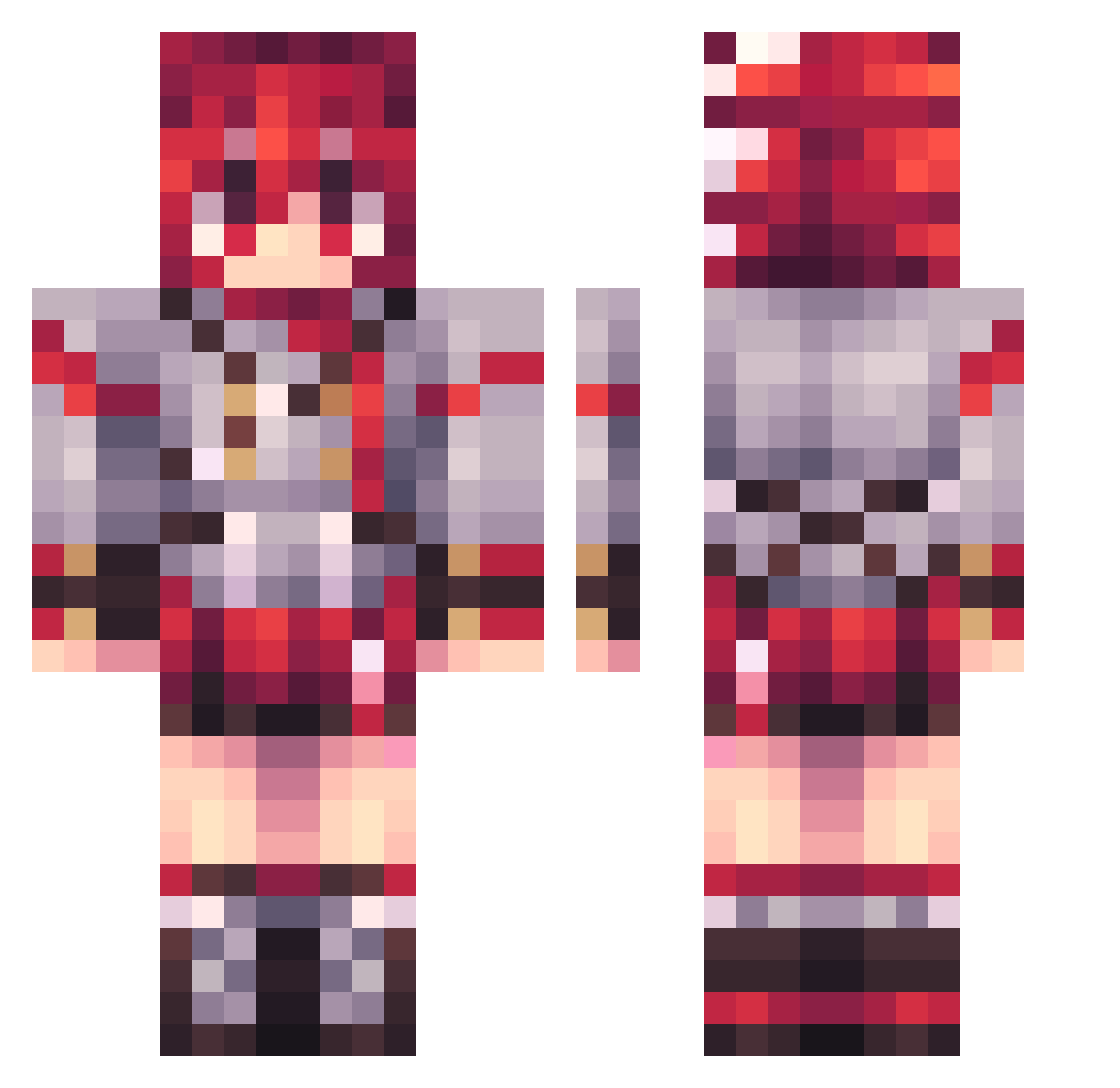
Current Minecraft skin of the player zSlixxyDaGambler, loaded from the official Mojang API. Rotate the 3D model with your mouse or finger, then download the skin as a PNG file and use it in Minecraft: Bedrock Edition or Java Edition for free. When zSlixxyDaGambler changes their skin, this page updates automatically and the old skin stays in the history below.
Other players with this skin (69)
zSlixxyDaGambler was the 35th player we have seen with this skin, first spotted on 03.10.2026. The same skin was seen on these players. Open a nickname to see their current skin and skin history.
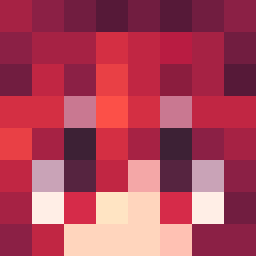 THE_TEMPEST02 MapleRelaxin loverbesm SuperetieGHG Indighosts kidnico123 sTkomas ConfusedGaijin69 ChloeMint Temphurix Leon_207 abyssaltoe BloodLust2 duoJ Sknormali Monaxina_ Gabito109proaso Degree_6 Lev_the_Lewd epicman27 BonnBonn19 Aolsu Renekturn ItsAMe_Sponge goodteammate6 MrPokemon4000 Nahomiii Makchun_i qkitpok you_enjoy_bears AD1LOP MaxwellStudio row741 DNK_D4C Kiwi_867 SINGINGCAT nonnumbered SarSuna Crinsp mine_Hunter64 DEHH2 MarbleDaisy172 JOD0 AlysonNub VunderWuffle Bigpomfy69 AjanKettu Dirby__ caseinate Charloz_789 LownderFatee yuyec2 Lexvss
 nuki2
nuki2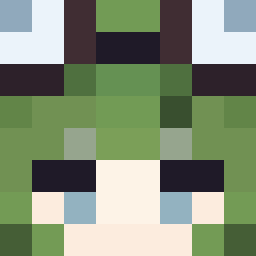 Renfe_Cercanias
 BoneBloomz Hector890876 YovngEko Karma_79 FireStrike0210
More Uniform Minecraft skins
How to install the zSlixxyDaGambler skin
- Press the Download button above to save the skin as a PNG file.
- Minecraft: Bedrock Edition (PE): open the Dressing Room from the main menu (or tap your character → Edit Character), go to Classic Skins → Owned, press the + (new skin) button, choose the downloaded PNG and pick the Classic (Steve) model. Works on PC and mobile; consoles cannot import custom skins.
- Minecraft: Java Edition: open the Minecraft Launcher, go to the Skins tab, click New Skin, load the PNG, pick the Classic (Steve) model and press Save & Use. You can also upload it at minecraft.net → Profile → Change Skin.
The skin does not show up after import - what should I do?
Restart Minecraft and open the Dressing Room again - imported skins sometimes appear only after a restart. Also make sure you selected the imported skin and picked the Classic (Steve) model.
Which model should I choose, Classic or Slim?
This skin is designed for the Classic (Steve) model. If you pick the wrong model, the arms of the skin will look stretched or squeezed.
Is the skin of zSlixxyDaGambler free to download?
Yes. Press Download, save the PNG file and use it in Minecraft: Bedrock Edition or Java Edition - no payment or registration needed. The skin also works on multiplayer servers and Realms.
More skins
Looking for more? Go back to all Minecraft skins and check the top skins of the week, month and all time, or find any player's skin by nickname.