
zPixels - Minecraft Skins & Skin History
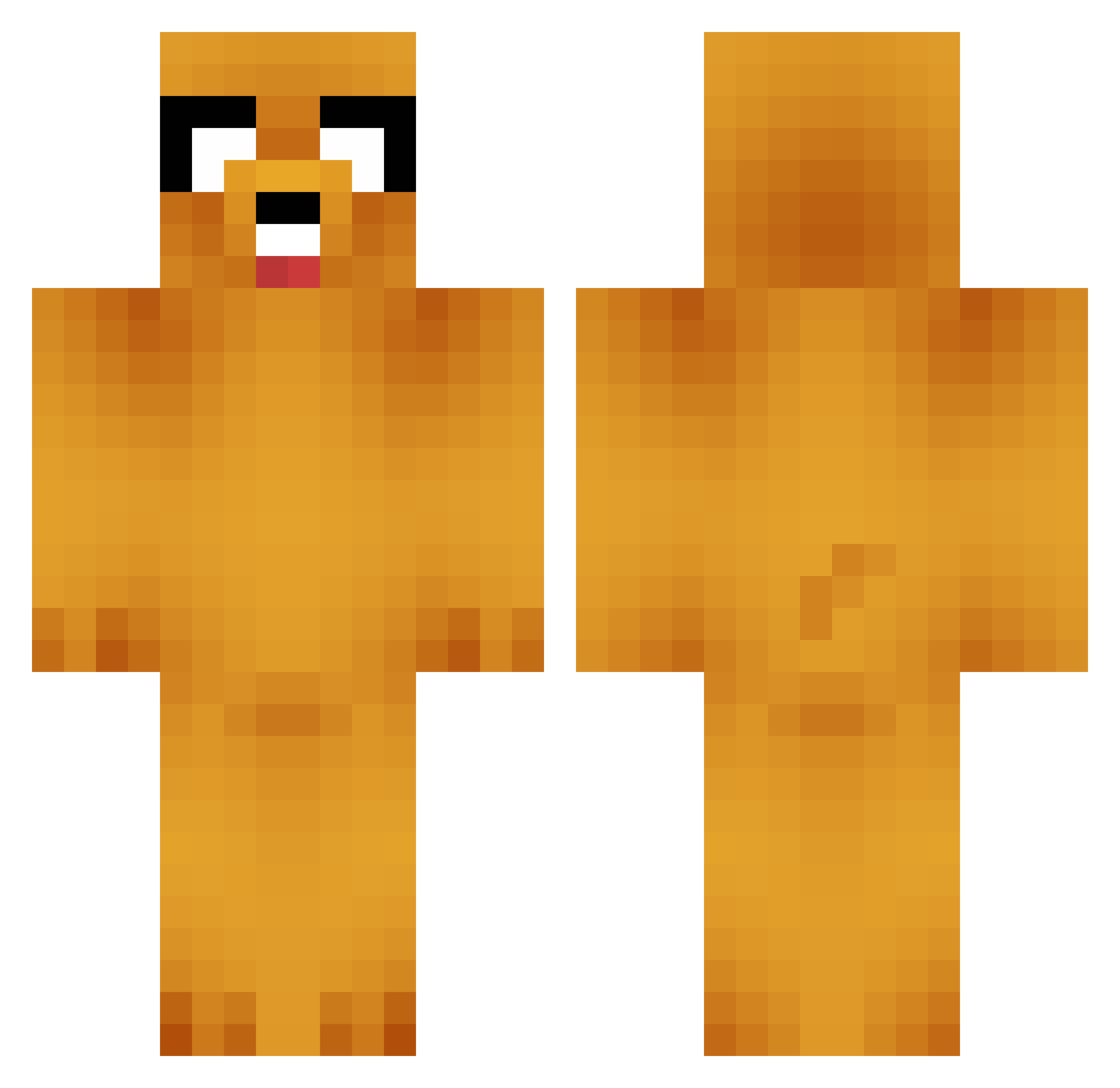
Current Minecraft skin of the player zPixels, loaded from the official Mojang API. Rotate the 3D model with your mouse or finger, then download the skin as a PNG file and use it in Minecraft: Bedrock Edition or Java Edition for free. When zPixels changes their skin, this page updates automatically and the old skin stays in the history below.
Other players with this skin (907)
zPixels was the 844th player we have seen with this skin, first spotted on 12.11.2026. The same skin was seen on these players. Open a nickname to see their current skin and skin history.
 sattleda dbsneek Cozza38 redcatsup leamog GREY326 ElectricZombie jaquinha_game Taifly grizzlybear80 Fishels BRISKERZ kevinjakevin x0_MrAwesome_0x timkuntz JIO615 HazzDestine Ratgeber zaybull AFUGO radams6 Eonds LostMerchant dellan123 helenp3 astrorose Sackboy40096 LoZ_Crafty PeeledBananna tomrg A_Dog_Named_Jake bobzuka spikeliam lucysaintdomina aksdnjs61 ayyaven War_Machine2000 blarbaman ThornHT ArcadeJesus grisevg AfroSoulKid Shadowdude91314 Noah2902 socorum kennyrap serioko parabellum_clu BiigMommyMilkers GingerGuy1991 misterfreeze919 Gerard_roe pokeymaster2000 ImaNOOBandWhat aMagicMango Aducken sqizz1 stiggles19 Boycey7 JeremyKelly
More Jake Minecraft skins
How to install the zPixels skin
- Press the Download button above to save the skin as a PNG file.
- Minecraft: Bedrock Edition (PE): open the Dressing Room from the main menu (or tap your character → Edit Character), go to Classic Skins → Owned, press the + (new skin) button, choose the downloaded PNG and pick the Classic (Steve) model. Works on PC and mobile; consoles cannot import custom skins.
- Minecraft: Java Edition: open the Minecraft Launcher, go to the Skins tab, click New Skin, load the PNG, pick the Classic (Steve) model and press Save & Use. You can also upload it at minecraft.net → Profile → Change Skin.
The skin does not show up after import - what should I do?
Restart Minecraft and open the Dressing Room again - imported skins sometimes appear only after a restart. Also make sure you selected the imported skin and picked the Classic (Steve) model.
Which model should I choose, Classic or Slim?
This skin is designed for the Classic (Steve) model. If you pick the wrong model, the arms of the skin will look stretched or squeezed.
Is the skin of zPixels free to download?
Yes. Press Download, save the PNG file and use it in Minecraft: Bedrock Edition or Java Edition - no payment or registration needed. The skin also works on multiplayer servers and Realms.
More skins
Looking for more? Go back to all Minecraft skins and check the top skins of the week, month and all time, or find any player's skin by nickname.