
zBaduk_ - Minecraft Skins & Skin History
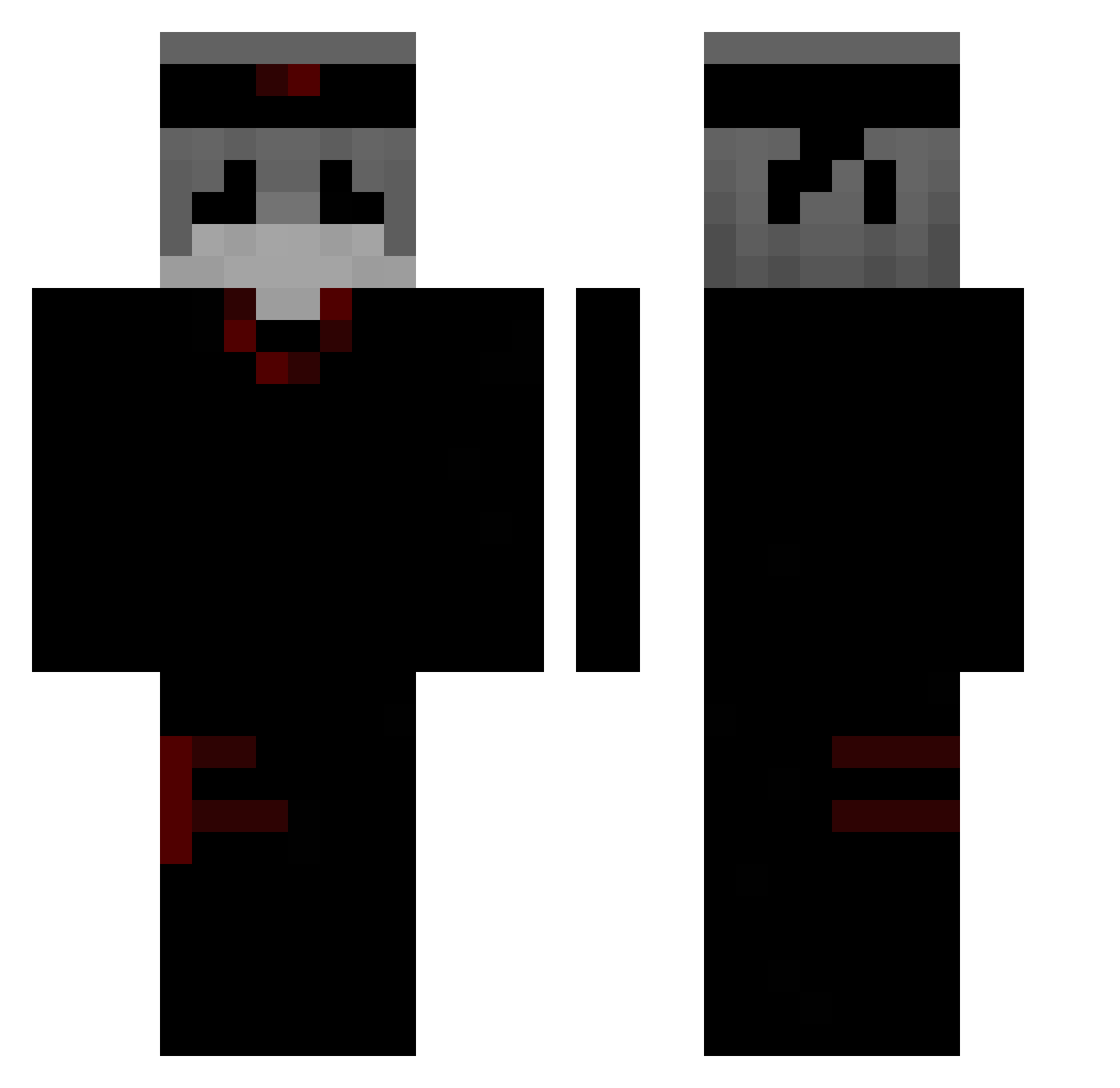
Current Minecraft skin of the player zBaduk_, loaded from the official Mojang API. Rotate the 3D model with your mouse or finger, then download the skin as a PNG file and use it in Minecraft: Bedrock Edition or Java Edition for free. When zBaduk_ changes their skin, this page updates automatically and the old skin stays in the history below.
Other players with this skin (303)
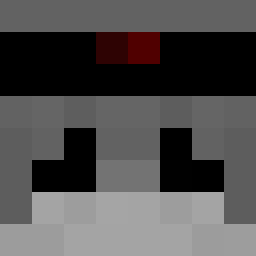
zBaduk_ was the 227th player we have seen with this skin, first spotted on 13.10.2026. The same skin was seen on these players. Open a nickname to see their current skin and skin history.
 untel480 GameRecord SneakCrown62643 zl_man Skuyzzy yGabw qews__ Teezqy BXYouLi Wendigo_Jr chroma0011 yann_135 ideed 3dwrd Adam_EIIfat ikun_zm AJDINTHEBEAST 98XX Probablynotdevil joakoo27 kkoins YTQurizu mxovz_ UseCodeJylock adian1077 ImYeXiao zManzana 3Igoor CentralCe CHAO1TIC Moiiiyu nadejscie jjlhi Ntx17 LeafyAlr TAXENO_O Bivayz21 IRhennyzuiI RobeMan xTkPvP_ Ky1e85 Nemesis_Ares Zellxxo Byrnn z7oo yumioCY secretkeeper000 Kroniikz9213 _Narkoman_JSK Sasuke_592 Snk4 alecrogz Ethe Diperxz Abdullah_SM Trax76 B1L0W so_swagger TeamCraftr XxPvpGodxx554465
More Ninja Minecraft skins
How to install the zBaduk_ skin
- Press the Download button above to save the skin as a PNG file.
- Minecraft: Bedrock Edition (PE): open the Dressing Room from the main menu (or tap your character → Edit Character), go to Classic Skins → Owned, press the + (new skin) button, choose the downloaded PNG and pick the Classic (Steve) model. Works on PC and mobile; consoles cannot import custom skins.
- Minecraft: Java Edition: open the Minecraft Launcher, go to the Skins tab, click New Skin, load the PNG, pick the Classic (Steve) model and press Save & Use. You can also upload it at minecraft.net → Profile → Change Skin.
The skin does not show up after import - what should I do?
Restart Minecraft and open the Dressing Room again - imported skins sometimes appear only after a restart. Also make sure you selected the imported skin and picked the Classic (Steve) model.
Which model should I choose, Classic or Slim?
This skin is designed for the Classic (Steve) model. If you pick the wrong model, the arms of the skin will look stretched or squeezed.
Is the skin of zBaduk_ free to download?
Yes. Press Download, save the PNG file and use it in Minecraft: Bedrock Edition or Java Edition - no payment or registration needed. The skin also works on multiplayer servers and Realms.
More skins
Looking for more? Go back to all Minecraft skins and check the top skins of the week, month and all time, or find any player's skin by nickname.