
ysh8238 - Minecraft Skins & Skin History
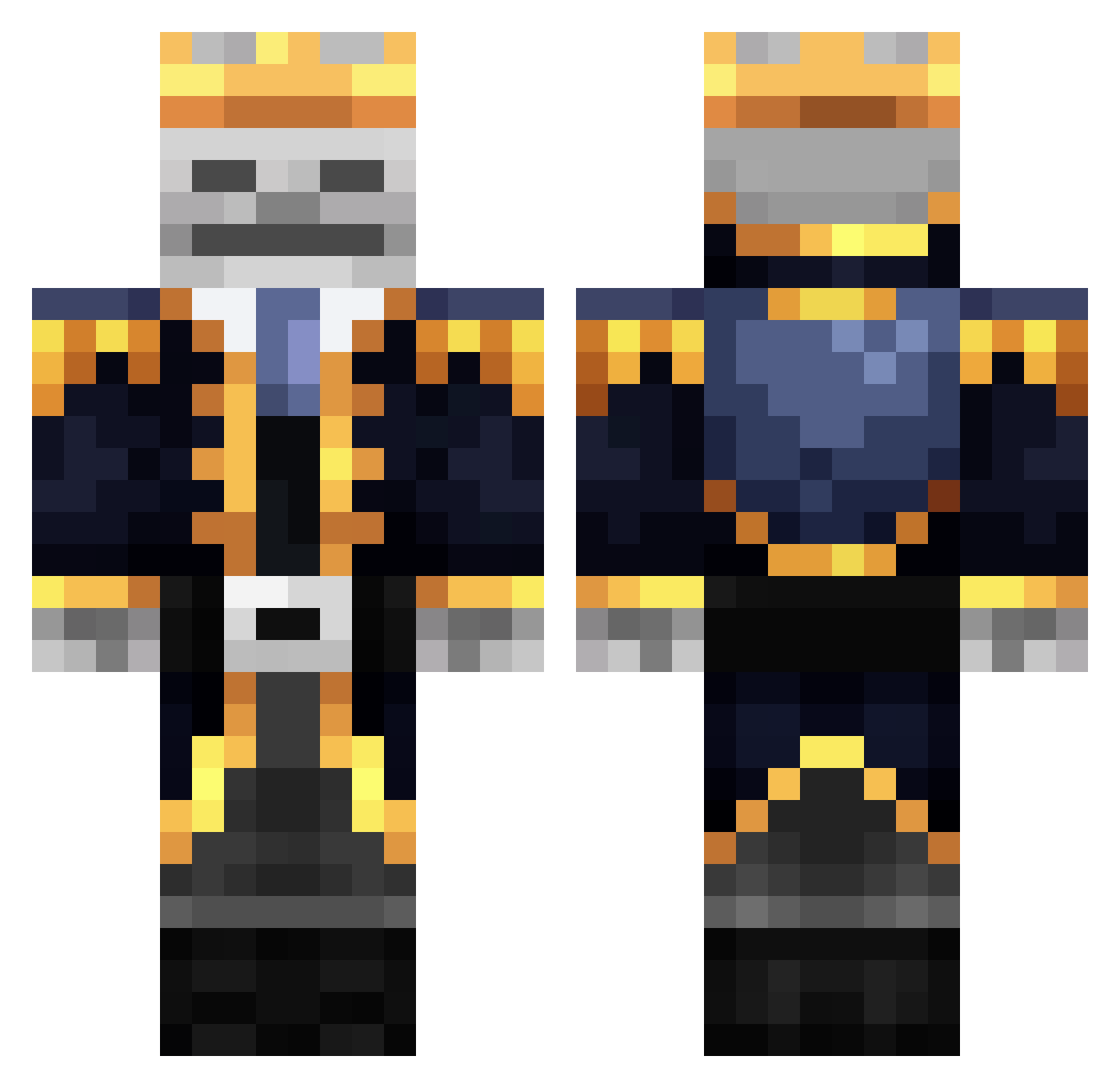
Current Minecraft skin of the player ysh8238, loaded from the official Mojang API. Rotate the 3D model with your mouse or finger, then download the skin as a PNG file and use it in Minecraft: Bedrock Edition or Java Edition for free. When ysh8238 changes their skin, this page updates automatically and the old skin stays in the history below.
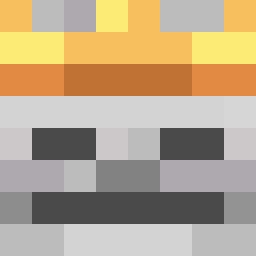
Other players with this skin (454)
ysh8238 was the 387th player we have seen with this skin, first spotted on 31.10.2026. The same skin was seen on these players. Open a nickname to see their current skin and skin history.
 Indoxius MoTMo1 Flexouil jiho0 ReApeR_zxc SamiGuapo ItsRedex Samuele20112098 ssd258 KingArtschibald Elinakoide16 Tzai_jam ToyotaYaris69 BriannSuxx Wandens Lupsa1 dan_999 JanuschTrex SH0D4R Ahuml01 crow_op Luigi087 Porto1200 WANGGUO Ichld ianai_ Kyamicam LEOLEE1110 Darth_Pete TheThunderfun Jabu00 wiliam9999 Jambooos OneTapestry3098 RajTheScammer samething5 Rookburghfan LNK_ING Nanit24233 ____Sakura____ Fertami UNFINISHED7 The_Architect_03 Darkheim_8 91_Ghost krime844 pollotete AntonioGD GusulluKaplan ag180 threepastten Nsob yomamaVRTV POINTBR3AK37 BR00K04 BoomyMermaid skeleton_chileno ToxicGherkin S3ngo Legendary_Ghost3
More Skeleton King Minecraft skins
See all 32 Skeleton King skins
How to install the ysh8238 skin
- Press the Download button above to save the skin as a PNG file.
- Minecraft: Bedrock Edition (PE): open the Dressing Room from the main menu (or tap your character → Edit Character), go to Classic Skins → Owned, press the + (new skin) button, choose the downloaded PNG and pick the Classic (Steve) model. Works on PC and mobile; consoles cannot import custom skins.
- Minecraft: Java Edition: open the Minecraft Launcher, go to the Skins tab, click New Skin, load the PNG, pick the Classic (Steve) model and press Save & Use. You can also upload it at minecraft.net → Profile → Change Skin.
The skin does not show up after import - what should I do?
Restart Minecraft and open the Dressing Room again - imported skins sometimes appear only after a restart. Also make sure you selected the imported skin and picked the Classic (Steve) model.
Which model should I choose, Classic or Slim?
This skin is designed for the Classic (Steve) model. If you pick the wrong model, the arms of the skin will look stretched or squeezed.
Is the skin of ysh8238 free to download?
Yes. Press Download, save the PNG file and use it in Minecraft: Bedrock Edition or Java Edition - no payment or registration needed. The skin also works on multiplayer servers and Realms.
More skins
Looking for more? Go back to all Minecraft skins and check the top skins of the week, month and all time, or find any player's skin by nickname.