
yrcld - Minecraft Skins & Skin History
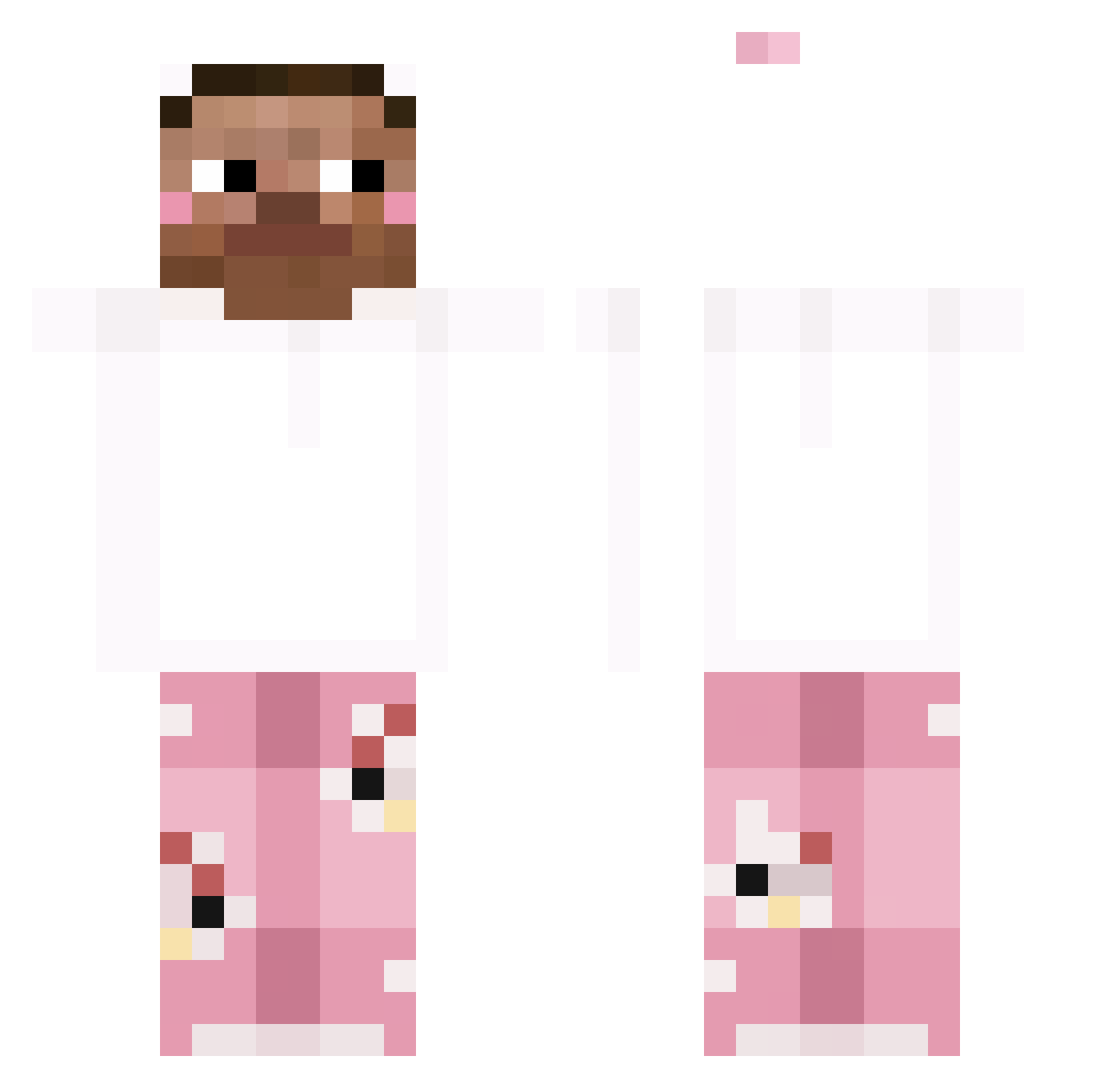
Current Minecraft skin of the player yrcld, loaded from the official Mojang API. Rotate the 3D model with your mouse or finger, then download the skin as a PNG file and use it in Minecraft: Bedrock Edition or Java Edition for free. When yrcld changes their skin, this page updates automatically and the old skin stays in the history below.
Other players with this skin (247)
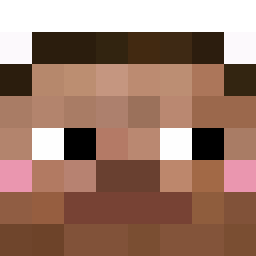
yrcld was the 151st player we have seen with this skin, first spotted on 24.09.2026. The same skin was seen on these players. Open a nickname to see their current skin and skin history.
 CarterDaPr01 SrPapaleta YINTAOTAO bibleortherifle Chele503 LucianoMartinez Banana_Suprema jiranmo Rrin2r PandaManFN Jixyz__002 Xino_Sad bykrozplodowy Lw_QwQ Bartvs1337 0nu_un1 New_erwin 888andiv Biggen247 Howl99 vanlate Czarooo_2137 GhostPants895 controol gogisGamer777 ZetFire Lowkbored ItzUnCrypto 0nagne0 Cheese_Cam YEE5096 NickDerStick IterationNull GYUMIN212 ShiLaoSao kittysan25 Fezzi03 yysandwitch TETA10 zynzzZZ EULALOVESYOU J0s3phStalin Ap3ngu TyresHaliburt0n LAST_FINAL_BOSS MOOD669 jadentheking3542 SSewo zyun1 Bwahniel Rabix11 BEAN_W8 Harix01 MElike6969 lufeizzz hoon0617 Soxiety sznycel3223 LordKhorne SIK20CM
How to install the yrcld skin
- Press the Download button above to save the skin as a PNG file.
- Minecraft: Bedrock Edition (PE): open the Dressing Room from the main menu (or tap your character → Edit Character), go to Classic Skins → Owned, press the + (new skin) button, choose the downloaded PNG and pick the Classic (Steve) model. Works on PC and mobile; consoles cannot import custom skins.
- Minecraft: Java Edition: open the Minecraft Launcher, go to the Skins tab, click New Skin, load the PNG, pick the Classic (Steve) model and press Save & Use. You can also upload it at minecraft.net → Profile → Change Skin.
The skin does not show up after import - what should I do?
Restart Minecraft and open the Dressing Room again - imported skins sometimes appear only after a restart. Also make sure you selected the imported skin and picked the Classic (Steve) model.
Which model should I choose, Classic or Slim?
This skin is designed for the Classic (Steve) model. If you pick the wrong model, the arms of the skin will look stretched or squeezed.
Is the skin of yrcld free to download?
Yes. Press Download, save the PNG file and use it in Minecraft: Bedrock Edition or Java Edition - no payment or registration needed. The skin also works on multiplayer servers and Realms.
More skins
Looking for more? Go back to all Minecraft skins and check the top skins of the week, month and all time, or find any player's skin by nickname.