
youoldruan - Minecraft Skins & Skin History
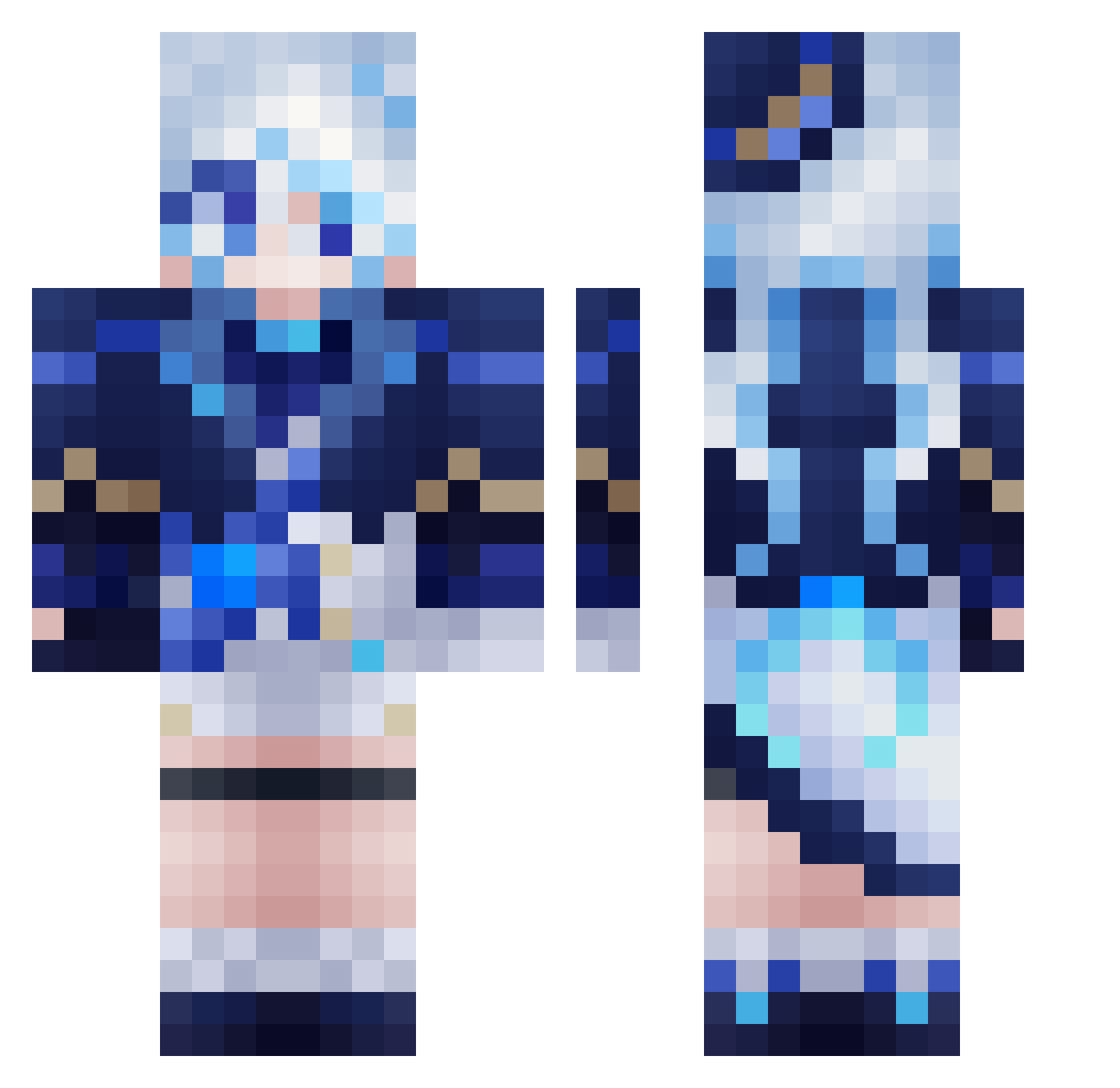
Current Minecraft skin of the player youoldruan, loaded from the official Mojang API. Rotate the 3D model with your mouse or finger, then download the skin as a PNG file and use it in Minecraft: Bedrock Edition or Java Edition for free. When youoldruan changes their skin, this page updates automatically and the old skin stays in the history below.
Other players with this skin (559)
youoldruan was the 445th player we have seen with this skin, first spotted on 14.10.2026. The same skin was seen on these players. Open a nickname to see their current skin and skin history.
 PasasConPure Legend_Jonas PsychoGab amirthetrash Misaka13577 taro_maru_ Dawnfelt ore02 TeAmo1030 ZEYPA Akki1012 FocalorQAQ XiaoHeiHe yiyuanYY aochan_ WLHNO1 Nshion SkastVnT yea_luu AHeliumAtom wtc1128 tjrgusdn Xy_oi yossi730 Nocturnal186 lokshoon suichen6 Panchoso Battle70 aitianenziyuzu FatalError9856 Kain04101 Huashu_7 PHSSS xuan00RA CuteFurina Cherryoats HeyJohn DrShen2011_ xiaoxiaonannan Xaicram NXDDZJQ DetoxGamer isskeef sulbau Luyn_Nee its_jazzz kandiako youngwook08 ajsarfilms KimBongSik119 MonkeyDJack3293 moonchildx_ SkyAirS1 nijiushidaiduo NotEnd1984 RC666666 CamisaAzul Vanming_ Haruwunn
More Furina Minecraft skins
How to install the youoldruan skin
- Press the Download button above to save the skin as a PNG file.
- Minecraft: Bedrock Edition (PE): open the Dressing Room from the main menu (or tap your character → Edit Character), go to Classic Skins → Owned, press the + (new skin) button, choose the downloaded PNG and pick the Classic (Steve) model. Works on PC and mobile; consoles cannot import custom skins.
- Minecraft: Java Edition: open the Minecraft Launcher, go to the Skins tab, click New Skin, load the PNG, pick the Classic (Steve) model and press Save & Use. You can also upload it at minecraft.net → Profile → Change Skin.
The skin does not show up after import - what should I do?
Restart Minecraft and open the Dressing Room again - imported skins sometimes appear only after a restart. Also make sure you selected the imported skin and picked the Classic (Steve) model.
Which model should I choose, Classic or Slim?
This skin is designed for the Classic (Steve) model. If you pick the wrong model, the arms of the skin will look stretched or squeezed.
Is the skin of youoldruan free to download?
Yes. Press Download, save the PNG file and use it in Minecraft: Bedrock Edition or Java Edition - no payment or registration needed. The skin also works on multiplayer servers and Realms.
More skins
Looking for more? Go back to all Minecraft skins and check the top skins of the week, month and all time, or find any player's skin by nickname.