
yeoul1 - Minecraft Skins & Skin History
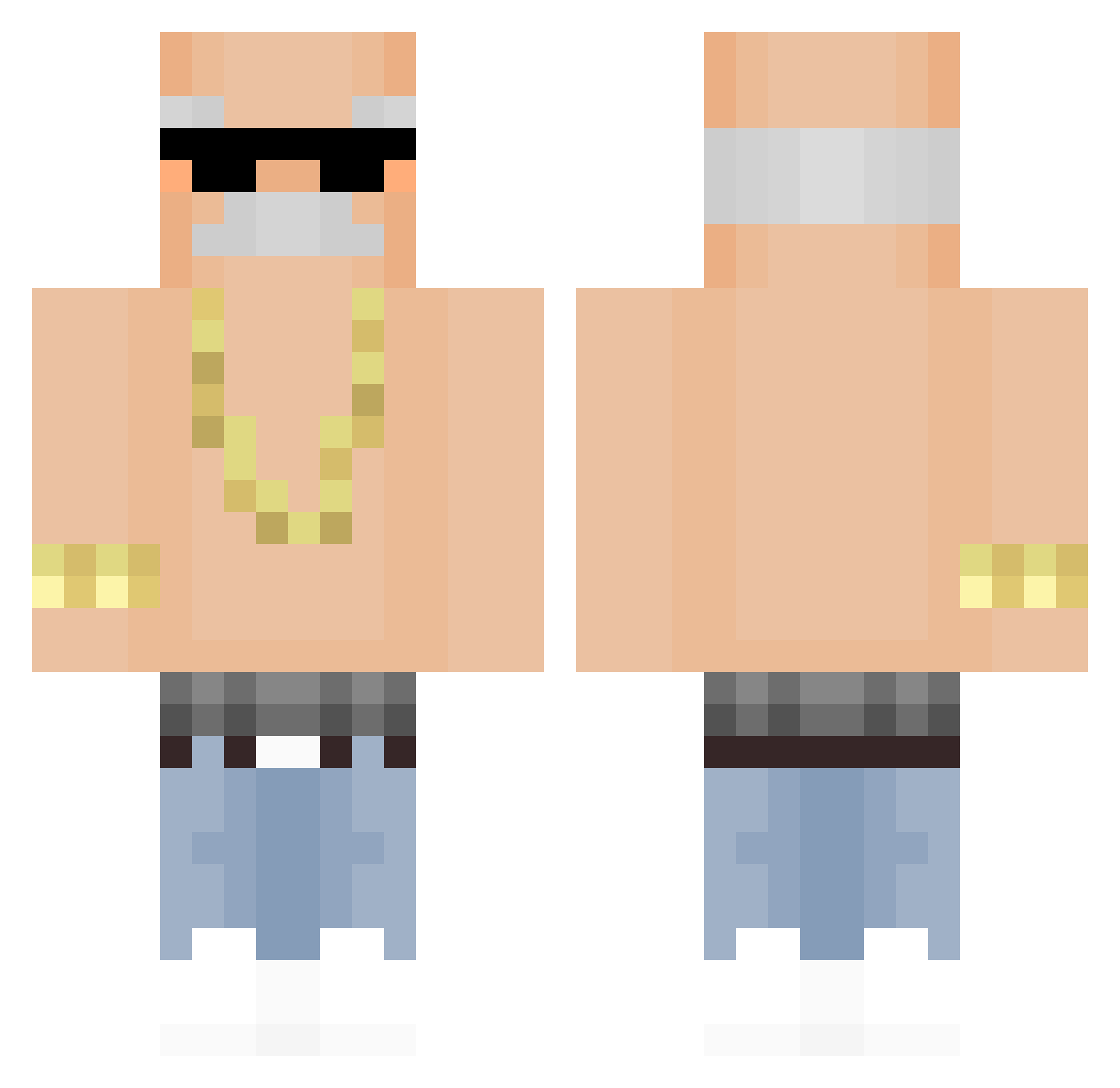
Current Minecraft skin of the player yeoul1, loaded from the official Mojang API. Rotate the 3D model with your mouse or finger, then download the skin as a PNG file and use it in Minecraft: Bedrock Edition or Java Edition for free. When yeoul1 changes their skin, this page updates automatically and the old skin stays in the history below.
Other players with this skin (321)
yeoul1 was the 130th player we have seen with this skin, first spotted on 02.09.2026. The same skin was seen on these players. Open a nickname to see their current skin and skin history.
 metallic_000 eggsamdwichh Fajter649 Dynamicore St1nkyCheese Sergeant_Monkeyy slipeman dazz1ed Vanilla63 coqi H4ppyD Skyking3218 zephyx77 MajHalo Linuk RVBHAI Vzio420 HeDuoo Pascal2810 Calpena lepipi31 Messyangle V_Intensity ArK0s ktaiie Vi_bezz afrykanskamrowka XXLkiller666 tisunny PaiDoKazu A_TB
 bambuzin ydawggy
 JnyJnh MrNEL2005 SK8Iscool qwerxsik itshirius tlatms 01ppedrx kamill6969 n1geman soksoksok kemalilter45 Ttvyoubot7197 exointex XtrayX1 Moji1M toast_33 LeoManhu17 DanielVorobiov antus__ LouiSSamurai Nimoh EnzoAdriano DrCosPR Pazernak Qw3rT6 Colantera SkyGames123
More Grandpa Minecraft skins
How to install the yeoul1 skin
- Press the Download button above to save the skin as a PNG file.
- Minecraft: Bedrock Edition (PE): open the Dressing Room from the main menu (or tap your character → Edit Character), go to Classic Skins → Owned, press the + (new skin) button, choose the downloaded PNG and pick the Classic (Steve) model. Works on PC and mobile; consoles cannot import custom skins.
- Minecraft: Java Edition: open the Minecraft Launcher, go to the Skins tab, click New Skin, load the PNG, pick the Classic (Steve) model and press Save & Use. You can also upload it at minecraft.net → Profile → Change Skin.
The skin does not show up after import - what should I do?
Restart Minecraft and open the Dressing Room again - imported skins sometimes appear only after a restart. Also make sure you selected the imported skin and picked the Classic (Steve) model.
Which model should I choose, Classic or Slim?
This skin is designed for the Classic (Steve) model. If you pick the wrong model, the arms of the skin will look stretched or squeezed.
Is the skin of yeoul1 free to download?
Yes. Press Download, save the PNG file and use it in Minecraft: Bedrock Edition or Java Edition - no payment or registration needed. The skin also works on multiplayer servers and Realms.
More skins
Looking for more? Go back to all Minecraft skins and check the top skins of the week, month and all time, or find any player's skin by nickname.