
yedaheda - Minecraft Skins & Skin History
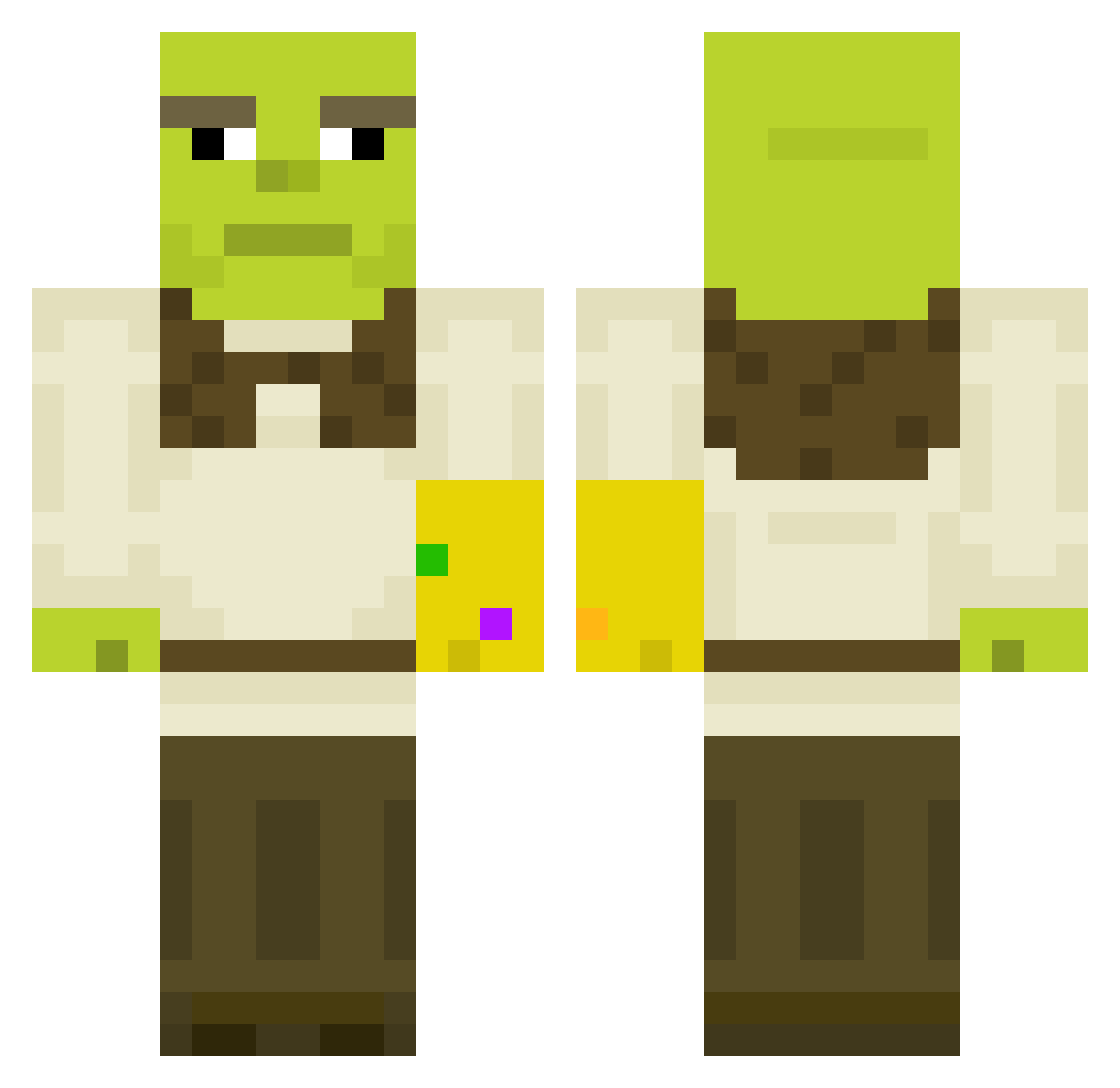
Current Minecraft skin of the player yedaheda, loaded from the official Mojang API. Rotate the 3D model with your mouse or finger, then download the skin as a PNG file and use it in Minecraft: Bedrock Edition or Java Edition for free. When yedaheda changes their skin, this page updates automatically and the old skin stays in the history below.
Other players with this skin (450)
yedaheda was the 297th player we have seen with this skin, first spotted on 30.09.2026. The same skin was seen on these players. Open a nickname to see their current skin and skin history.
 babyjesus1308 SoupPlay ExtraChromosomeD Waxxup AfterPause badass242 Suehtemorp arscocq magic_stallion Kabir450 BabyfaceBach Kualuzi Nobzilla Gniewonsz Sarmangel Joqueira ronkoers xstianx3 srhosh Lylajoie99 Mikaderpro Gurthag STRESSAAA GladHat Pauud tahls1ner steuwie Seledkaebannaya Bobdik ionitovt wezzz69 Dimethylamylamin GalaxySurfer76 N_i_nja yaaaaarrrrrrrrrr onigiriwick shekelman1999 Familiemanager32 Bayloupe Emilio12 puppykicker52 Marco7years Bubonic_Baguette Deniquack Shadooww Mandje2026 ben646464 cHunguz23 wwolfgangw sessanKr Waerax Kaykay20102 Speedster536 Bubuti Nae_0711 ilovebutt Runeen nicoselman ibbi78 Mistory129
More Thanos Minecraft skins
How to install the yedaheda skin
- Press the Download button above to save the skin as a PNG file.
- Minecraft: Bedrock Edition (PE): open the Dressing Room from the main menu (or tap your character → Edit Character), go to Classic Skins → Owned, press the + (new skin) button, choose the downloaded PNG and pick the Classic (Steve) model. Works on PC and mobile; consoles cannot import custom skins.
- Minecraft: Java Edition: open the Minecraft Launcher, go to the Skins tab, click New Skin, load the PNG, pick the Classic (Steve) model and press Save & Use. You can also upload it at minecraft.net → Profile → Change Skin.
The skin does not show up after import - what should I do?
Restart Minecraft and open the Dressing Room again - imported skins sometimes appear only after a restart. Also make sure you selected the imported skin and picked the Classic (Steve) model.
Which model should I choose, Classic or Slim?
This skin is designed for the Classic (Steve) model. If you pick the wrong model, the arms of the skin will look stretched or squeezed.
Is the skin of yedaheda free to download?
Yes. Press Download, save the PNG file and use it in Minecraft: Bedrock Edition or Java Edition - no payment or registration needed. The skin also works on multiplayer servers and Realms.
More skins
Looking for more? Go back to all Minecraft skins and check the top skins of the week, month and all time, or find any player's skin by nickname.