
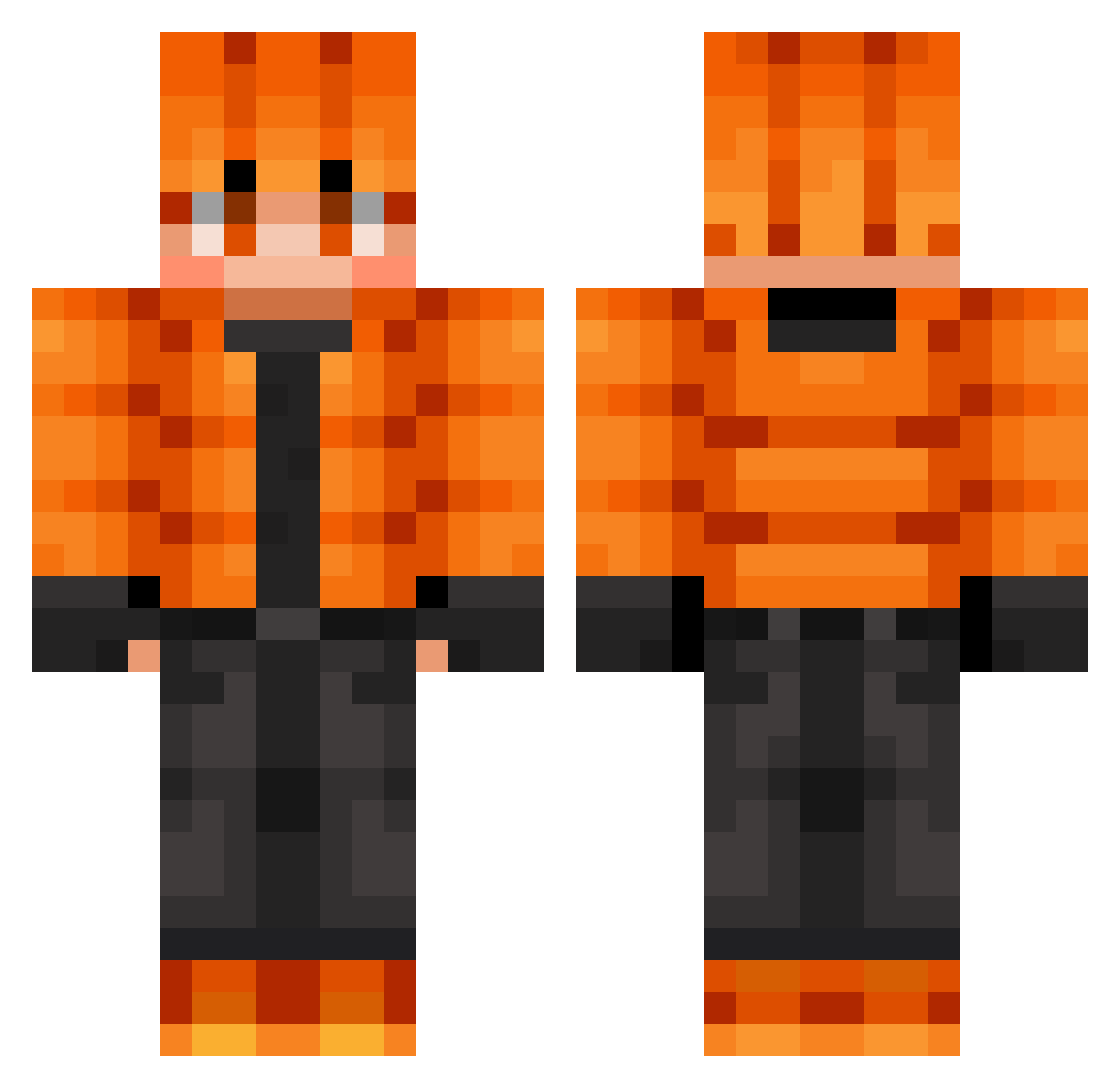
Current Minecraft skin of the player yanpei0202, loaded from the official Mojang API. Rotate the 3D model with your mouse or finger, then download the skin as a PNG file and use it in Minecraft: Bedrock Edition or Java Edition for free. When yanpei0202 changes their skin, this page updates automatically and the old skin stays in the history below.
Other players with this skin (600)
yanpei0202 was the 411th player we have seen with this skin, first spotted on 25.09.2026. The same skin was seen on these players. Open a nickname to see their current skin and skin history.
 AnutroF North21392 DreamerGoody togeka simon452 nni123 Dale7821 JohnPK KokonTr0l PotatoMate000 logand59 Thoper_op 2e7_msmc_p9c Mausdgx Kapibarmen FurthestChunk89 Salves33 AomineMN universe15898 epaspb WaxBugle7814075 Apprich Jasper10101 NIKI20132010 miguel1476 fransgrip Eunzel_ jojo9970 suu0717 MrCookie7777777 UltimateTendress XmanX732 pirolo32 LavaChicki Monkey_quest KJChase Bampfi BOMO34 the_ender_men StArKiPZzZ newmin7 Foivos13 memi2_0 POLENTA17 Chaves2109 yniight Mrowiec CurvyDiamond192 Cyclon31 KevenM18 SheepWulf22 fear_a_wolf KoroSensei1000k Romanwupik daamond jackgolf11 DarkAkuma_GC OnurMEH11 TechoCN Wallibear_69
How to install the yanpei0202 skin
- Press the Download button above to save the skin as a PNG file.
- Minecraft: Bedrock Edition (PE): open the Dressing Room from the main menu (or tap your character → Edit Character), go to Classic Skins → Owned, press the + (new skin) button, choose the downloaded PNG and pick the Classic (Steve) model. Works on PC and mobile; consoles cannot import custom skins.
- Minecraft: Java Edition: open the Minecraft Launcher, go to the Skins tab, click New Skin, load the PNG, pick the Classic (Steve) model and press Save & Use. You can also upload it at minecraft.net → Profile → Change Skin.
The skin does not show up after import - what should I do?
Restart Minecraft and open the Dressing Room again - imported skins sometimes appear only after a restart. Also make sure you selected the imported skin and picked the Classic (Steve) model.
Which model should I choose, Classic or Slim?
This skin is designed for the Classic (Steve) model. If you pick the wrong model, the arms of the skin will look stretched or squeezed.
Is the skin of yanpei0202 free to download?
Yes. Press Download, save the PNG file and use it in Minecraft: Bedrock Edition or Java Edition - no payment or registration needed. The skin also works on multiplayer servers and Realms.
More skins
Looking for more? Go back to all Minecraft skins and check the top skins of the week, month and all time, or find any player's skin by nickname.