
yamatom29 - Minecraft Skins & Skin History
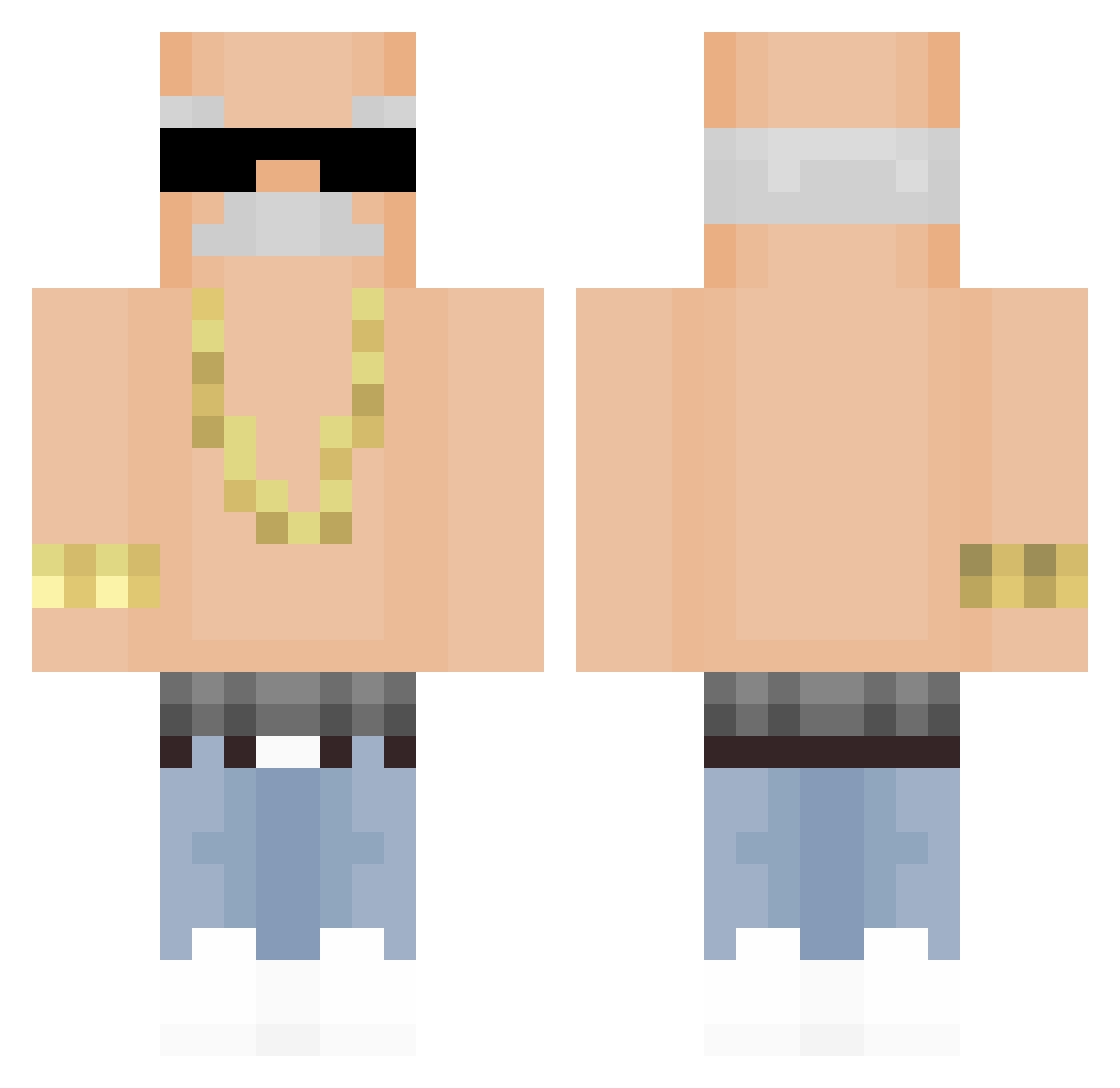
Current Minecraft skin of the player yamatom29, loaded from the official Mojang API. Rotate the 3D model with your mouse or finger, then download the skin as a PNG file and use it in Minecraft: Bedrock Edition or Java Edition for free. When yamatom29 changes their skin, this page updates automatically and the old skin stays in the history below.
Other players with this skin (309)
yamatom29 was the 203rd player we have seen with this skin, first spotted on 29.09.2026. The same skin was seen on these players. Open a nickname to see their current skin and skin history.
 MinKw0n Bibliotherapy iztzzicyhearrttt ElWalsh _wezs HusamUG MSC9484 Camellia147 josetote Skantz_ YourLocalPaige FaridSK8 yuurei1335 Mbappe1 qpython Rainbowpeak9721 jane0701 hanseul1207 canawi KervinNo3 Parkdy1017 GadyFaz 36janeczko_ ZBYagm Javiq00 Dani_Banana1 iLoveUma Elmntal zedotrafic RentCar HelloSurfShark AJun0303 KKlppo KOT420000 youchun0913 Kikomanpro Li_YS Daiyu114 pakum_ NOT_jeddy_weddy Treatable C_Y_T ItsMeNorth ShaxieV2 Rainbowk_IXIWSav thejacc 7madhh iamkyle1014 Sarukiki Tripupsa zSNooPzZ KRCefe NaBARKN RichPro20 Ren_Chou DeVuLord rafaelvieiras Knetvin0 songsuit DeadMight124
More Grandpa Minecraft skins
How to install the yamatom29 skin
- Press the Download button above to save the skin as a PNG file.
- Minecraft: Bedrock Edition (PE): open the Dressing Room from the main menu (or tap your character → Edit Character), go to Classic Skins → Owned, press the + (new skin) button, choose the downloaded PNG and pick the Classic (Steve) model. Works on PC and mobile; consoles cannot import custom skins.
- Minecraft: Java Edition: open the Minecraft Launcher, go to the Skins tab, click New Skin, load the PNG, pick the Classic (Steve) model and press Save & Use. You can also upload it at minecraft.net → Profile → Change Skin.
The skin does not show up after import - what should I do?
Restart Minecraft and open the Dressing Room again - imported skins sometimes appear only after a restart. Also make sure you selected the imported skin and picked the Classic (Steve) model.
Which model should I choose, Classic or Slim?
This skin is designed for the Classic (Steve) model. If you pick the wrong model, the arms of the skin will look stretched or squeezed.
Is the skin of yamatom29 free to download?
Yes. Press Download, save the PNG file and use it in Minecraft: Bedrock Edition or Java Edition - no payment or registration needed. The skin also works on multiplayer servers and Realms.
More skins
Looking for more? Go back to all Minecraft skins and check the top skins of the week, month and all time, or find any player's skin by nickname.