
yadunknow25 - Minecraft Skins & Skin History
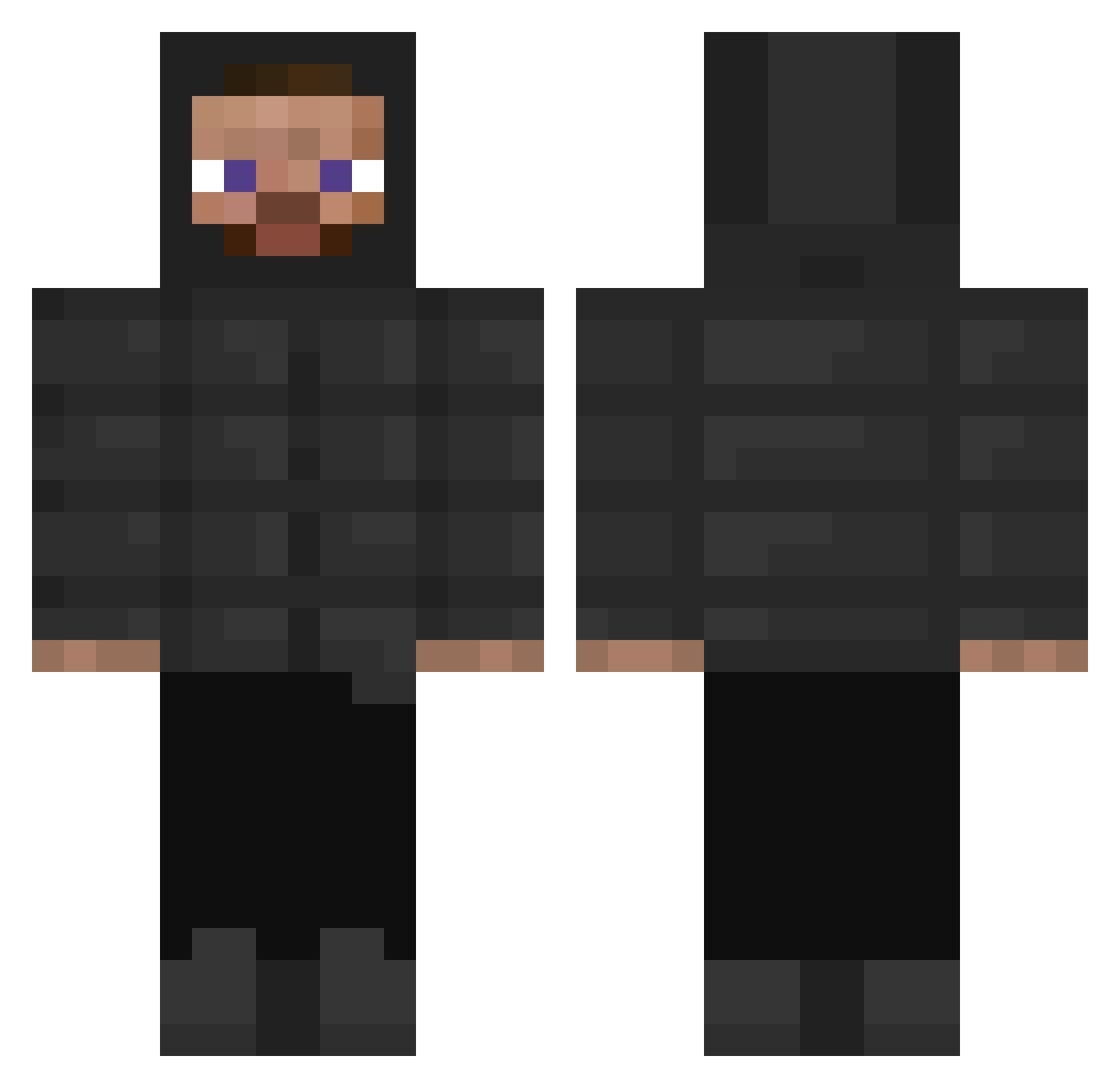
Current Minecraft skin of the player yadunknow25, loaded from the official Mojang API. Rotate the 3D model with your mouse or finger, then download the skin as a PNG file and use it in Minecraft: Bedrock Edition or Java Edition for free. When yadunknow25 changes their skin, this page updates automatically and the old skin stays in the history below.
Other players with this skin (397)
yadunknow25 was the 290th player we have seen with this skin, first spotted on 26.10.2026. The same skin was seen on these players. Open a nickname to see their current skin and skin history.
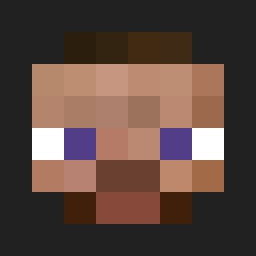 Haddess12 RysterRy lui2701 bennyboy154 matteomarv Dusty_Barn_Cat Musaman Tombo_1 HunterHardware eatpant temrmoss segsi_lupang7777 ryo_kurishiro Rasenyer505 zzPranlakaizz parkervvs IRapidI Hum0000 W45P NoobFarm Paco_Hs DCorleone Ananda1007 Tupylev1307 trapfonix _Corus CyleTheMiner7 aweilin86 melijab footfckr Stevejoor GYATTMASTER6969 Lapoutine149 GhostedXZC mikalaf Siliquon Pikasuar Sturmgedude1 MCMillar VALDECIR footballmaster15 dhaPhonk Hack_Client renzizi Snowballking MVNDRILL charlienoww ellderman DJBillGates21 SeaSaltChips ludley KyleStyle69 Vilhoeemeli Txnicv dipocho cerealitas CheesyRice56 _Zakary Dpxz_ Akula7774
How to install the yadunknow25 skin
- Press the Download button above to save the skin as a PNG file.
- Minecraft: Bedrock Edition (PE): open the Dressing Room from the main menu (or tap your character → Edit Character), go to Classic Skins → Owned, press the + (new skin) button, choose the downloaded PNG and pick the Classic (Steve) model. Works on PC and mobile; consoles cannot import custom skins.
- Minecraft: Java Edition: open the Minecraft Launcher, go to the Skins tab, click New Skin, load the PNG, pick the Classic (Steve) model and press Save & Use. You can also upload it at minecraft.net → Profile → Change Skin.
The skin does not show up after import - what should I do?
Restart Minecraft and open the Dressing Room again - imported skins sometimes appear only after a restart. Also make sure you selected the imported skin and picked the Classic (Steve) model.
Which model should I choose, Classic or Slim?
This skin is designed for the Classic (Steve) model. If you pick the wrong model, the arms of the skin will look stretched or squeezed.
Is the skin of yadunknow25 free to download?
Yes. Press Download, save the PNG file and use it in Minecraft: Bedrock Edition or Java Edition - no payment or registration needed. The skin also works on multiplayer servers and Realms.
More skins
Looking for more? Go back to all Minecraft skins and check the top skins of the week, month and all time, or find any player's skin by nickname.